


JoshyFivem
Members
-
Joined
-
Last visited
Everything posted by JoshyFivem
-
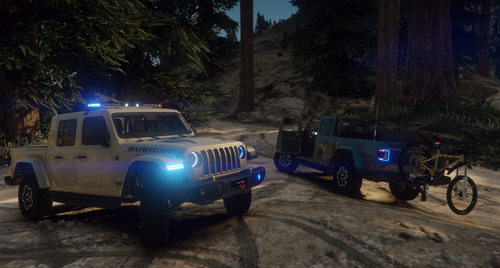 did you add a _resource.luaand put the correct text in said file?
 -
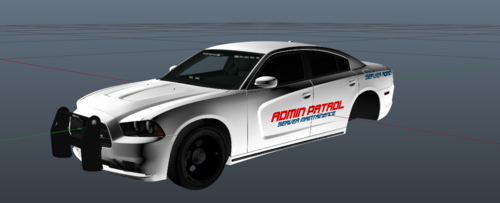 i agree, i dont use my admin cars unless something massive is going on
 -
-
-
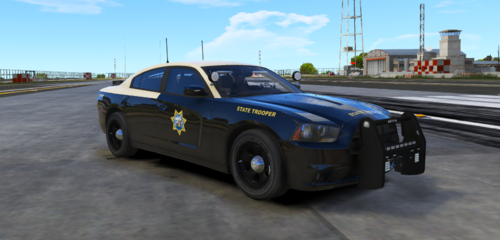 vehicles?
 -
-
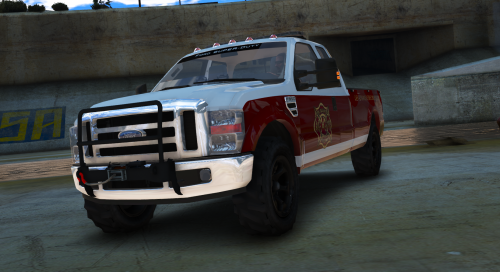 wheres the livery in the second screenshot?
 -
do you know if it would be something with luxarts non els controller, is there4 a way to configure it to work for boat catagory also or is it not possible with the way it was coded? also i tried re-installing the mlb and it wont work, ill keep looking into that though
-
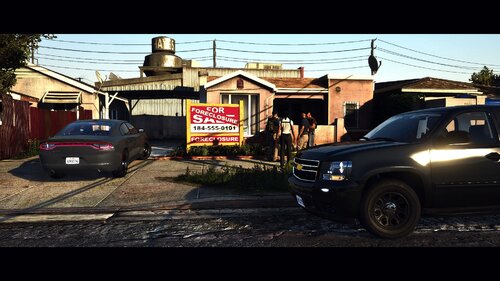 ok, ill be looking foward to it
 -
will there ever be a n-els version?
-
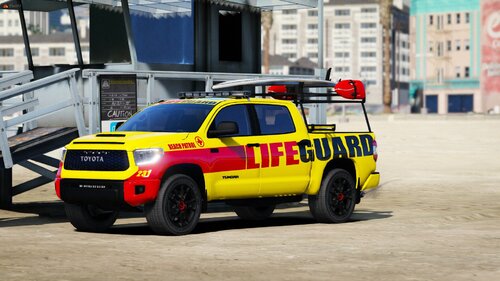 is there a template?
 -
 In the FiveM Resources the mlb doesnt have textures. all the boats dont have sirens adn they are in the boats instead of emergency catagory so they dont work in 5m if your using luxart vehicle control ecasue it only applies to thing in emergecy and not boats. also some of the lights on things like the fire boat and a few other things dont work
- 503 comments
- 33 reviews
-
-
.thumb.png.dd351e09f759e4d1b54f396363f50edb.png) hey, i downloaded this and it works fine, one problem, the lights dont work, not headlights, the lightbar and other emergency lights
hey, i downloaded this and it works fine, one problem, the lights dont work, not headlights, the lightbar and other emergency lights- 5 comments
- 1 review
-
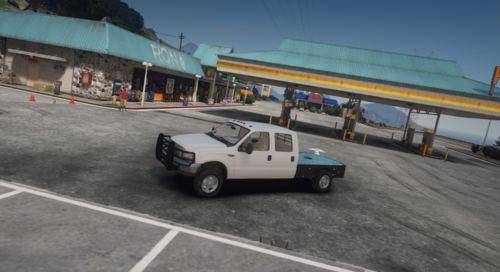 is there a version of this where its the gooseneck hitch not the bumper hitch?
 -
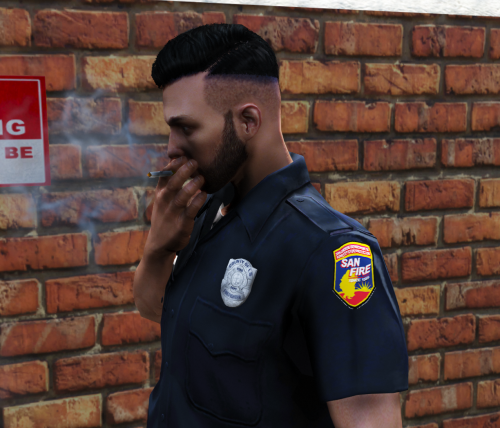 is this eup?
 -
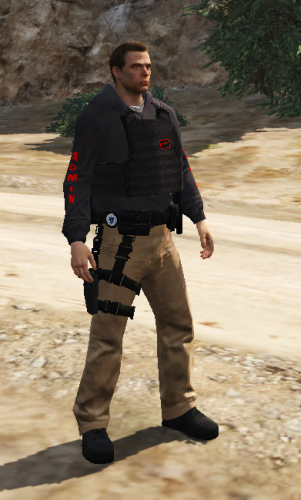 what ped does it replace? i tried to find it in lamda and vMenu and couldnt find it

.thumb.png.b11be8a4080ca8803ea924dd1f37ca7d.png)
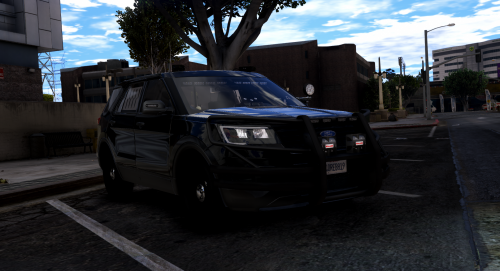

.thumb.png.425b48b9659a6ed6cdf99737f09ec6d8.png)
.thumb.png.dd351e09f759e4d1b54f396363f50edb.png)

