Chrome2105
Members
-
Joined
-
Last visited
Everything posted by Chrome2105
-
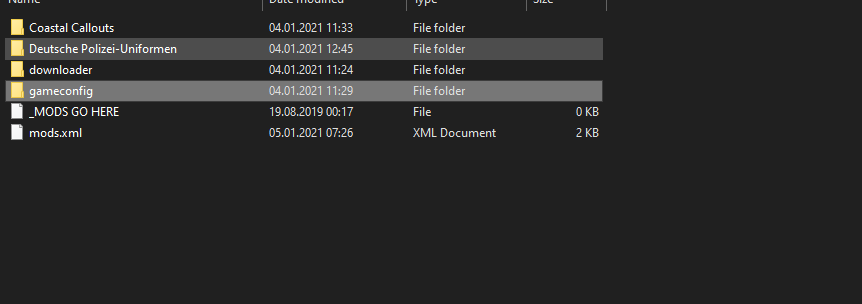
Yeah looks like I just installed the gameconfig wrong, thanks for the help!
-
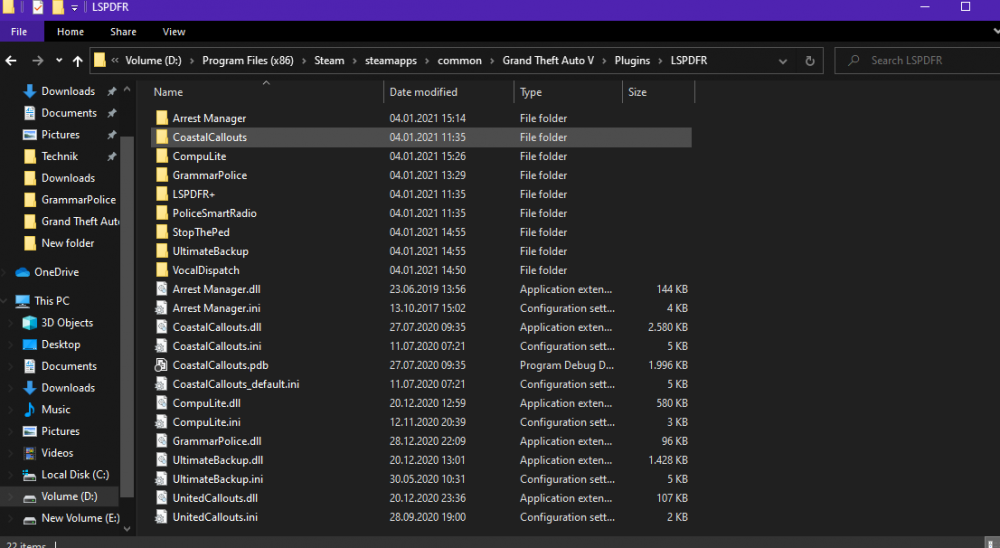
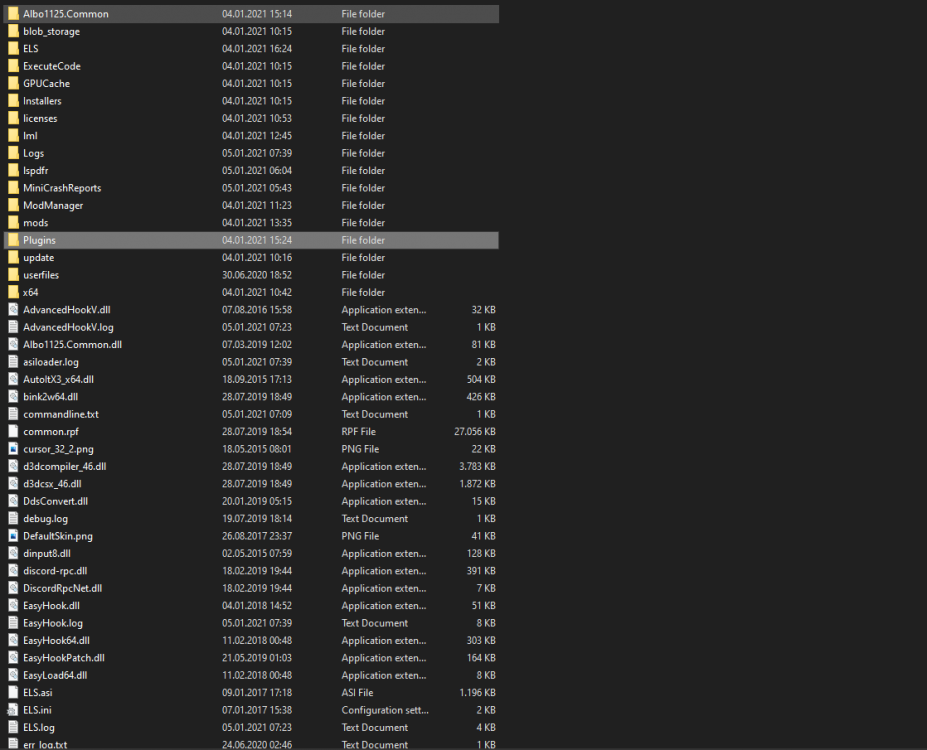
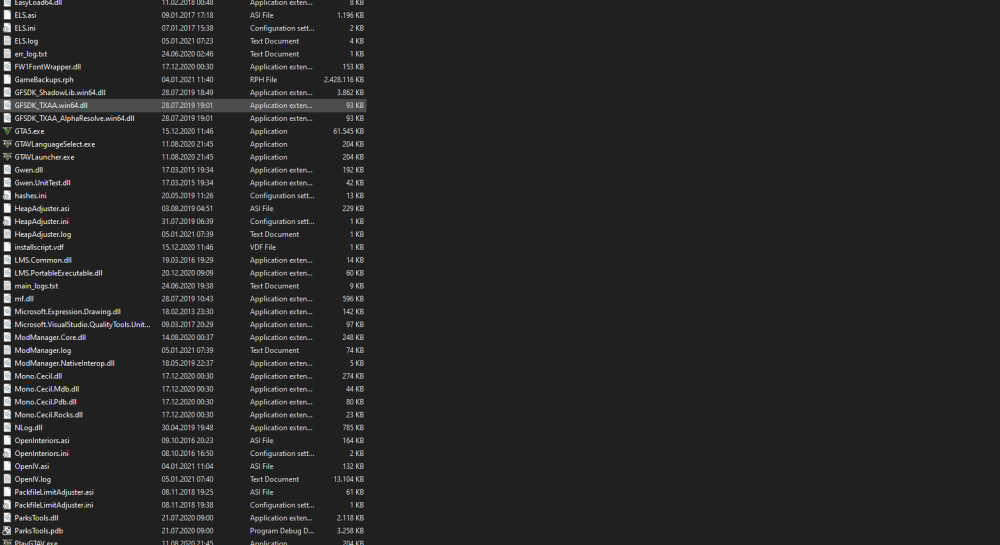
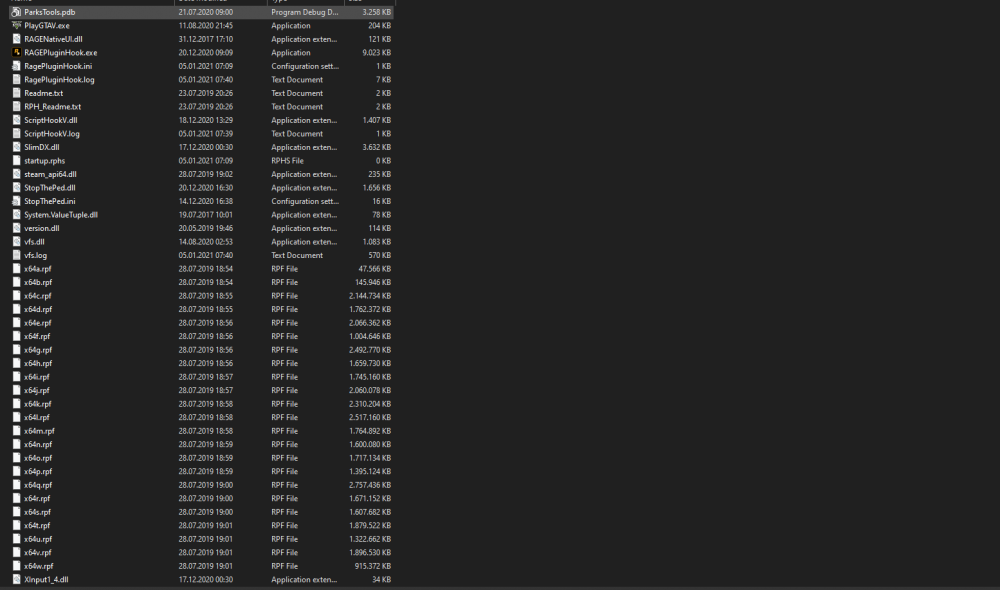
I have watched the installation video and read the README. I have installed the Heapadjuster and the gameconfig linked on the mod's page. OpenIV.asi is installed I am on the current game version. I have LSPDFR .4.8 installed. I have version 1.84.1279.1609 of RAGE plugin hook installed I have installed LML and it works fine when I disable Coastal Callouts but use other mods. Mod manager version 0.4.7531.966 I believe The game launches as it normally does and starts loading into singleplayer. After it says populating world, it crashes and the crash report says that I have either a bad antivirus or there is an issue with a mod. This doesn't occur when I disable Coastal Callouts in lml. I have tried removing ScripthookV from my GTA V folder but that didn't do anything. Thanks for your help in advance RagePluginHook.log vfs.log ModManager.log