Charlie S40
Members
-
Joined
-
Last visited
Everything posted by Charlie S40
-
 I love this plug in. If you could add more calls into that would be awesome. This would be fire if it included callouts like super callouts in it.
- 344 comments
- 42 reviews
-
-

- 1
-
-
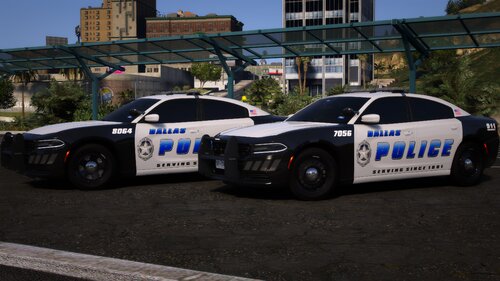 Absolute fire!!!
 -
 I got the read me. Some of them are not taking to the blue lights despite following step by step. Not a big deal.
- 173 comments
- 17 reviews
-
-
I figured it out. I was dumb.
-
Hello everyone, I need help. I have add on car packs that have options for the cars. Such as an ALPR reader on it, or a certain color. Like the Georgia Highway Patrol pack. The issue I have is I can not figure out how to get the ALPR reader to show up on the car, or change the color. I have a few cars like this. How is this done and is there a video on this? I appreciate the help. I tried the trainer but could not get it that way.
-
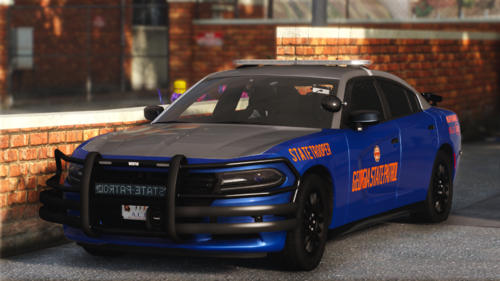 I have a dumb question. How do I get the alpr to show up or to change the car to the black unmarked car?
 -
 I love this mod. However, is there a way to adjust how long the ALPR blips stay for?
- 446 comments
- 46 reviews
-
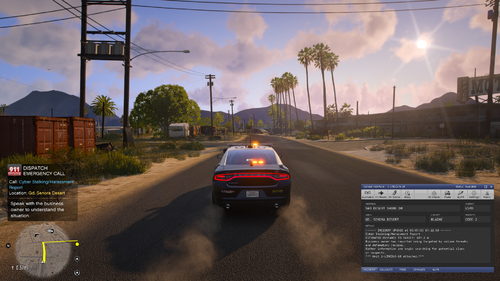 I could not do anything with the abandoned dog. There was no one to interview and animal control would not take the dog.
- 70 comments
- 8 reviews
-
-
-

- 2
-
-
Great callout pack. I love the variety. I have had a few calls spawn in the same spots but, still love the fact that everything is in the county for the most part. If these callouts expanded around to grapeseed, and in the surrounding Sandy Shores areas this will be gold. I can not wait to see the future of this pack.
- 70 comments
- 8 reviews
-
-
- 1
-
-
Could be a day could be two weeks or so. Depends on how much time the individual has and how complicated the update was. He is not compensated and doing it on his own time.
-
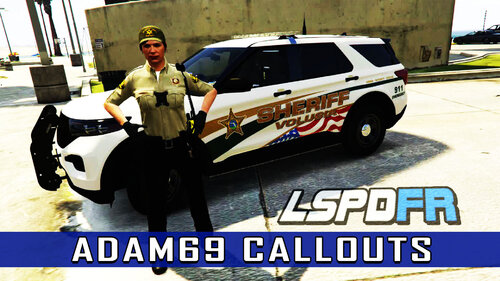 I appreciate ya working on more county spots. I hate the city. Your awesome for doing that.
- 45 comments
- 5 reviews
-
Hello, Is there anyone out there still doing custom els cars for LSPDFR? I was looking at 4 or 5 with specific features. Maybe 6 at most. I am tired of having to search and join discord and put in a ticket just to talk to someone anymore.
-
-
thank you
-
Hello, Here is the rage log of the crash. Hopefully it opens. Can someone pin point where my issue is? RagePluginHook_01022025_202200.log
-
-
 Sorry, I have not had time to do that since I have been at work. Probably Friday or Saturday at the soonest.
- 91 comments
- 12 reviews
-
The callouts are not working for me either. Does not even try to bring the call up. I can not find any error log for it. I loved the pack when it worked for me. Wish all the callouts in the city were available in the county.
- 91 comments
- 12 reviews
-
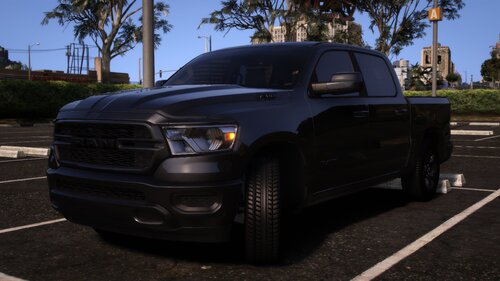 Great pack. Wish the trucks were a little faster. They handle great and the lighting is awesome. The detail is fantastic.
- 31 comments
- 11 reviews
-
-
- 1
-
-
-
I was curious about the open source part. Thank you for your help.
-
Did you ever buy anything? I would look at ebay and such and stores for open box deals on parts. Plenty of vids how to put one together and load operating systems.
-
I would go 16bg ram even with DDR5 and I would have a second SSD for all the gaming stuff and documents. Keep the small ssd for windows and operating system. Just my opinion.
-
I was really hoping the game Ready or Not would expand. Simulations like traffic stops going bad, simple welfare check turns into an issue, self defense situations. They could have really carried this one out with add on DLC's or something but do not seem interested in it. I am looking forward to The Precinct. I hope it turns out good.