


9032AP
Members
-
Joined
-
Last visited
Everything posted by 9032AP
-
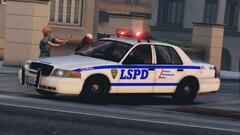
From the album: San Andreas Law Enforcement Assistant Program
Get out of the way!!! -
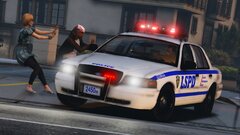
From the album: San Andreas Law Enforcement Assistant Program
Get out of the way!!! -
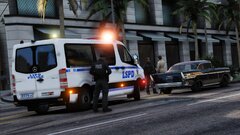
From the album: San Andreas Law Enforcement Assistant Program
Who dafuq pulls to the the left lmao -
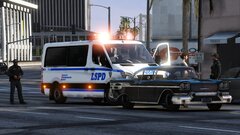
From the album: San Andreas Law Enforcement Assistant Program
Who dafuq pulls to the the left lmao -
 That's my bad. I was mad af back then so I typed those negative things regarding your file... I'm so sorry for that. Now, I have removed all the false claims and slanderous statements on the file description and also my profile. I hope you will excuse me.
- 36 comments
- 4 reviews
-
Alrighty then, this seemed that I took that wrong. It is just a coincidence that we used the same audio source for the Hilo tone... I apologize for my false claims without confirming the truth. But no matter what siren you made, you should really leave a proper credit, so that people knows which online materials you used when you were making your file and so as to fulfill the upload requirements on lcpdfr.com.
- 36 comments
- 4 reviews
-
If yes then please explain why it sounds literally the same except the audio length and volume? Where did you get the audio from originally?
- 36 comments
- 4 reviews
-
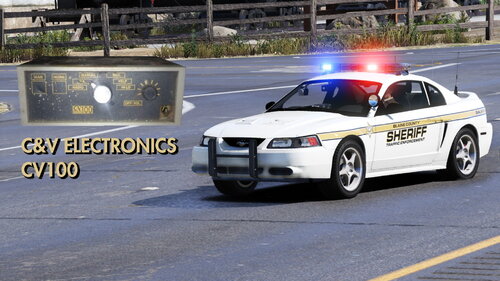 This siren pack features tones from a C&V Electronics CV-100 siren controller/amplifier, including Wail, Yelp, Hyper-yelp, Hilo & Airhorn. You might be unfamiliar with C&V Electronics but if you are, then here's some information about the company. C&V Electronics was originally part of Smith and Wesson's emergency vehicle equipment business, the company which made the Model 800 siren. The business was then transferred to another company in the '80s, became C&V Electronics. They were making emergency vehicle equipment until the early '90s, then the company was acquired by Premier Hazard. This kinda explained why the siren tones available on the CV-100 are so similar to the ones we have on a modern Code 3/ Premier Hazard siren (e.g. the Premier Hazard 6000 series/7000 series, Code 3 V-Con). Demo: Huge thanks to @Illusionyary(Retired Community Moderator on lcpdfr.com / forum). Without him, I wouldn't be able to know what this siren actually is, as well as the history and relation between C&V Electronics, Premier Hazard and Smith & Wesson. Author's note: -Due to the fact there isn't more video showcasing this siren and the only one that came up with is just a very old video from the late 2000's on youtube, the audio quality is not that decent that I cannot provide a version with better audio quality than the current one. -Once you have downloaded the file, you agreed the following terms by default. You do not claim copyrights of my files. You do not reupload any files from the pack in any form to elsewhere You do not modify my files and release that as your own creation
- 5 comments
- 1 review
-
-

- 2
-
-
From the album: San Andreas Law Enforcement Assistant Program
What you gonna do What you gonna do when they come for you~ Seriously you just won't expect a law enforcement officer comes with a Pontiac Firebird... -
 It's part of Hanako's unmarked LAPD CVPI Mini pack Hope this helps
 -
 Well, you need to have OpenIV for installing any vehicle/object/audio modification. I highly recommend you to search "vehicle skin installation" tutorial on YouTube. P.S. my file is just some textures so you need to install Walter's NYPD vehicles pack first
 -
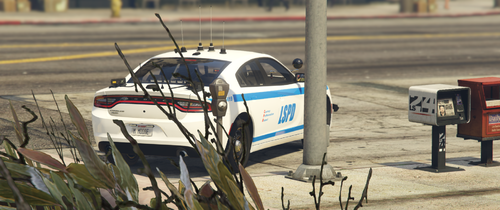 Lmao. If you gonna make mod with this kind of quality and you can't take criticism then don't upload the mod bruh. Replies like this could make yourself a salty person.
 -
"NYPD based" It doesn't even have the correct font and a logo...
-
Walter's NYPD vehicle pack is amazing but having NYPD, Twitter and New York State license plate in San Andreas doesn't seems right to me and therefore I decided to change some of the real-life markings on all the vehicles. So with this pack installed correctly, you would see LSPD markings on all the 51 liveries available on the vehicles. Detailed changes to the original livery: -The word "NYPD" is changed to "LSPD" -The logo of NYPD/ it's division (ESU, Highway Patrol & Auxiliary Police) on the livery and the C.A.D. computer is changed the lore friendly NYPD logo (LSPD) //Some of those are originally made by SUSHI426 and some of those are modified by me -The word "NYC" on the unmarked '08 Ford Crown Victoria "Taxi cab" is changed to "LSC" -The Twitter logo is changed to a blue Lifeinvader logo //Note that the unmarked Impala was not included in this pack so you would still see the New York state plate on it Huge thanks to Sushi426 for his lore friendly NYPD logo (LSPD) pack Shout-out to Officer27, Dualift, & Nwaps for making the original vehicle skins Author's note: Once you have downloaded the file, you agreed the following terms by default. -You do not claim copyrights of my files. -You do not reupload any files from the pack in any form to elsewhere -You do not modify my files and release that as your own creation
-
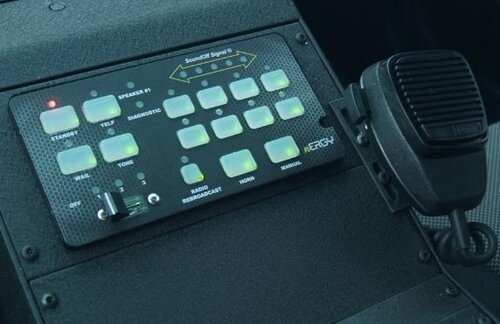 Do you make the siren using Audacity? If yes then you can utilize the "Limiter" function under the "Effect" tab and it should make the tones even louder without much distortion if you have correct settings. If some of the tones are much louder than the others ones, you can also reset the loudness of the different tones when you opened them in one window using "Normalise" function under the "Effect" tab. This makes all the tones sounds just the same loudness level to keep things consistent.
 -
From the album: Cursed skin design
-
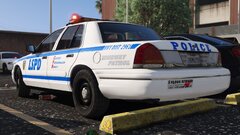
From the album: Cursed skin design
-
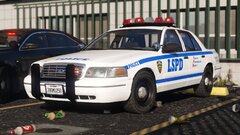
From the album: Cursed skin design
-
Well actually, there is so much things you can search online to find out what it actually is. I think you can start by searching the following company + "siren" / "サイレン" on youtube: -PATLITE -PANASONIC -Osaka Siren Company Searching those should be a good start since they do make siren for Japan Emergency services.
-
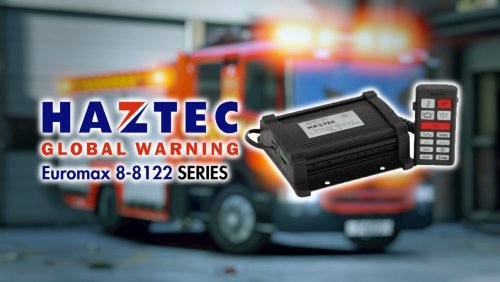 Haztec Euromax 8-8122 series is used by Hong Kong Fire Service Department (HKFSD) since 2010's . HKFSD responders usually stick with the Yelp tone in almost every scenario. Plus, the Yelp tone is pretty similar on both the 8-8122 (PL) (Older model) and 8-8122-2 (PL) (Newer model), it is quite hard for me to identify which Euromax model is being used by the department. Luckily, I have found the siren and have successfully made those in to the game for everyone to use. This pack features tones from both the Haztec Euromax 8-8122 PL & Euromax 8-8122-2 PL, including: -Wail -Yelp -Hilo -Pulsar -Airhorn Demo: See HKFSD appliances responding with Haztec Euromax 8-8122 PL siren: -https://youtu.be/83rjeQ8UmoA -https://youtu.be/sXMnxJzWdHA See HKFSD appliances responding with Haztec Euromax 8-8122-2 PL siren: -https://youtu.be/3qNrCVC2mPo -https://youtu.be/TX3OOuga508 -https://youtu.be/cEaTb7c-XGM -https://youtu.be/OsVvzxzoGZo -https://youtu.be/2vStDwSOsIQ -https://youtu.be/yA6hkmAKI90 My other Hong Kong siren mods: Author's note: Once you have downloaded the file, you agreed the following terms by default. -You do not claim copyrights of my files. -You do not reupload any files from the pack in any form to elsewhere -You do not modify my files and release that as your own creation
 -
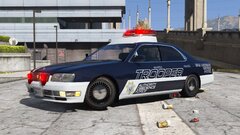 I've been doing this kind of custom texture making for quite a while lol Here's the Cedric Y33: https://www.lcpdfr.com/downloads/gta5mods/vehiclemodels/35238-nissan-y33cedric-japanese-police-patrol-car-replace-els/
 -
-
From the album: Cursed skin design
-
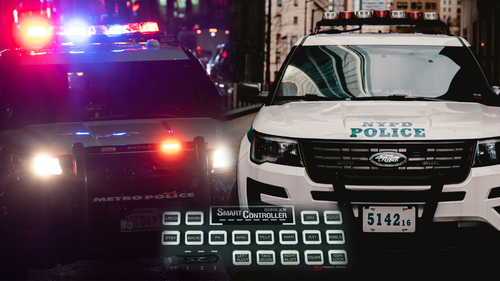 For a starter siren, it is fine. Even though the audio source isn't the best available out there, you still have the tones well-looped with no clicking sound between each loop. However, some tones are terribly distorted and the yelp tone is too fast. The volume is also quite inconsistent as some sounds much louder than the others. You probably need more practice in making siren audio. Anyways, nice try dude.
- 36 comments
- 2 reviews
-
-
- 1
-
-
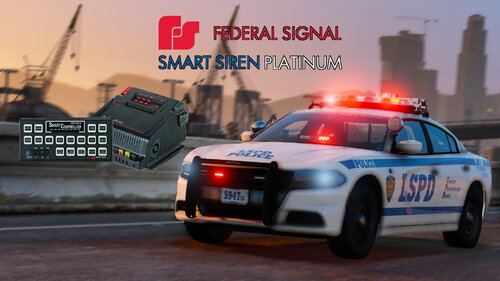
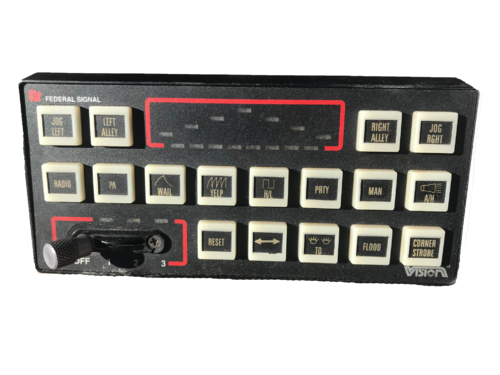 If your siren tones were extracted from the same type of controller used in your thumbnail, then your file release should be called "Federal Signal Smart Siren (Vision model)". Even though it is used with the Federal Signal Vision lightbar, it is still a smart siren controller (Late SS2000 series).
- 6 comments
- 2 reviews


