


SilentStorm81
Members
-
Joined
-
Last visited
Everything posted by SilentStorm81
-
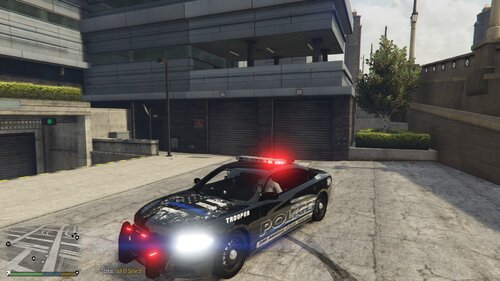 Hello Everyone i have created 2 Liveries for you guys to try centered around back the badge. I hope you enjoy! Here are the links for the vehicle downloads.
 -
 When calling Ems with grammar police i still am getting the default units. I have checked the ini file and it says that the default Ems is disabled. if I use the semi colon key it works fine but it will not work through grammar police. worked until latest update
- 783 comments
- 86 reviews

