bjoseff22
Members
-
Joined
-
Last visited
Everything posted by bjoseff22
-
-
-
did you ever find a fix for this?
-
-
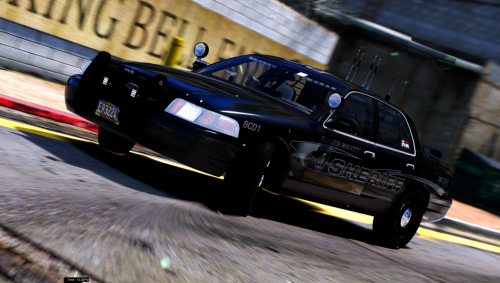 where are the other vehicles located? Only the crown vic is available when I download Thanks! Nvm, I found it
- 26 comments
- 17 reviews
-
-
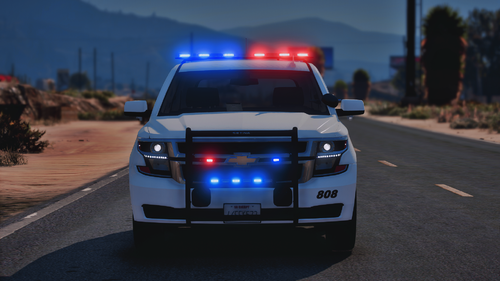
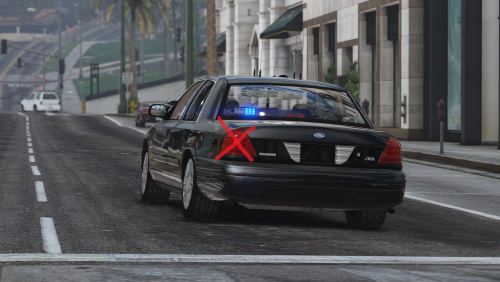
.thumb.png.f0710596a9842b4eaf7a710b00ceda20.png) Do you plan on releasing a non NY lighting version of this? Would love to see blues in the front of the vehicle as well!
Do you plan on releasing a non NY lighting version of this? Would love to see blues in the front of the vehicle as well!- 58 comments
- 5 reviews
-
wondering if you ever found a fix for this?
-
your sirens should turn on when you have your lights on stage 3 with "J" key, then use numbers 1,2,3 and so on to activate which siren you want on. Hope this helps
-
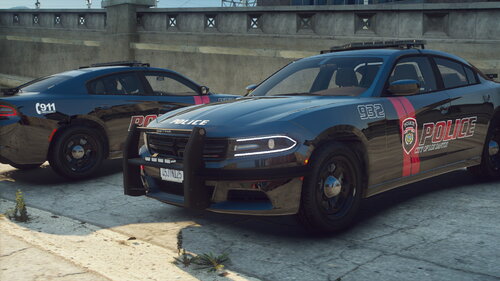 when spawned in the explorer, all of the lights are on as if in cruise mode. every single one. cannot turn them off, therefore cannot use els or anything else. just driving around with all lights on
- 24 comments
- 2 reviews
-
You're kinda screwed if you didn't make any backups. Updates for rage and script can range anywhere from 1 day to 1 week
-
-
have you done a fresh install of the game?
-
After starting fresh I’m back up and running smoothly on all the latest updates and having no issues
-
When reinstalling GTA, delete the whole folder you currently have. You literally have to start from scratch. I learned my lesson last time and took pictures on my phone of my documents so that I can easily reinstall them once my clean version is done downloading.
-
deleted I also had this issue the last time Rockstar updated GTA. The only fix that I have found to work is to completely uninstall GTA, and redownload it. Yes, it is a huge pain but it is the only fix that has worked for me.
.thumb.png.f0710596a9842b4eaf7a710b00ceda20.png)