



Vanheden1891
Members
-
Joined
-
Last visited
Everything posted by Vanheden1891
-
Yep an old callout plugin seemed to be the issue, game runs without issues now! :)
-
I too belived that could be one of the reasons it crashed, however, i had these issues before installing LSPDFR+. If you search "forced termination" in the log you can see it's not always the same stack trace. That makes me pretty confident to say LSPDFR+ is not the sole issue here.
-
Sometimes LSPDFR crashes when going on duty and sometimes during gameplay. If someone could trace what is causing these crashes i would be very greatful. There are not really any specific moments during gameplay where it crashes, it just randomly happens which makes it even more difficult to find the cause. RagePluginHook.log.txt
-
It was a mod folder issue
-
When making a non white LSPDFR character in the game they will have their face skin colour change accordingly, but the body, arms and legs will always remain the default white no matter what. Is there any way to fix this?
-
-
 For the patrol assignments plugin: Reduce the amount of areas or some other change, currently there are too many and they are too far from each other. Make the patrol areas colured on the map like LSPDFR enhanced does, that way it's easier to understand where you are supposed to be.
- 184 comments
- 4 reviews
-
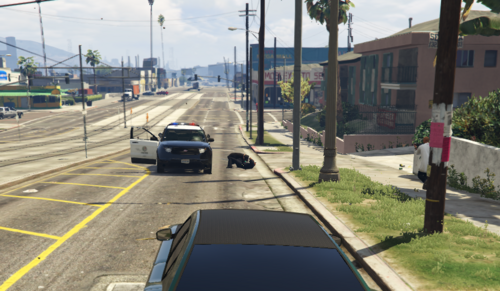 Does this make gangs fight each other?
 -
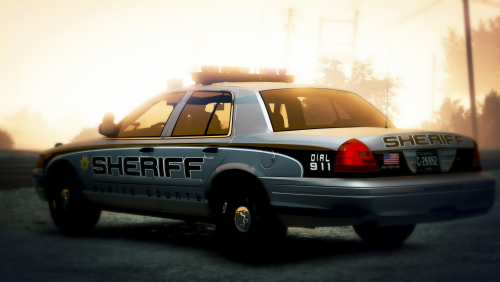 These are textures for cars, not cars. The cars have to be downloaded seperatly
- 16 comments
- 4 reviews
-
 I do not think so. The only "bad" thing was that air swat units had some wrong clothes nothing i really care about since it was not was no clothing that looked super wierd on them, but the pants and shirt were wrong, i however think it is possible to fix this in the XML file.
- 170 comments
- 11 reviews
-
I can confirm that this works with both L&O 8.2 and S&R 1.4, just tried it out works wonderful.
- 170 comments
- 11 reviews



