


Dookam55
Members
-
Joined
-
Last visited
Everything posted by Dookam55
-
I am on steam and getting a silent game c rash... I attached my vfs.log. Please let me know if what I can do or if you need anything else. Thank you for developing this resource! vfs.log EDIT: I deleted the fastback folder from the LML folder after review the vfs.log and now it is working fine! Woot! Thank you!
-
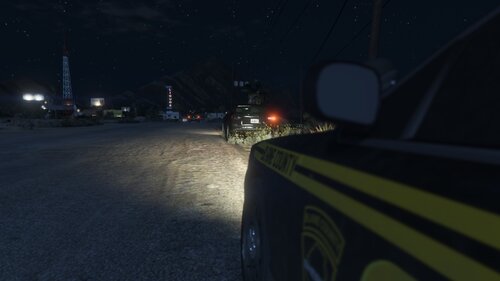 Do I need ambient events enabled in my LSPDFR.ini for these to spawn? Thanks for continuing to make this game better!
 -
 Really improves on an already great plugin. The questions make sense, the responses are varied, and I am very seldom, if ever stuck where I don't have a question to ask to get more info.
- 184 comments
- 72 reviews
-
-

- 1
-
