Skip to content
View in the app

A better way to browse. Learn more.

LCPDFR.com

A full-screen app on your home screen with push notifications, badges and more.

To install this app on iOS and iPadOS
  1. Tap the Share icon in Safari
  2. Scroll the menu and tap Add to Home Screen.
  3. Tap Add in the top-right corner.
To install this app on Android
  1. Tap the 3-dot menu (⋮) in the top-right corner of the browser.
  2. Tap Add to Home screen or Install app.
  3. Confirm by tapping Install.

crazymegamike

Members
  • Joined

  • Last visited

  1. Hey man, loving the car. Having an issue where the doors have no collisions when they are open, any way to fix this? It's an issue for both doors, the hood, and the trunk. Other than that love the car! Keep up the good work.
    • 153 downloads
    • Version 1.0.0
    Hello, this is our first release together. Models w/ Texture: '11 CVPI, '14 Charger, '18 Charger, '16 FPIU, '20 Tahoe EUP Textures: Class A, B, & C, T Shirt (5 Textures), Polo, Jacket, Hi Vis Rain Jacket, 2 Undershirts (Class A and B), 2 Hat Textures, Pants, Kevlar Vest, Juggernaut Vest (IDK why) Links for models used: Vehicles: https://www.lcpdfr.com/downloads/gta5mods/vehiclemodels/35524-non-els-security-pack-fivem-ready/ EUP: https://www.lcpdfr.com/downloads/gta5mods/character/16256-emergency-uniforms-pack-serve-rescue/ https://www.lcpdfr.com/downloads/gta5mods/character/8151-emergency-uniforms-pack-law-order/ Discord and contact info are in the readme.txt
  2. crazymegamike changed their profile photo
    • 69 downloads
    • Version 1.0.0
    I originally wanted to make a mini livery pack for SSPD, but fell through due to lack of inspiration. This is the only vehicle I really wanted to do, so here ya go. Installation info, my TOS, and contact info is found in the README file. Model: TOS - Do not claim as your own. - Do not edit or redistribute without my written permission. - Feel free to use in FiveM/SP. Discord: https://discord.gg/qhwXJkhjBH Any questions or concerns contact me on Discord, CrazyMegaMike#0190
    • 675 downloads
    • Version 1.0.1
    A few skins I threw together for an LEO dirtbike a friend sent to me. Contains both a black and a white version of both LSCSO and BCSO liveries. Also contains optional lighting changes (All Blues/All Reds). One of my best liveries in my opinion. Installation info is found in the README file, as well as my TOS, contact info, and other misc. information. Model: https://gtapolicemods.com/files/file/776-pd-dirt-bike/ TOS - Do not claim as your own. - Do not edit or redistribute without my written permission. - Feel free to use in FiveM/SP. Discord: https://discord.gg/qhwXJkhjBH Any questions or concerns contact me on Discord, CrazyMegaMike#0190
  3. Mrraf started following crazymegamike
  4. Are there any templates for these vehicles, specifically the police boats? Would like to retexture them for FiveM if that is possible. If the templates are available somewhere, could someone point me in that direction?
  5.    Cayden69 reacted to a file: Fire Marshal Tahoe Livery
    • 136 downloads
    • Version 1.0.0
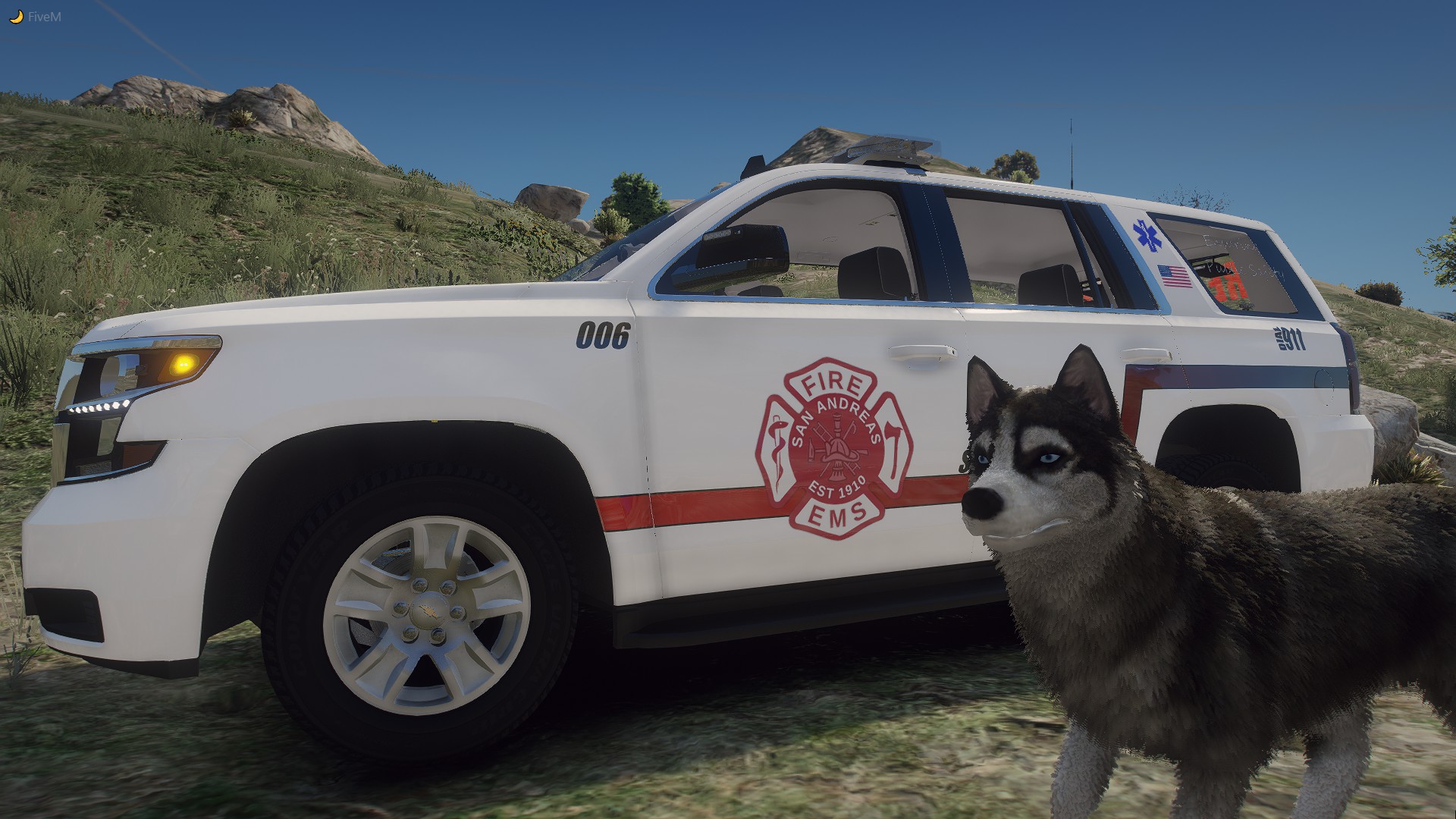
    One of my first liveries, I feel it was good enough to release. My Discord: https://discord.gg/qhwXJkhjBH Model: TOS: Don't claim as your own. Feel free to edit the livery and upload, just credit me. Feel free to use on FiveM/SP. Any questions contact me on Discord: CrazyMegaMike#0190
    • 54 downloads
    • Version 1.0.0
    One of my first liveries, it's basic, but I feel it was good enough to release. My Discord: https://discord.gg/8trPgzBmj5 Model: TOS: Don't claim as your own. Feel free to edit the livery and upload, just credit me. Feel free to use on FiveM/SP. Any questions contact me on Discord: CrazyMegaMike#0190
  6. Anyone know why my liveries going through to the inside? I have the green line on the exterior and it looks fine, but it for some reason merges to the interior in the same spot on both sides. IDK if its a model issue or something I'm doing wrong.

Account

Navigation

Search

Search

Configure browser push notifications

Chrome (Android)
  1. Tap the lock icon next to the address bar.
  2. Tap Permissions → Notifications.
  3. Adjust your preference.
Chrome (Desktop)
  1. Click the padlock icon in the address bar.
  2. Select Site settings.
  3. Find Notifications and adjust your preference.