
Furios
Members
-
Joined
-
Last visited
Everything posted by Furios
-
If you are using ELS, Make sure you downloaded the ELS Script correctly and install your XML Files inside ELS>pack_default, alternatively you could also watch tutorials
-
Can you screenshot?
-
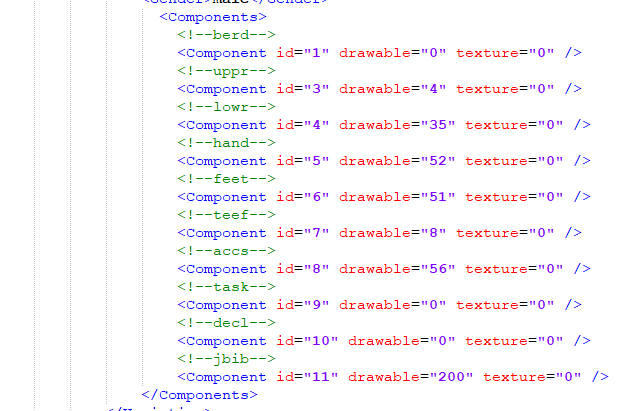
You can edit the contents inside GTAVFolder/lspdfr/data/custom/outfits_agencyname_eup.xml it may be time consuming but is extremely worth it. You could also just download eup configurations.
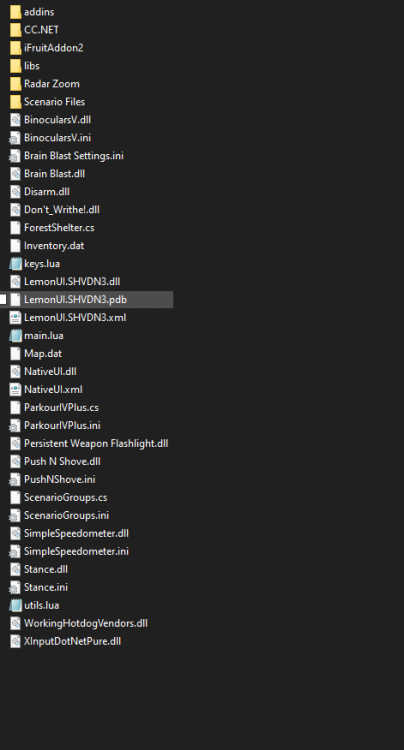
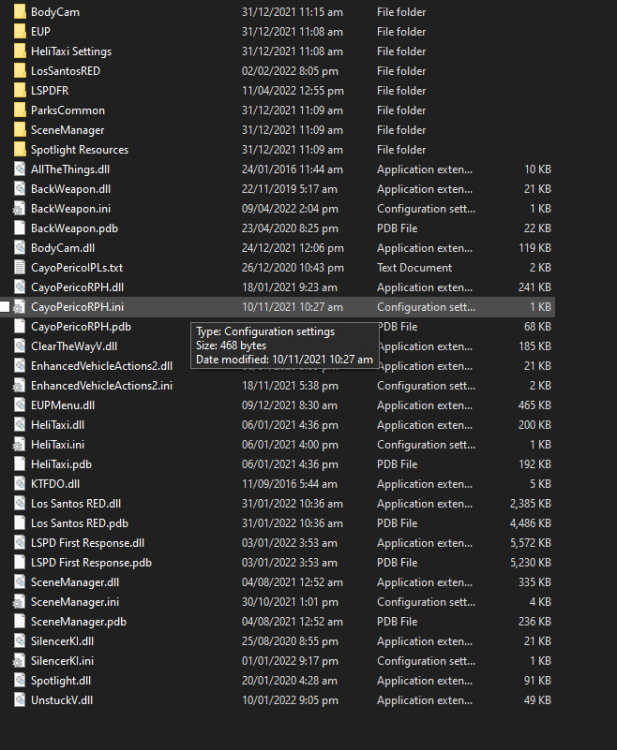
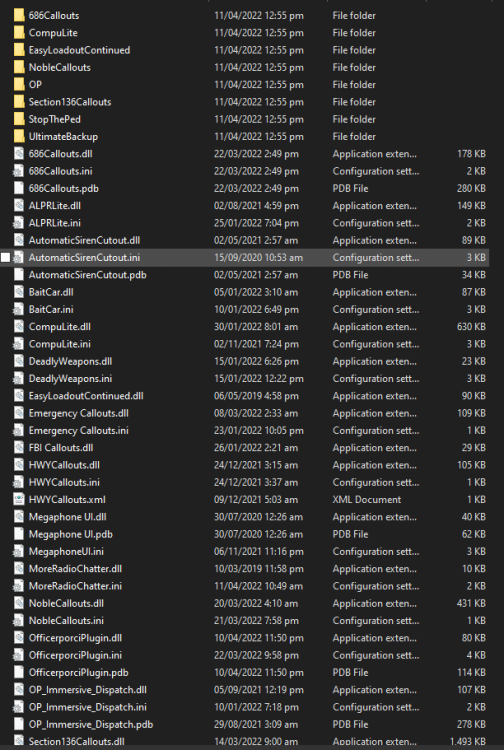
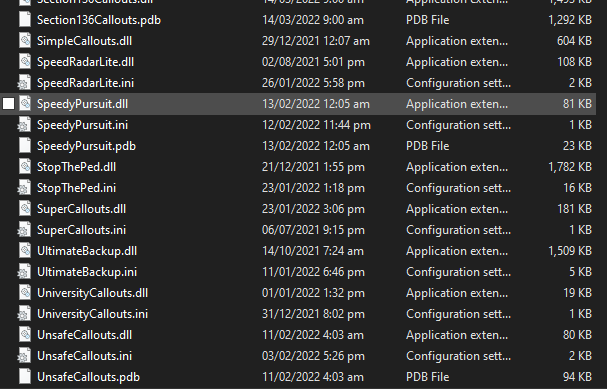
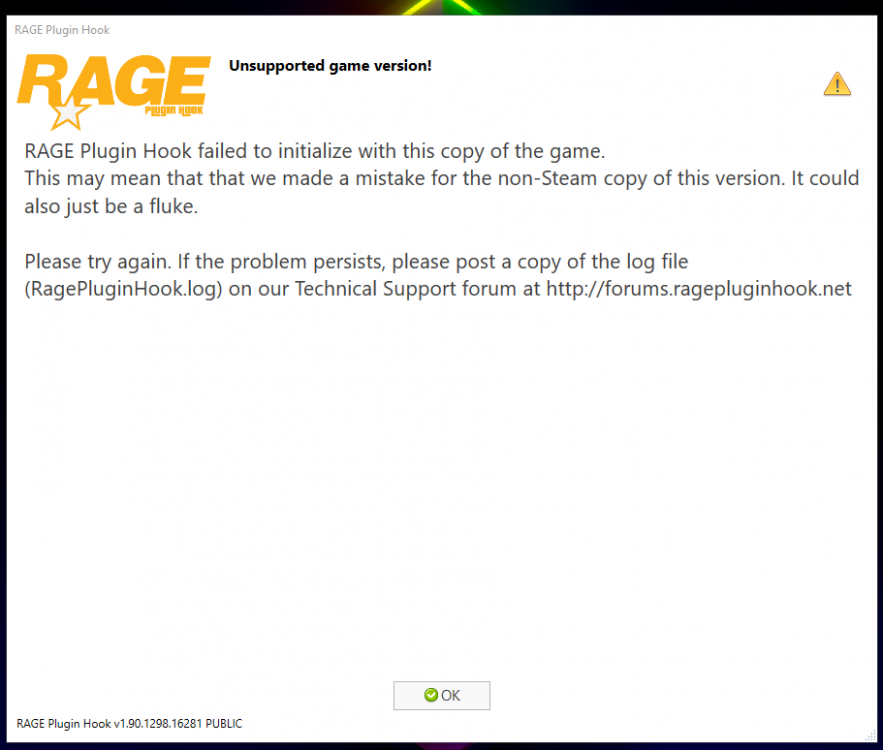
 Last resort -Updating SHVDN, NativeUI , and RAGENativeUI If you still haven't yet -Updating your Graphics Driver and all Dependencies for GTA (Visual Studio, etc) -Reinstalling GTA -Clean install of lspdfr, no plugins and other stuff (readd them one by one if the clean install works) -Removing plugins inside GTA5 Folder/Plugins/LSPDFR If it still doesn't work you could also join Discord Servers related to LSPDFR so that they can also help you. My apologies if I couldn't solve your problem.Send me your latest Rage logIt could be a problem with the Plugins, try removing them then install them one by one. Remember to always update your plugins and remove the outdated onesDo you have Open Interiors or Enable All Interiors installed? Or your LSPDFR PluginsTry these if you still haven't yet -Plugin thereshold to 60000 -Excluding the GTA V folder from your Antivirus -Running RagePluginHook as administrator -A reinstall of LSPDFR using Manual Install -Reinstall of replacement cars and addons (Some could be corrupted) -Verifying integrity of game filesOh, do you have addon mods installed along with a custom gameconfig, packfile, and heapadjuster?What was the result? Also try running the ragehook after story mode has loadedHello, did you try running GTAV without RPH?Try updating your RAGENativeUI https://github.com/alexguirre/RAGENativeUI/releasesCan you send your RagePluginHook log, ThanksIs it a replacement (which slot) or addon car? Also, what graphics mod do you use?LSPD SWAT ALBUM Lightshot used for screenshots Mods used: Natural Vision Remastered EUP 8.3 Modified LAPD SUBURBAN LSPD MEGA PACK By Oc4r, Spitfire7, Beren LOS SANTOS PD MEGA PACK By Tactical Donut AS350 Ecureuil Reshade Preset: PersonalYou could just download the basic config or whichever config that you use.Well, stupid meThe problem was the LoadingScreens. I think it had too much images in it? I don't know. But im literally laughing at myself inside right now.Everything worked fine yesterday until now. I have the Steam version of the Game btw Here are the solutions i've tried so far: - Disabling mods folder (to _mods), removing asi loader, etc - Starting RPH when Story Mode has loaded - I also tried running the game with the mods folder enabled (Works fine) - Disabling plugins on startup - Removing LSPDFR Plugins - Verifying game files - Removing my ReShade - Excluding from my Antivirus (also tried turning it off) EDIT: The mods i'm trying to load in with: -BackWeapon -ClearTheWayV -EnhancedVehicleActions2 -EUPMenu -KTFDO -LSPDFR -SceneManager -SilencerKI -Spotlight I used LSPDFR Manual Install (latest) Reinstalled ScriptHookV, SHVDN, RAGENativeUI, gameconfig, etc Here are the contents of my Scripts, Plugins, Plugins>LSPDFR Folder: LSPDFR Plugins folder ^ Plugins folder: Scripts folder: All the solutions i've tried didn't work. Any help is appreciated Also my log file when running rph on startup and on story mode Loading while on story mode (EDIT): Log: RagePluginHook.log Loading on startup (Sometimes ends with Direct3D watcher thread ended) RagePluginHook_11042022_053841.log