




10 DAVID 01
Members
-
Joined
-
Last visited
Everything posted by 10 DAVID 01
-
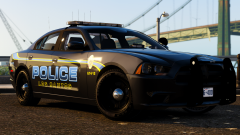 oh yeah! that is clean!!
 -
-
that's correct, my mistake, i got confused.
-
I noticed you released the paleto pd, but not with the arjent? do you still plan to release another paleto with the arjent bars?
-
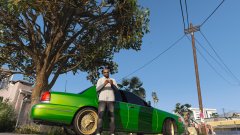 nice one !
 -
don't hate boy! you know you love them gold spokes!
-
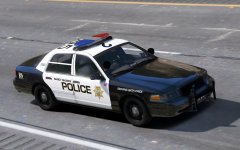 yasss!! very good!
 -
he need to hurry up.
-
-
-
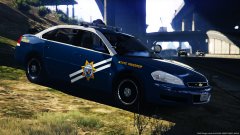 that is a sick car bro. wow! you're killin it!!! keep it up!
 -
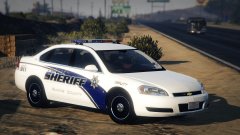 and by the way the chrome lip is a very nice touch! keep up the amazing work champ!!
 -
This is very nice brother, you should add spotlights on the impala though. (they can be downturned and non functional it doesn't matter)
-
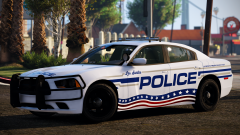 actually i like it!! alot!! merica'
 -
-
 That depends on the state, some states have a "corporate" or "business" tag. In TN they are abou 8 digits and like 2 letters they look almost like goverment tags.
- 4 comments
- 1 review
-
-

- 1
-
-
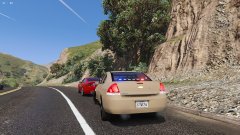
From the album: 10-8
LSPD always catchen em speedahs' -
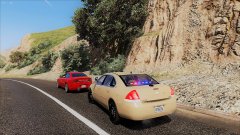
From the album: 10-8
LSPD Conducts a traffic stop. Catchin em speedahs' -
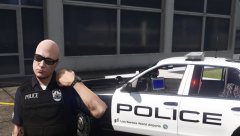
From the album: 10-8
-
-
-
-
From the album: 10-8
stay out of trouble.... -
-
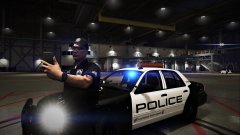
From the album: 10-8
catch me on snapchat haha... apd_sgt



