


Cartasticly
Members
-
Joined
Everything posted by Cartasticly
-
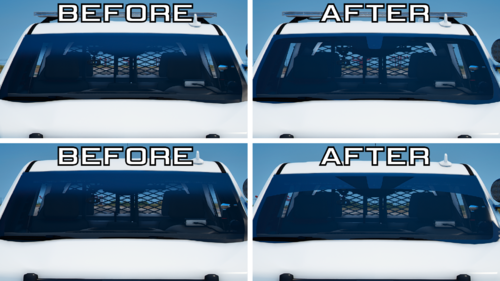 Pretty straight forward
 -
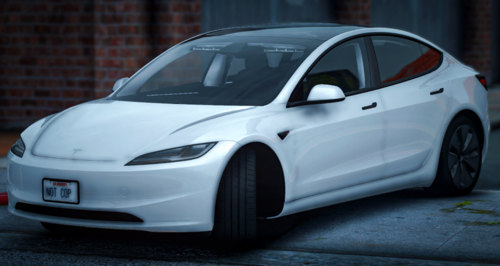 Install DLS, it'll change your life
 -
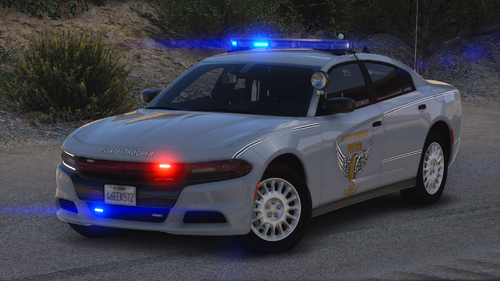 These cars are extremely well made and high quality, some of the best I've seen on this website. Keep up the great work!
 -
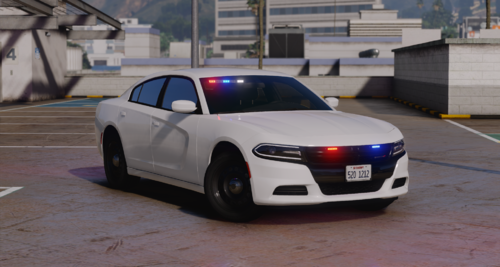 Great mod, but there's a bug with the livery. It keeps changing textures in-game.
 -
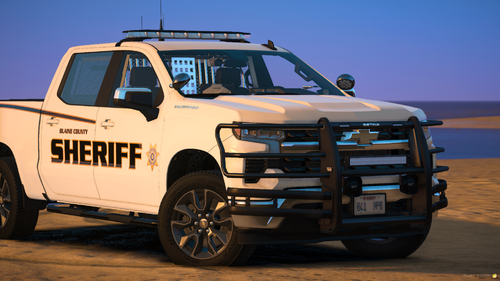 Gauges are off-centered and some cars crash your game when you spawn them, other than that this is a great mod!
 -
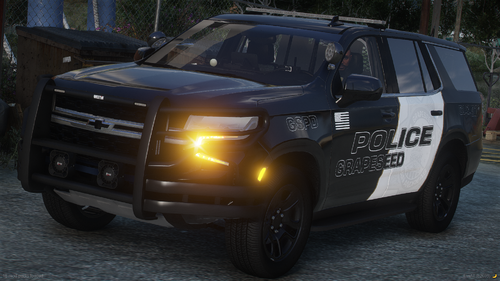 These liveries look awesome! What pack was used in the photos?
 -
 DM me.
 -
-
Thank you! I'm glad you like them!
-
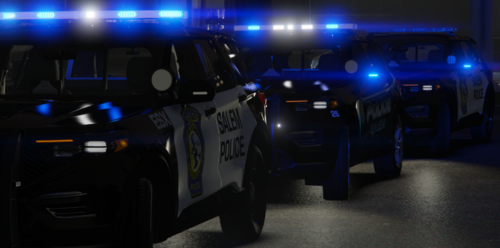
This pack is an accurate recreation of the liveries that the Salem Police Department of Massachusetts uses. It currently consists of three liveries: 1. ESX (Essex) Unit with their new livery 2. Unit 23 with their new livery and the "End Sexual Violence!" ribbon (used by the department during the month of April) 3. Unit 26 with their old livery This pack also consists of two optional addons; a clear lightbar & accurate rear indicator/reverse light colors to the real Salem PD cars. This pack is specifically made for the "Honolulu Police 2020 FPIU" by KIKI66666. The page for this mod can be found here: One of the liveries is recommended to have hubcaps from this mod:
-
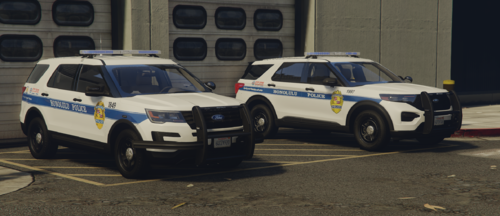 This mod is very well made inside and out! The creator is also extremely helpful. 10/10 would recommend.
 -
 This is an amazing pack and I was able to make them replace. I love the optional wraparound and ALPR. Although, I do wish that the regular pushbar was optional. I would love to see possibly a Taurus, Crown Vic, and/or 2021 FPIU added so I can make skins based off my home town. Great job and I can't wait to see what's to come!
- 200 comments
- 16 reviews
-
Does anyone know why most of the spotlights on my vehicles look chrome? I think it has something to do with VisualV but I don't know what causes it.
-
 Ok well now the windows won't break, getting very annoyed and remembering why I stopped modding GTA
- 75 comments
- 9 reviews
-
I'm have a weird problem with the lights. When I first downloaded the mod, everything was working fine, but now all of a sudden on Stage 3, the lights look like this: I followed the instructions when I first installed it and I even reinstalled it but it did nothing. Anyone know why this is? FIXED! I had 2 other mods that I decided to delete because they were the latest mods I added and it worked! I guess they were interfering with it somehow.
- 75 comments
- 9 reviews
-
-
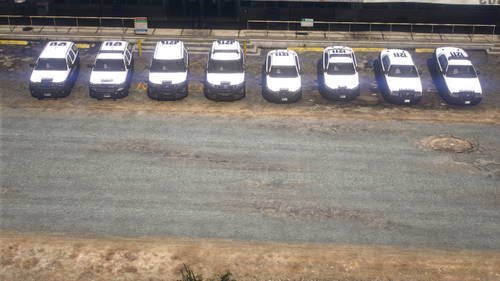 Do we know if all of the windows are breakable? Because if so, I might reinstall GTA V just for this pack.
- 16 comments
- 1 review
-
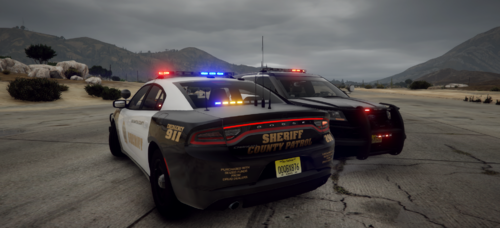 @Nonever Thanks for the feedback! I understand your concern, but Passaic County Sheriff does have that written on the rear of all their vehicles, as shown here:
 -
Alright so what I would do is extract all the files from the ytd into a new folder and find anything that looks like it could be used as emergency lighting. Anything that doesn't delete it.
-
As in the textures that you can replace in the ytd file(s)?
-
Hey, so I was just wondering if there was some sort of free visuals/radiance mod that has the lights looking like this:
-
Are you still having this problem? Because if so, make sure that you have the boxed in keys shown in the image set to None.
.png.1d6b5e0c4db65c1c84ba1c4e75fb061c.png)
-
Are you talking about the color of the lights that appear on the light bar or the color that appears on objects surrounding the vehicle when you turn them on?
-
Passaic, NJ based LSSD Texture Mini-Pack This texture pack is technically not mini, considering that there are 15 liveries + 2-3 optional extras for each vehicle. Skins for: 2016 Ford Explorer/FPIU 2018 Dodge Charger Textures specifically made for:
-


.png.1d6b5e0c4db65c1c84ba1c4e75fb061c.png)
