sosezi
Members
-
Joined
-
Last visited
Everything posted by sosezi
-
 SIMPLE! the filesize is huge for the game format 🙂 just squeeze em! like 70~130kb each
 -
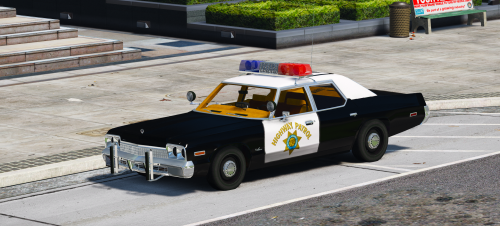
 70s please!
 -
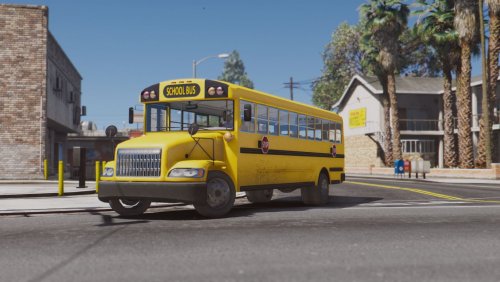 sadly no one makes an old bus like this ..... TX DPS Bus from 1986 movie The Hitcher would be cool as well
- 10 comments
- 3 reviews
-
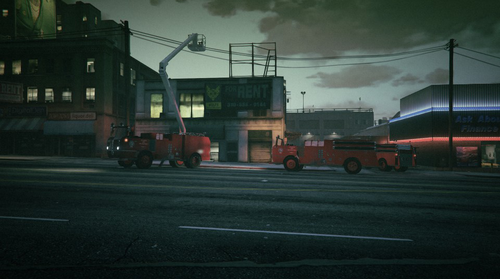 btw how to retract the ladder (snorkel) ?
 -
Will do!
-
Thanks! I've Edited carvariations and re-skinned decals so they're Red (LS) and Lime Yellow (Blaine Co) the colour # for proper fire engine yellow in GTA's carvariations is 91 will release skins for those beauties if you're okay with
-
brilliant! lol love old firetrucks 🙂 are they skinable or recolorable in carvariations? sorry for stupid question
-
-
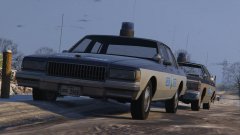 LOVE IT! any links to the cars?
 -
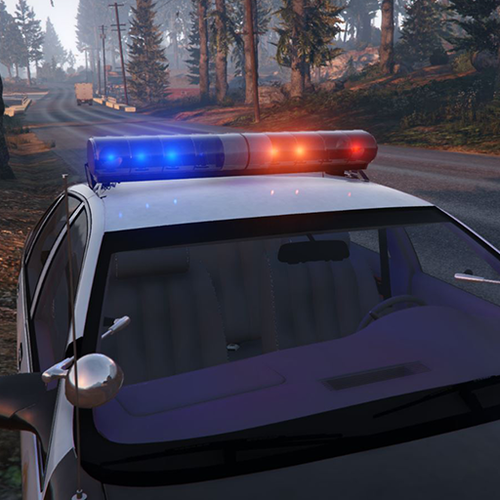
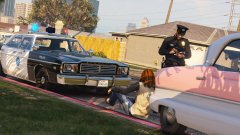 any tips how to update my carcols for this red/blue setting?
 -
-
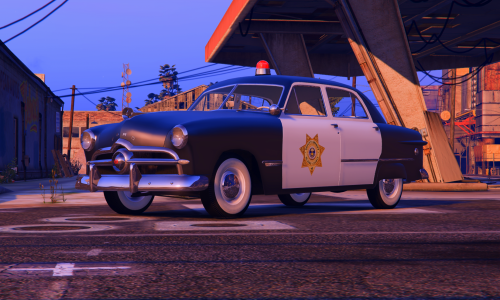 No, Just wondering why audiohash of civilian car was recomended.... policeold1 hash at least i think....
- 8 comments
- 2 reviews
-
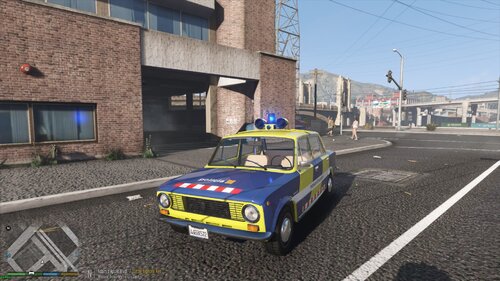 COOL SKIN!! love this outdated police car it's funny and damn cute saw them as a kid (born and raised in soviet union) but now live in Japan I'd love to add those into LSPDFR for the meme patrol duties lol
 -
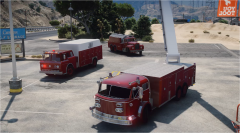 will you release them here?
 -
-
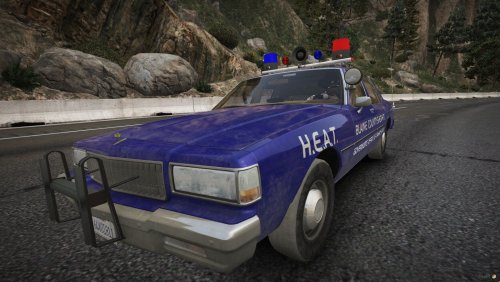 transparent texture for skybolt should be in PNG format when imported into texture dictionary file if it will be any other format than png it will lose it's clear structure Ah! that explains the thing then... i actually love old caprices and ltd crown vics with old lightbars like Skybolt or Federal Visibar
 -
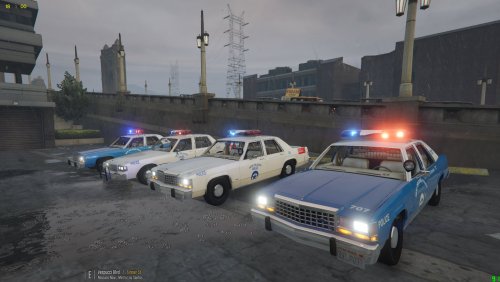 Yeah but 82 doesn't exist as a mod.... 87 is also fine if you ignore grille and headlights 😉 the rest is the same i really want to make "Hitcher Pack" for LSPDFR lol the things i can't make it's John Ryder Ped a the rest of characters but not gonna lie would be fun I've made TX DPS Uniform mini pack for EUP already (well, now i have no SASPA there because TXDPS took jurisdiction over my bolingbroke in the game) I've also made skins for the vehicles such as prison bus etc... the LTD is the thing that i want for now 🙂 well, we have LTD as 3D model, the matter is Federal Signal VISIBAR with Model 14 Beacons of same maker on the roof Mars Skybolt can be used for that (not much different)
- 8 comments
- 1 review
-
transparent texture for skybolt should be in PNG format when imported into texture dictionary file if it will be any other format than png it will lose it's clear structure
-
Great pack! could you make 87 LTD crovn vic with Mars Skybolt Red/Blue for TX-DPS and Donley County Sheriff from the movie "HITCHER"? would love that!
- 8 comments
- 1 review
-
-

- 1
-
-
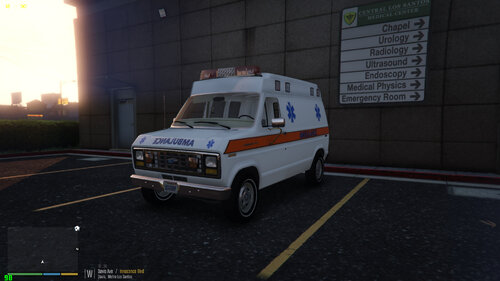 70's Federal Twinsonic lightbar and yes rotators were Slow those days, that makes them charming and cool especially when copcar or ambulance is running fast but rotors are slow it makes very strange but interesting sense of speed (something really rocking hard inside of us when we watching old cop films isn't it?) so yes great one!
- 23 comments
- 3 reviews
-
in Agency.xml find vehicles your agency using and put it this way example for example LSPD <Vehicle livery="1">police</Vehicle> LSSD <Vehicle livery="2">police</Vehicle> BCSO <Vehicle livery="3">police</Vehicle> etc hope this helps
-
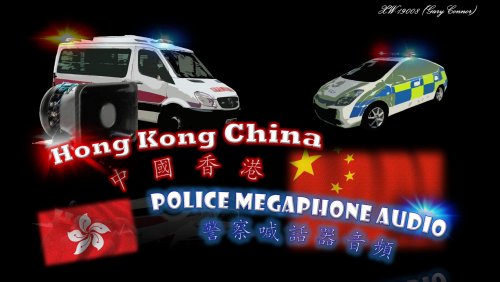 well, hope you will release it someday! Good Luck!
 -
Hmm, but there is possibility to find Cantonese speakers then 😉 i mean female
-
where you located in? just wondering because in Canada there are a lot of HK people and US as well
-
for real i'd be happy! it's really necessary for my lspdfr 🙂