
HNKM Development
Members
-
Joined
-
Last visited
Everything posted by HNKM Development
-
 What exactly do you mean? Please be more detailed regarding you're issues
 -
You need to install Siren32 script
-
 Yeah, go ahead
 -
 Go ahead!
 -
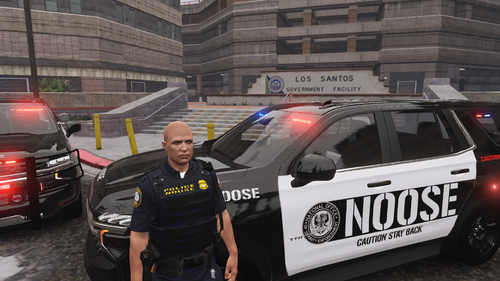 Amazing work!
 -
You can replace them by replacing each model with police1,2,3,4 etc, but i will not release a replacement version. Thank you, really appreciate the feedback!
-
Please check again, i uploaded a new zip that include only the 25 durango and 23 camaro
-
m Those 2 vehicles is already out
-
yes, thats the next vehicle
-
You need to fix the car after toggling on the extras
-
You need to fix the vehicle after toggling the extra parts on, because of the collision Did you install any tire texture's or changed any texture's in the gta 5 mods folder?
-
use the trainer on gta5mods insted
-
Join my discord and open a ticket. I will help you
-
your the first one having that issue, are you 100% sure that you installed the 2.0 version?
-
Did you install the newest update? Have you installed Gameconfig?, heapadjust lmtd?
-
You need to fix the car after toggling the extra part on
-
Its fixed
-
My bad, i can fix it in some hours!
-
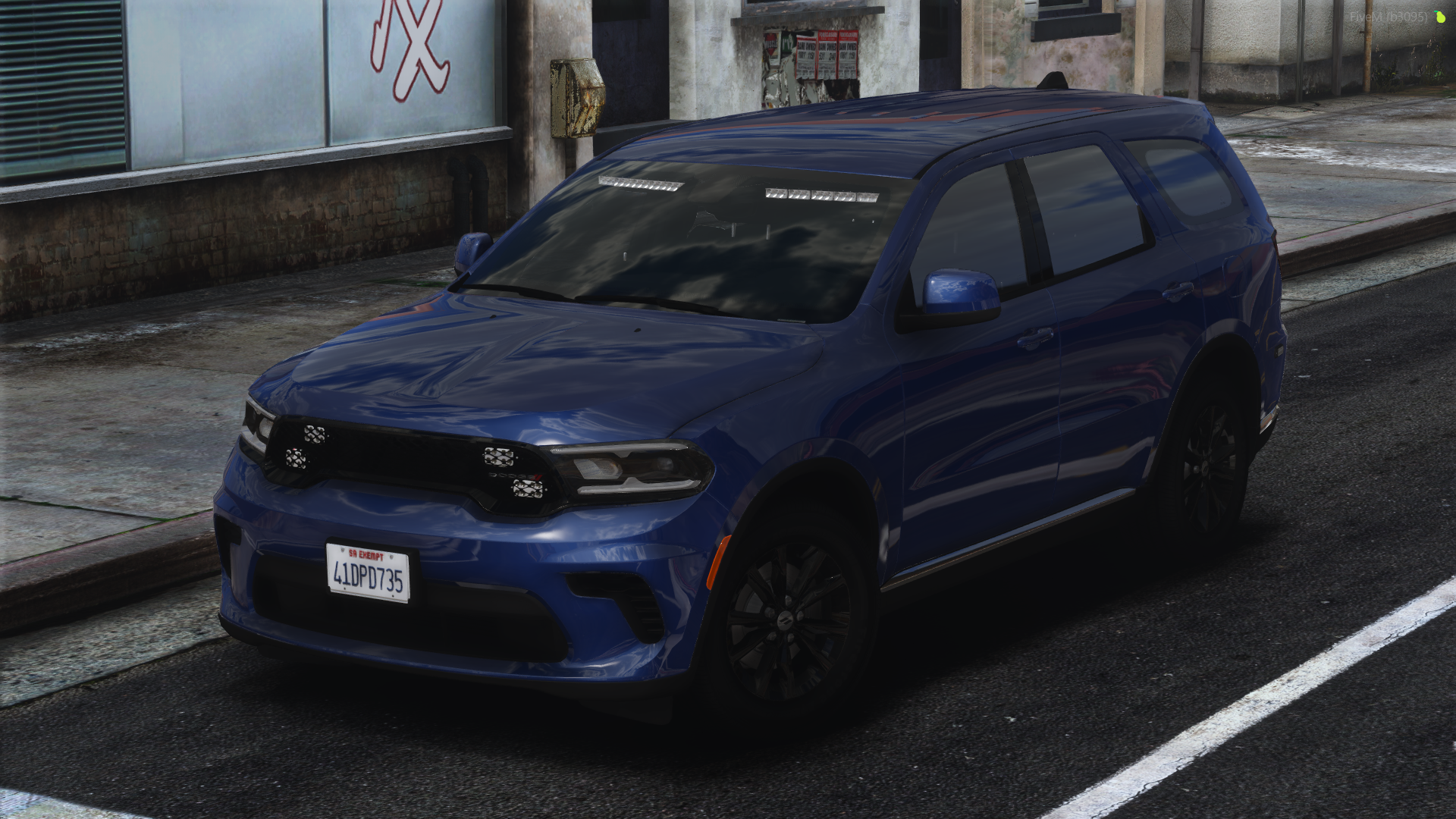
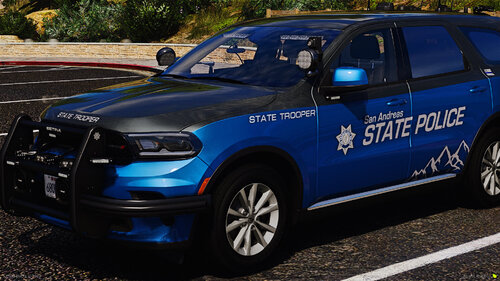
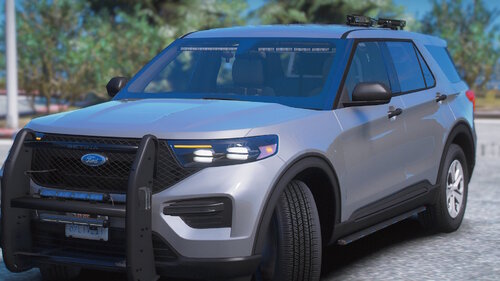
[2.0][ELS-HYBRID][DLC][Fivem-Ready] San Andreas State Police Mega Pack More cars will be added soon to this pack, Join my Discord to see the progress! ---------------------------------------------------------------------------------------------------------------- CREDIT: Livery's by Fluovestje64//// Link to his profile: https://www.lcpdfr.com/profile/644435-fluovestje64/ ---------------------------------------------------------------------------------------------------------------- THIS CAR REQUIRED 32 SIRENSETTING LIMIT ADJUSTER TO WORK PROBABLY INGAME -------------------------------------- The car will not work in Gta V/LSPDFR if you dont use the ELS.xml file in the folder -------------------------------------- Spawn code names: SAST1 = 2023 Dodge Charger SAST2 = 2018-19 Ford Explorer SAST3 = 2020 Ford Explorer SAST7 = 2024 Ford Mustang GT Over 10 Extra Option's: 1 Marked Livery & 1 Unmarked Livery is included in all 4 cars!: Extra Option's list: - DS: The Mustang have some parts on different extra numbers then listed below! Extra 1: Lightbar Extra 2: Grill Lights Extra 3: RST Extra 4: Side Runners/Side Lights Extra 5: Rear Plate/Rear Trunk Lights Extra 6: FST Extra 7: Side wings of Pushbar Extra 8: Main Pushbar Extra 9: Antenna Roof/Boot Extra 10: Antenna Roof/Boot Extra 11: ALRP Extra 12: Takedowns - DS: Need to be toggled from the Extra Menu in trainer: PS: If you’re using the vehicles on Gta V you’ll need to repair the car after toggling the extras on for them to be visible! ------------------------------------- SASP Pack by-HNKM 1.0 - BY HNKM SIREN 32 SCRIPT REQUIERD ------------------------------------- Install - Lspdfr ADDON: -------------------- 1. Drag and drop the addon file's into -\mods\update\x64\dlcpacks in openIV 2. Go into DLCLIST.XML and paste the text under - in path-\mods\update\update.rpf\common\data <Item>dlcpacks:/sast1/</Item> <Item>dlcpacks:/sast2/</Item> <Item>dlcpacks:/sast3/</Item> <Item>dlcpacks:/sast7/</Item> 3. Drag and drop the ELS FILE'S into path -\ELS\pack_defaulT PLEASE USE THE XML FILE IN THE FOLDER ------------------------------------- ------------------------------------- Install - Fivem: -------------------- you should know this. ---------------------------------------------------------------------- If you have any problem's or question's, please join my https://discord.gg/97B2BGnMWu
-
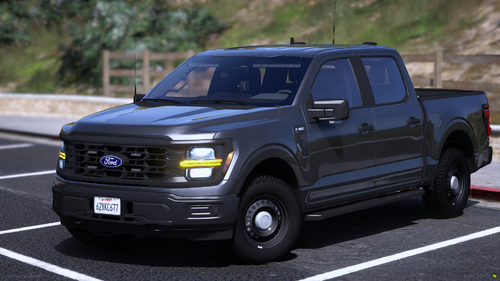 Join my Discord and open a ticket, or send me a dm on discord
 -
 I could make that in the future
 -
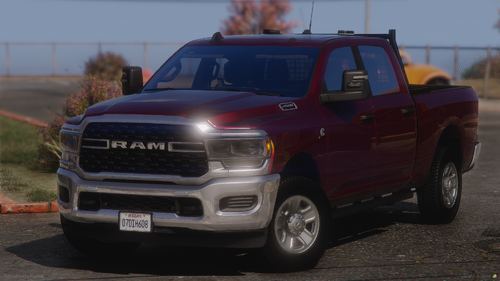
[ELS-HYBRID][NON-ELS] 24 RAM 2500 Undercover ---------------------------------------------------------------------------------------------------------------- THIS CAR REQUIRED 32 SIRENSETTING LIMIT ADJUSTER TO WORK PROBABLY INGAME -------------------------------------- The car will not work in Gta V/LSPDFR if you dont use the ELS.xml file in the folder -------------------------------------- Over 10 Extra Option's ------------------------------------- Install - Lspdfr: -------------------- 1. Drag and drop the addon file's into -\mods\update\x64\dlcpacks in openIV 2. Go into DLCLIST.XML and paste the text under - in path-\mods\update\update.rpf\common\data <Item>dlcpacks:/250rambh/</Item> 3. Drag and drop the ELS FILE'S into path -\ELS\pack_default ------------------------------------- Install - Fivem: -------------------- you should know this. ---------------------------------------------------------------------- If you have any problem's or question's, please join my https://discord.gg/97B2BGnMWu
-
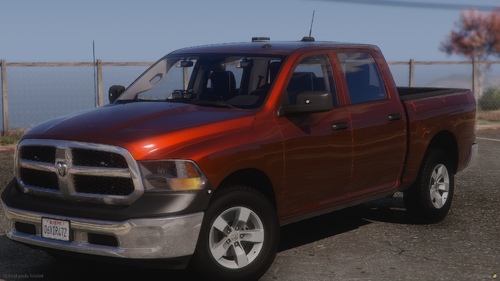 [ELS-HYBRID][NON-ELS] 22 Dodge Ram 1500 Undercover ---------------------------------------------------------------------------------------------------------------- THIS CAR REQUIRED 32 SIRENSETTING LIMIT ADJUSTER TO WORK PROBABLY INGAME -------------------------------------- The car will not work in Gta V/LSPDFR if you dont use the ELS.xml file in the folder -------------------------------------- Over 10 Extra options ------------------------------------- Install - Lspdfr: -------------------- 1. Drag and drop the addon file's into -\mods\update\x64\dlcpacks in openIV 2. Go into DLCLIST.XML and paste the text under - in path-\mods\update\update.rpf\common\data <Item>dlcpacks:/22ramuc/</Item> 3. Drag and drop the ELS FILE'S into path -\ELS\pack_default ------------------------------------- Install - Fivem: -------------------- you should know this. ---------------------------------------------------------------------- If you have any problem's or question's, please join my discord: https://discord.gg/97B2BGnMWu
 -
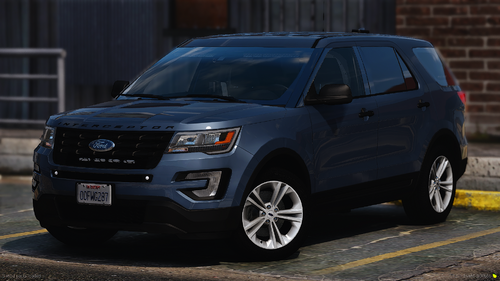 create a ticket in my Discord server 🙂
 -
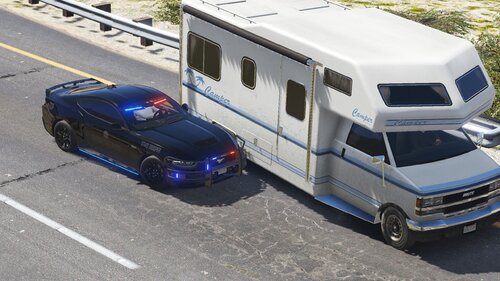 Awesome livery’s! Really appreciate your work!