AlphaBlackOps101
Members
-
Joined
-
Last visited
Everything posted by AlphaBlackOps101
-
Tried that earlier, still crashed.
-
Got no error messages, just a crash and rph showed up saying I crashed. I removed the vcf and the game worked again. (I've completely removed lml by now)
-
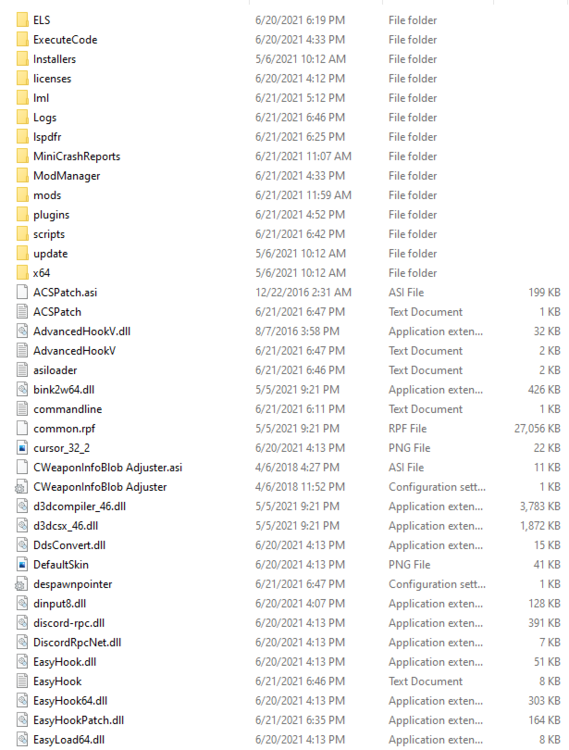
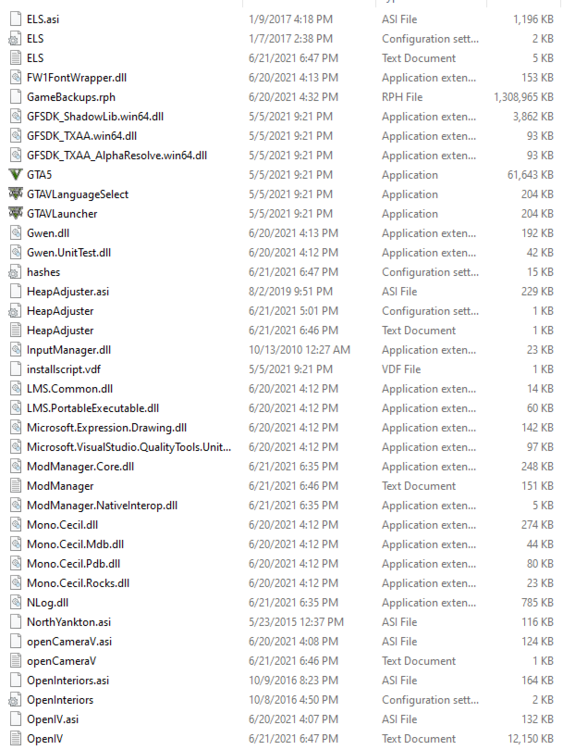
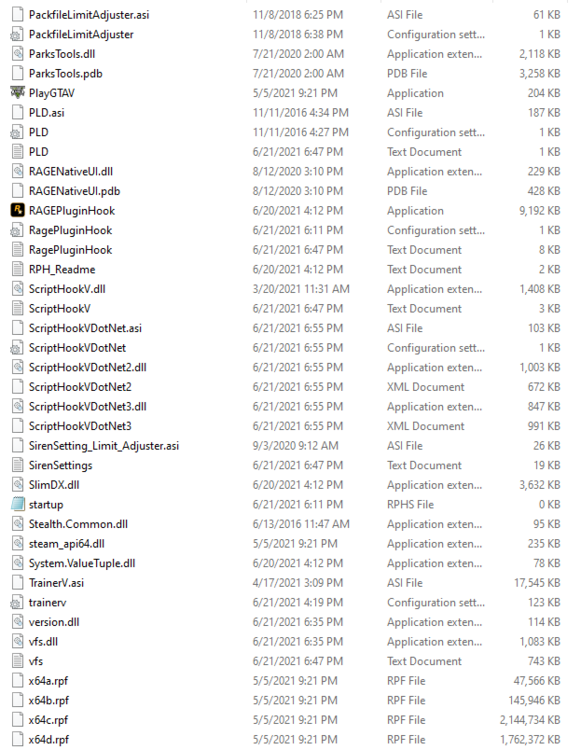
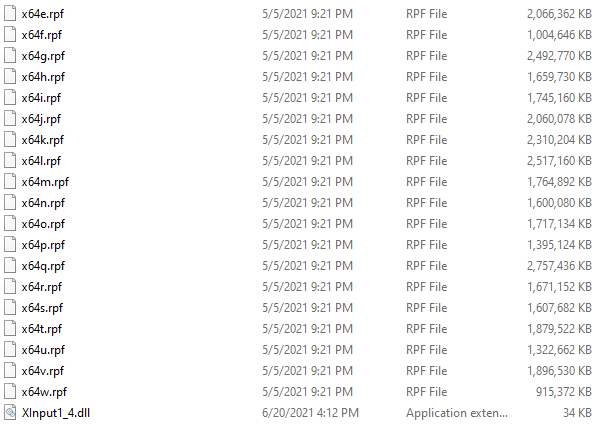
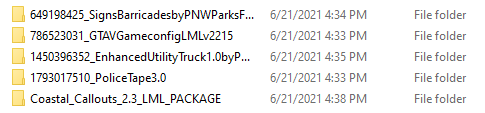
RagePluginHook.logI was loading in when the crash occurred, it was a Crash to Desktop, I follow the provided tutorial and downloaded LML Coastal Callouts, the Gameconfig, and everything else in the video. I have tried to take out SHVDN and unblocked the files when starting up but it's still crashing. This same bug consistently happened after I downloaded LML. I'm on the latest version of LSPDFR and RPH. I'm on LML 0.4. This is very annoying as I cant get past the loading screen. vfs.log ModManager.log


-
If you're alive, how did you solve your issue? I think I having the same one as you.
-
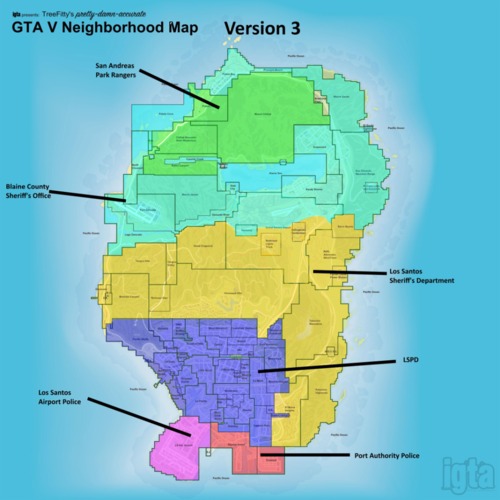 Hey is there a way to revert the In game/Pause Menu Map? I've been using it for a while but now I want to revert it back to it's normal look.
- 62 comments
- 1 review