


Cwilson83
Members
-
Joined
-
Last visited
Everything posted by Cwilson83
-
just a sec and i sure will
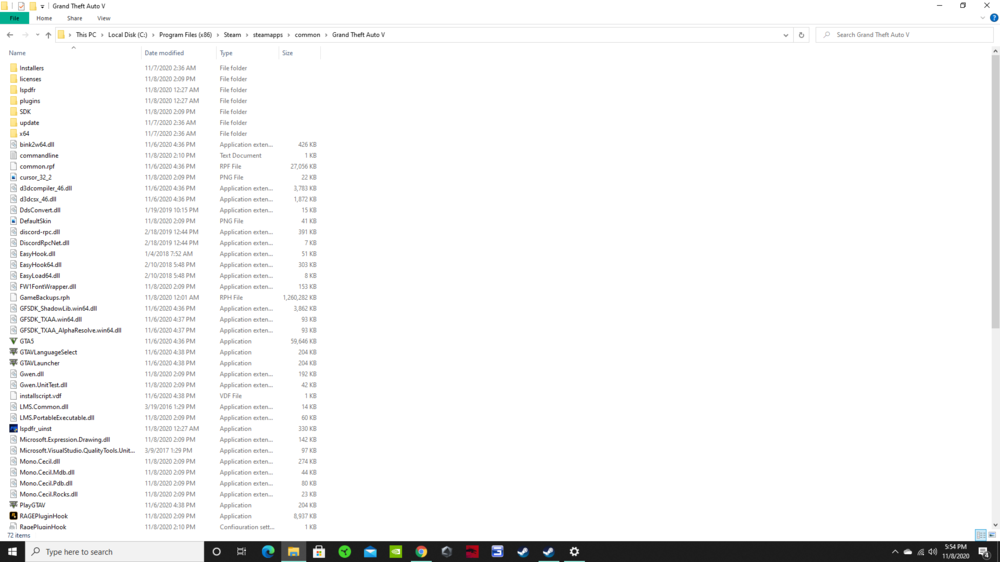
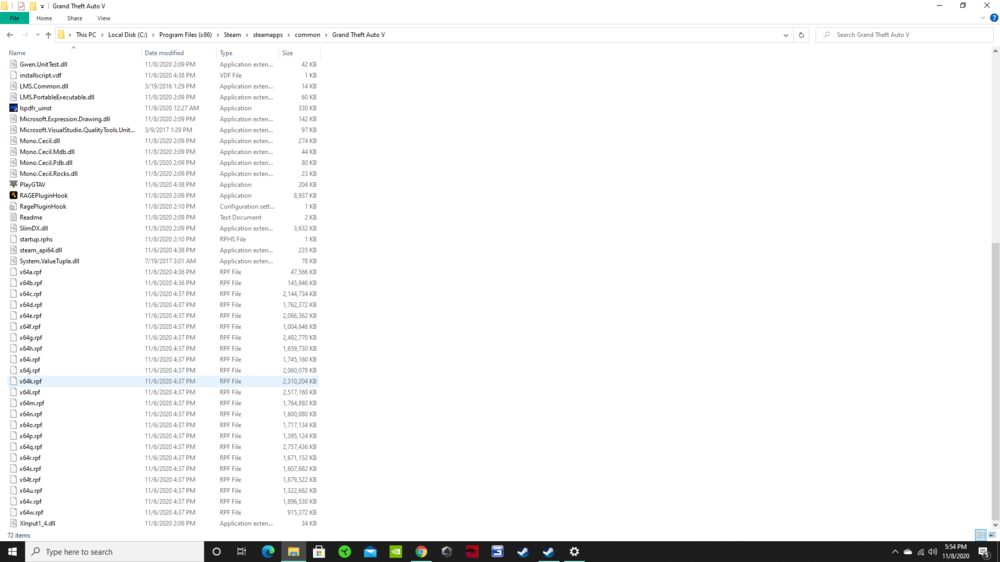
-
not seeing the text document. this is beginning to be a tooth pulling experience
-
how do i find this log?
-
ok will i still be notified when someone tries to help? or do i need to find my topic in the support section?
-
still nothing.
-
as it starts to sound the sirens and lights is when i alt + tab and click on the rage plug hook it starts and then eventually says slow system and or Insufficient permissions or bad anti-virus. Please try again. If the problem persists, please restart your computer.
-
steam and just tried running as admin and it still isnt working
-
its still saying all that crap. i dont understand this. i also sent you a dm
-
how do i go about doing that?
-
not that i am aware of.
-
no i just installed game and its a steam version. just installed downloaded the lspdfr and rage pluge in hook and it keeps repeating these messages. do i need to un install and re install the game and everything along with it. cuz that takes forever and a day lol
-
Just restarted pc and it still says same thing. Could not hook game process. Insufficient permissions or bad anti-virus. Please try again. If the problem persists, please restart your computer.
-
ok i believe i did it correctly but it still shows Insufficient permissions or bad anti-virus. should i restart my computer and run it over again?
-
Yes it is how do i go about doing so?
-
Ive downloaded and followed everything in the setup and tutorial video.....only thing is when i run the rage plug n hook it eventually says insufficient permissions and or bad anti virus. any advice to get it fixed would be greatly appreciated.


