Professional58
Members
-
Joined
-
Last visited
Everything posted by Professional58
-
 can you replace the helicopter speech for gta5 lspdfr? @PacificKempeitai
 -
Google Chrome already has built-in ad protection. If you don't find it enough, you can install adguard.
-
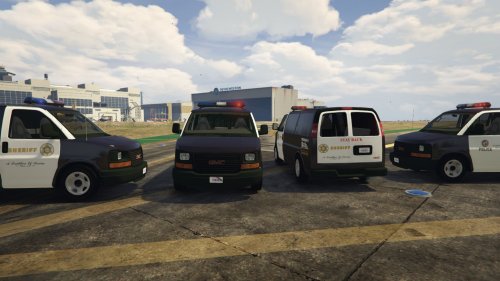 @GlitchGamer Please use Whelen Legacy Lightbar and setina or westin rambar with flashes :)
- 26 comments
- 8 reviews
-
-
Deleted
-
-
 after installing this extension the police blips started getting stuck on the map. Criminals are sometimes stuck on the map, but they are never deleted.
 -
-
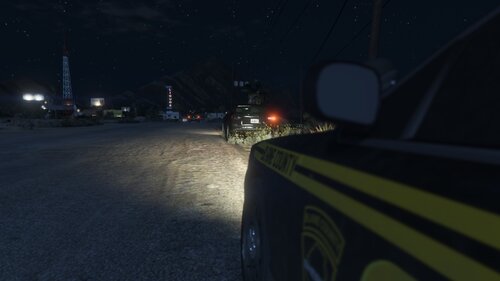 @Rich Can you add street racers event for this plugin?
 -
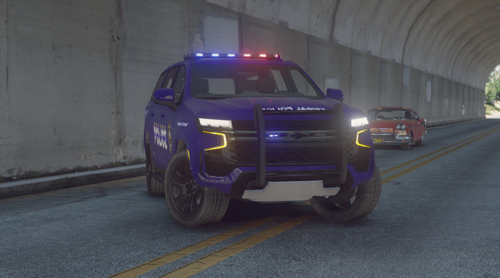 no problem 🙂
 -
Thank you all. Especially @Madmex57 you have been very helpful, thank you, cheers.
-
@XLR Can you make a replace version please?
-
This is already installed and updated dude.
-
Here is my log file: RagePluginHook.log
-
It looks perfect but i dont using fivem 😞
-
@OfficerChris1 Cops are staying on the road and they are stuck. This is unrealistic and an error to me. Some idiot cops releasing their cars and going without car when returning to patrol. Why they are on foot? They should have gotten back in their vehicles. That things are nonsense.
-
When the chase is over, the cops stay where they are and don't move. They react when i hit them but they stay where they are. When I call for any support, the police sometimes walk away instead of getting in their vehicles, or they stay where they are. Can you help me to fix it?
-
@Rich Good morning my friend, you did not reply. are you there?
-
@Rich I found the suspect :D [RealisticWeaponSystem] // Set whether you want to turn the realistic weapon system on startup (yes/no) EnabledOnStartup=yes When I change it from yes to no and press go on duty, lspdfr crashes. I dont like this feature. It's limiting my weapons. What can i do? :(
-
Okay, i will try it.
-
Noooo, Game is loading good. Lspdfr loading good. But when i click on go on duty lspdfr crashing and raising hand me 😄 When i install stop the ped normally there is no a problem. If i edit ini for change keys and disable some features in stop the ped, lspdfr crashing.
-
@Rich I edited the ini file for myself, but it's broken, unfortunately, and I don't know why, I replaced the old version of stop the ped with the current version. I edited the ini file again, but this time it throws it out of the game without on duty.
-
@Rich I could not do it. can you help me mate
-
@Rich Hey friend i recognized you. Hello 🙂 I updated it but still problem is continuing. When i replace stop the ped's ini file with unedited ini file it's working fine but i dont like original keybindings. I only changed some key values and turned off some unrealistic features. (i wrote "None" and "No" to disable this keys and features) Can you check the ini I wrote in the topic content?
-
@Charlie686 I haven't been able to play for 3 days guys. please help me about my stop the ped ini :(