Skip to content
View in the app

A better way to browse. Learn more.

LCPDFR.com

A full-screen app on your home screen with push notifications, badges and more.

To install this app on iOS and iPadOS
  1. Tap the Share icon in Safari
  2. Scroll the menu and tap Add to Home Screen.
  3. Tap Add in the top-right corner.
To install this app on Android
  1. Tap the 3-dot menu (⋮) in the top-right corner of the browser.
  2. Tap Add to Home screen or Install app.
  3. Confirm by tapping Install.

Till Voight

Members
  • Joined

  • Last visited

  1. Sure, here it is. Thanks for your help. RagePluginHook.log
  2. Well I did. And now, it just keeps crashing.
  3. Yep, I'm using the latest ScriptHookV version. Also, I'm only running the LSPD:FR plugin. If I launch the game on Steam, without Rage Plugin Hook, everything works normal.
  4. Hey, Today I wanted to try out LSPD:FR again. After I downloaded and started my game, Rage Plugin Hook told me, that the Rage Plugin Hook version is outdated. I've just downloaded the latest version from this website again. After that, I went on the Rage Plugin Hook website and downloaded the latest Rage Plugin Hook version there. Now, my game is just crashing, once I started it with Rage Plugin Hook. Kind regads
  5. Is there any chance to get a NON-ELS version of it?
  6. Sergeant Bradfort     Finished responding to a SpeedTrapBlaineCounty in Downtown, Strawberry Ave
  7. Sergeant Bradfort     Finished responding to a ExplosiveFound in Textile City, Strawberry Ave
  8. Sergeant Bradfort     Responded to a ExplosiveFound in Burton, Las Lagunas Blvd
  9. Sergeant Bradfort     Took the easy way out in Del Perro, Del Perro Fwy
  10. Sergeant Bradfort     Finished responding to a Kortz Center to Maze Bank in Pillbox Hill, San Andreas Ave
  11. Sergeant Bradfort     Reported a PC503 in Little Seoul, San Andreas Ave
  12. Sergeant Bradfort     Reported a PC245 in Little Seoul, Palomino Ave
  13. Sergeant Bradfort     Reported a PC245 in Little Seoul, Palomino Ave
  14. Sergeant Bradfort     Reported a PC245 in Little Seoul, Palomino Ave
  15. Sergeant Bradfort     Reported a PC245 in Little Seoul, Palomino Ave
  16. Sergeant Bradfort     Reported a PC245 in Little Seoul, Palomino Ave
  17. Sergeant Bradfort     Reported a PC245 in Little Seoul, Palomino Ave
  18. Sergeant Bradfort     Reported a PC245 in Little Seoul, Palomino Ave
  19. Sergeant Bradfort     Reported a PC245 in Little Seoul, Palomino Ave
  20. Sergeant Bradfort     Reported a PC245 in Little Seoul, Palomino Ave
  21. Sergeant Bradfort     Reported a PC245 in Little Seoul, Palomino Ave
  22. Sergeant Bradfort     Reported a PC245 in Little Seoul, Palomino Ave
  23. Sergeant Bradfort     Reported a PC245 in Little Seoul, Palomino Ave
  24. Sergeant Bradfort     Reported a PC245 in Little Seoul, Palomino Ave
  25. Sergeant Bradfort     Reported a PC245 in Little Seoul, Palomino Ave
  26.    Till Voight reacted to a post in a topic: LSPD:FR change sirens for each vehicle
  27. Hey there! Is there a way that I can use different sirens on each vehicle? For example a "normal" siren for police2 and a rumbler siren for police3, so that I don't have the same siren on every vehicle. Notice: I still want to use the Emergence Lightning System (ELS) Thanks for your answers.
  28. Till Voight changed their profile photo
  29.    Till Voight reacted to a review on a file: Chicago Police
  30.    Trp. Keaton reacted to a review on a file: Chicago Police
  31.    Till Voight reacted to a file: Chicago Police
    The best CPD pack I've ever seen. Keep up the awesome work, sir. May you could also create a pack for the Chicago Fire Department.
  32. Till Voight started following LSPDFR
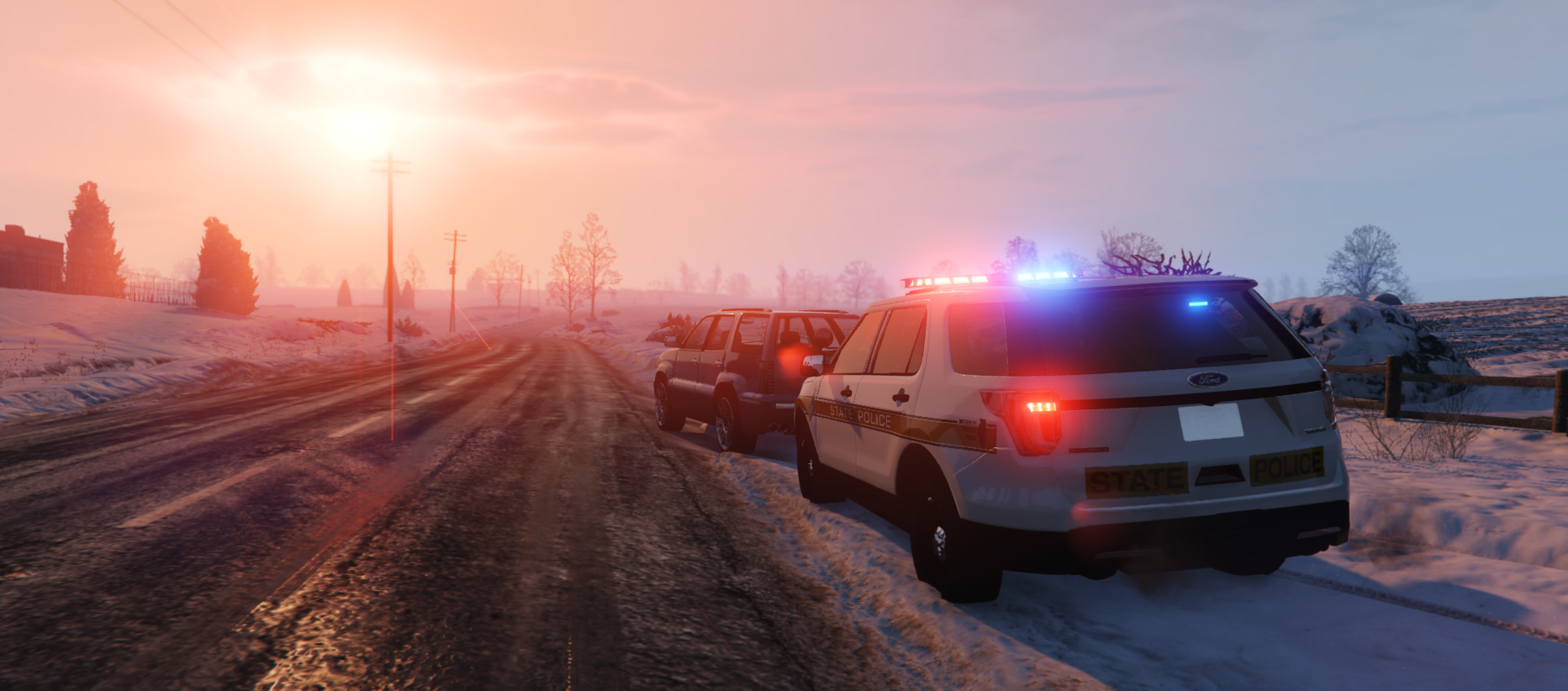
  33. Images added to a gallery album owned by Till Voight in GTA V Galleries
    I hope you enjoy my first album. I'll post more soon.

Account

Navigation

Search

Search

Configure browser push notifications

Chrome (Android)
  1. Tap the lock icon next to the address bar.
  2. Tap Permissions → Notifications.
  3. Adjust your preference.
Chrome (Desktop)
  1. Click the padlock icon in the address bar.
  2. Select Site settings.
  3. Find Notifications and adjust your preference.