Welcome Fellow Gamers
😁🎮
Note: I have a life too, as always people have other things to do on their outside life of computers, please respect my privacy and give me time to reply to your PM or thread. It's not me ignoring you. often, it's because I have other things I need to attend to, so please respect that and I'll respect you 🙂
About Me
Hey, I'm Alfie6906, I'm a 16 year old streamer, and I make videos from time to time.
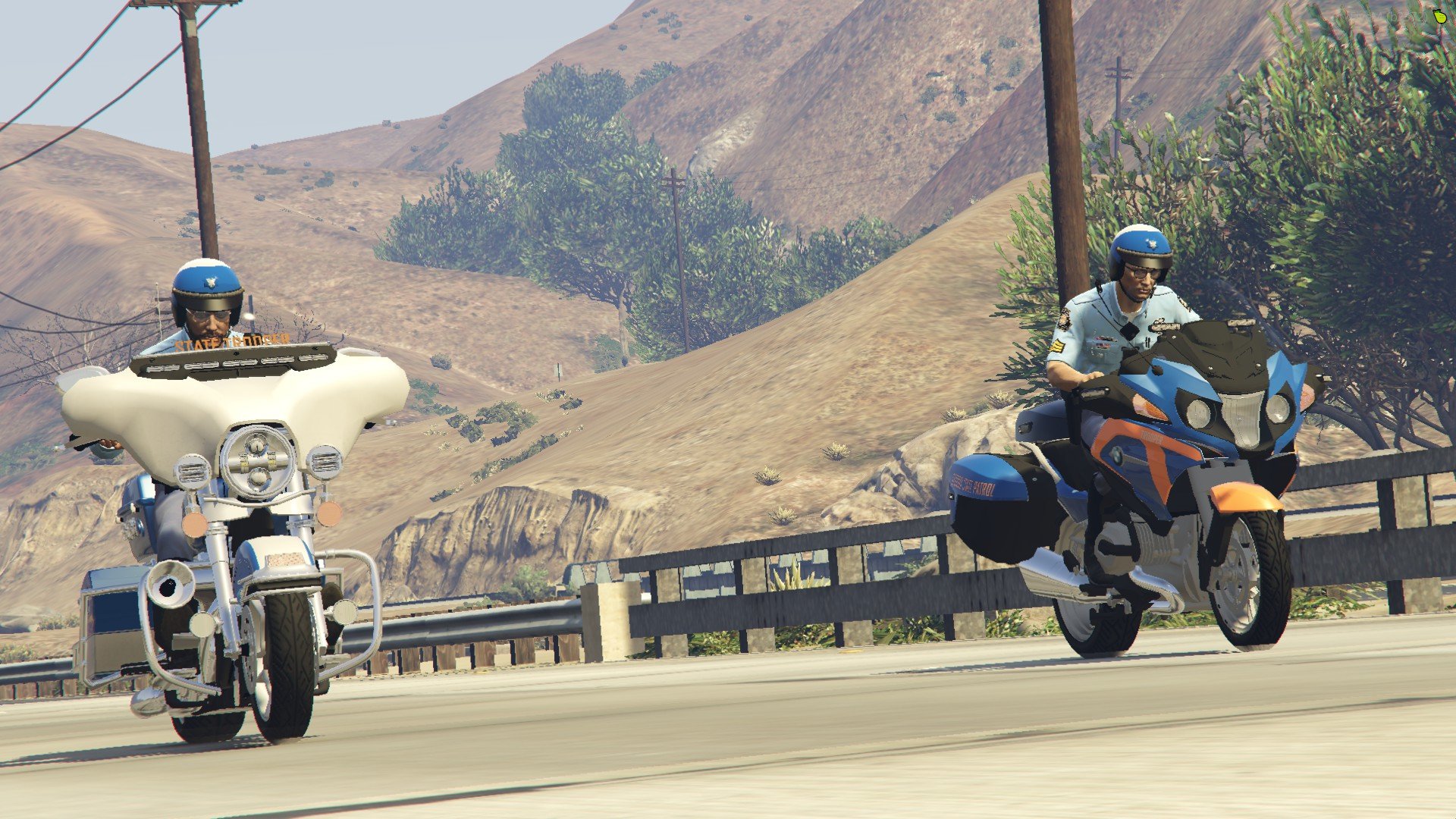
I have been playing LSPDFR Since October 2020, I play Los Santos Police (San Andreas Version), if you have any questions feel free to contact me about callouts and vehicles!
Contact Me
If you wish to contact me, go to my contact tab on my LSPDFR Profile and contact me on any platform within that tab. Or feel free to shoot me a PM via LSPDFR Webpage
DISCLAIMER
Please don't PM me or any other Tech support member for guidance and support, as it is against guidelines, however feel free to PM if you have any questions, if you acquire support, please create a forum and ask for assistance there, it's what its used for! 🙂
LSPDFR Unofficial Support Server
These two servers are best for LSPDFR Tech Support quickly and fast. Join here -
https://discord.gg/xsdAXJb - LSPDFR Unofficial Support Server
https://discord.gg/gyw5rDHCfr - LSPDFR - TS
Quote which I go by:
"It always seems impossible until it's done" Nelson Mandela