
McKleash123
Members
-
Joined
-
Last visited
Everything posted by McKleash123
-
 @GameboyegIts a fake county that I made up, but I like to think its in Florida.
 -
 Where do you make the textures, I would like to start making them to.
 -
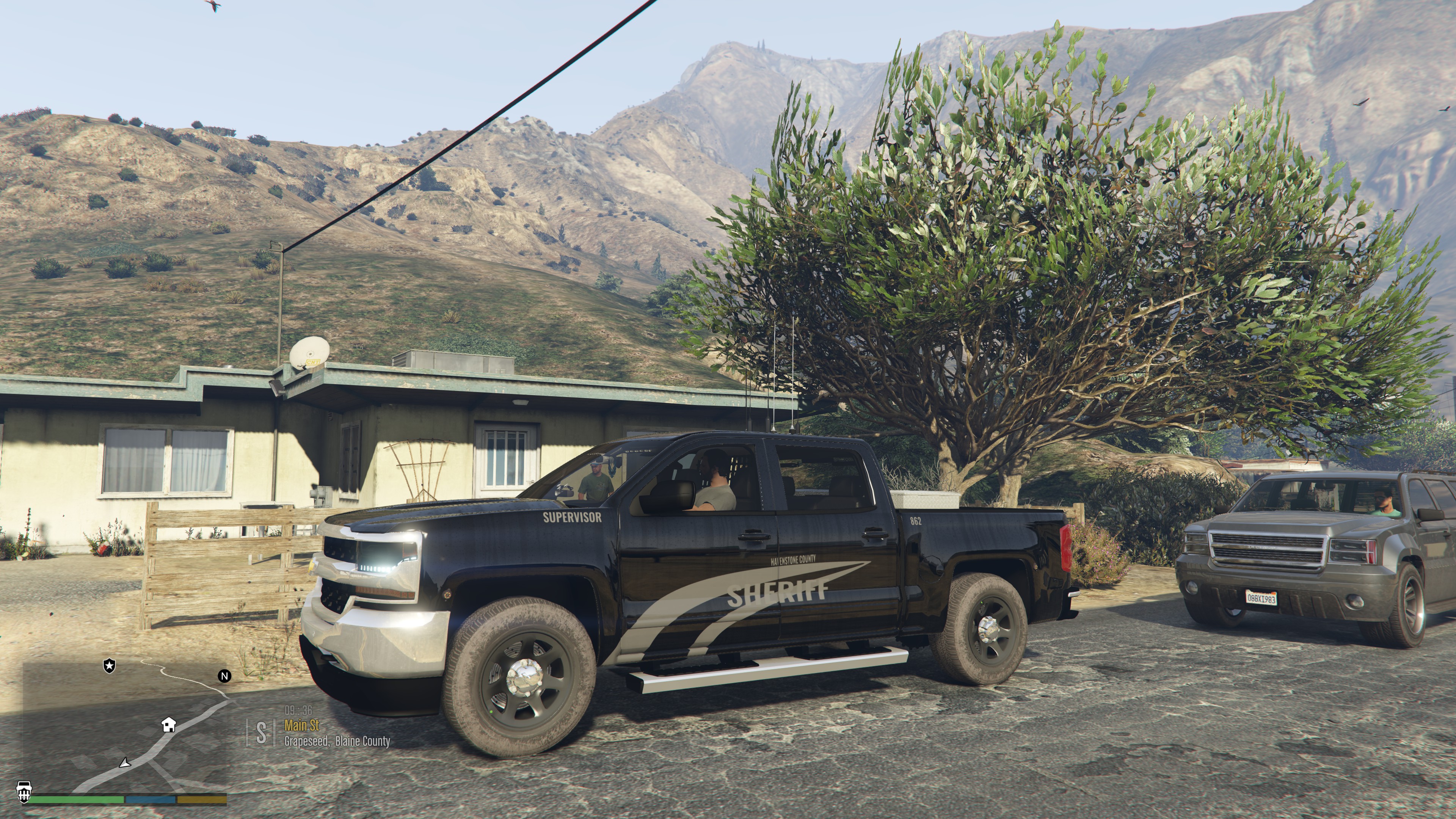
 I used the BlueGhost unmarked car pack for this Vehicle Texture. I recommend it if you want to have a clean texture. This Vehicle texture is Supervisor
 -
I am pretty sure you are talking about a vehicle model. This is a vehicle texture buddy!
-
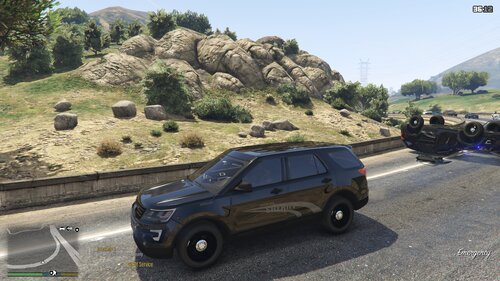
2016 Explorer Ghost Supervisor
-
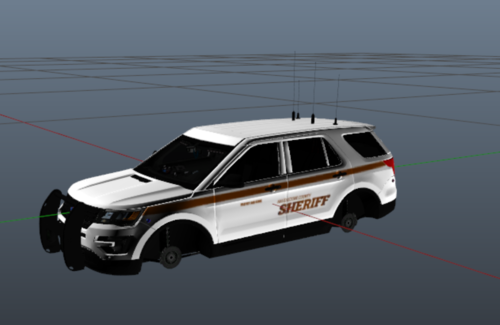 Make sure you back up your original livery just in case it doesn't work and you can't get the original one back.
 -
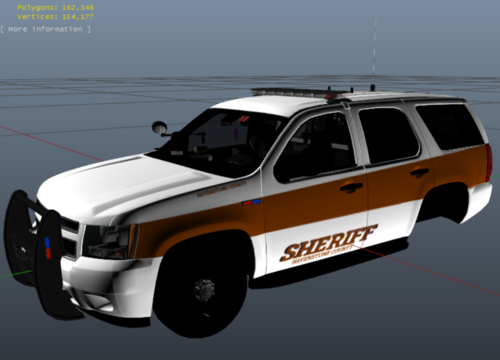 I used the new pack that came out yesterday which is the Ford Taurus I recommend it. You can make cool liveries for it.
 -
-
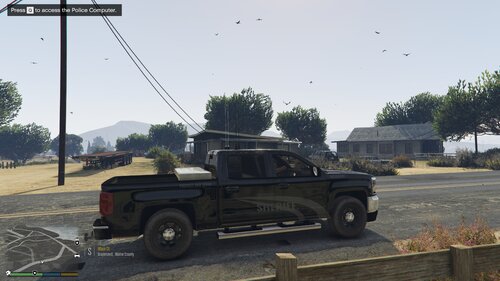
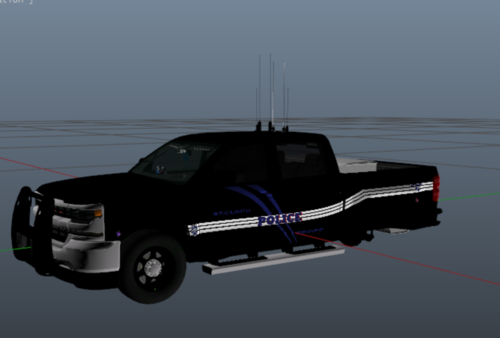 This livery is recommended for the Unmarked Blue Ghost Silverado. INSTALATION: When you install this Zip file, you need to open it and open up your Open IV. Click Grand Theft Auto Five: Windows. Turn on edit mode. Then when that is done go to: mods/update/x64/dlcpacks/blueghostpack/dlc.rpf/x64/vehicles.rpf Once you have located the Pathway I have provided. Scroll all the way down and look for silvp.ytd this is the texture file you need to open in order to put the Vehicle Texture on. Make sure that you back up this silvp_ytd file. If you dont, can't say that you will be finding yourself download anymore. Just make sure that you have the original ytd file. If you want to revert back to the unmarked version of the pack. Then scroll all the way down until you find silver_sign_1 Click on that, and make sure edit mode is on! Or else it will not work. Click replace and locate the zip file that you just downloaded for the livery. Then click the new silvp.ytd file and then press open then save then your all done and you can launch your game!!