


.jpg.d2aba0e2cac0cf5589339e854c35912d.jpg)
Zan1278
Members
-
Joined
-
Last visited
Everything posted by Zan1278
-
And so we only have VPN left?
-
Hi! Many users from Russia have stopped opening their website during the last week. Using a VPN doesn't help much. Do you know this, and if so, what should we do? I hope for an answer, thank you.
-
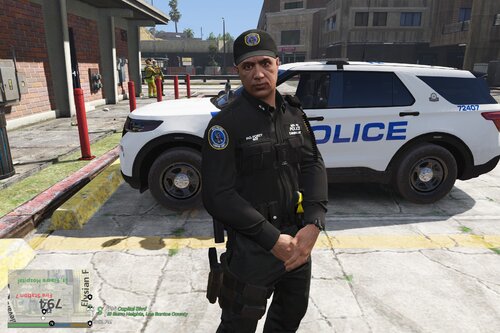 Cool EUP! I hope there will be more MTA! Liveries and EUP. In fact, there are few MTAs on the Internet, although the possibilities for playing are quite large! What's in FiveM, what's in SP.
 -
Russian language project in FiveM
-
-
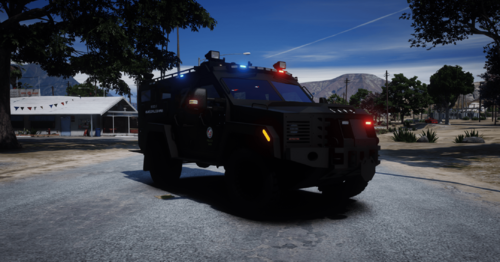 Great job! Thanks!
 -
-
-
-
-
-
-

-
-

-

-

-

-

-
-
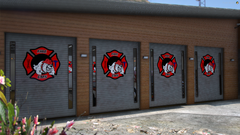
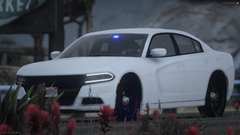
 Really cool pack! Personally, it works well for me. + 1. Beautiful visual part 2. Good technical part There is one - Few cars (for me), but everything is fine.
- 150 comments
- 9 reviews
-
From US servers, the speed is even lower. I chose the server of Europe, namely Luxembourg, I wrote above that it did not help much.
-
Hey! Faced such a problem that about 1 or 2 months ago. Loading speed is very slow. I live in Russia and have always had a good file download of at least 10 megabytes per second. When I download from European servers, it does not rise above 1 megabyte. VPN is not used.
-
-
.thumb.jpg.bb684ca6a638cf11e971e7fe8b50c4f8.jpg)



