


G2MN2
Members
-
Joined
-
Last visited
Everything posted by G2MN2
-
-
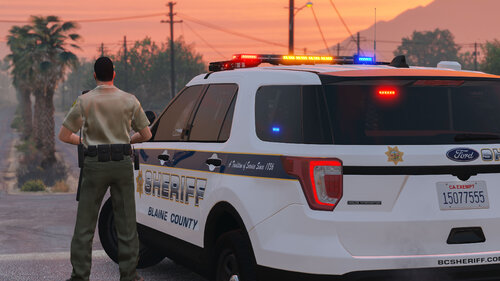 I highly recommend this vehicle, smooth driving realistic lights and siren, definitely upped my roleplay experience
- 75 comments
- 9 reviews
-
-
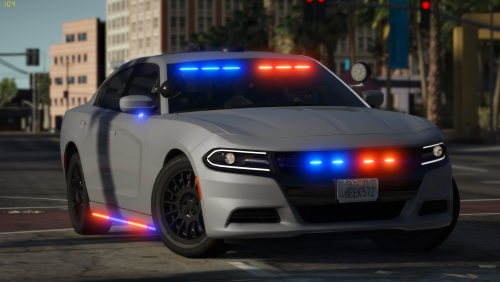 Two key points I would like to point out. 1 Very Simple To Install 2 Performs Very Well In Game, No Handling Issues Whatsoever Everyone on the fence about getting this vehicle, like nike said JUST DO IT
- 36 comments
- 8 reviews
-
-

- 1
-


