AAK625
Insiders
-
Joined
-
Last visited
Everything posted by AAK625
-
 Totally thought that was just to do with speed not actual number of cars on the road. I adjusted it to 4.05 at first, no change. Now I'm at 25.04 and it's back to how it was before. I appreciate the help!
- 189 comments
- 9 reviews
-
-
I love this but it seems to have drastically reduced the number of cars on the road all any hour. The gameconfig I have is for 2x traffic and there's barely a vehicle out there after install of this plugin.
- 189 comments
- 9 reviews
-
I've never looked. Often times when this happens, I am no longer my on duty character in the top right.
-
As the title says, something I installed keeps me from accepting more than one call or initiating traffic stops. Charlie, if you see this, take a break. You've been dealing with this for a year. Thanks in advance. RagePluginHook.log
-
 I have absolutely no idea how to run these callouts ingame without installing Callout Manager. Where are these game mode options? None of the calls begin randomly. Is this by design?
 -
What specifically was the culprit?
-
 Wait... ## Compatibility - Incompatible with - Any Police Script Mod - Any Wanted Level Changing Mod - Story Mode (Most Likely) - Can you make it work with XXX? No. - Do not save and turn off autosave - Restart the game without the mod active before saving (does some memory editing)
- 692 comments
- 28 reviews
-
-

- 3
-
-
RagePluginHook.log
-
Ever since the new version of LSPDFR I have had this recurring bug that is driving me nuts. I can only perform one traffic stop before the key stops working and I can only accept one callout before that stops working too. I've reinstalled LSPDFR about 3 times now and it temporarily restores the functions, but then they disappear. Any ideas?
-
-
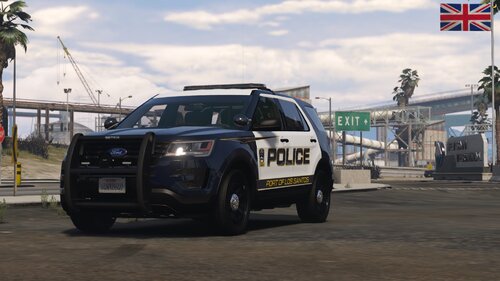 I downloaded this thinking it came with the livery because the title is misleading. Then I noticed the update.
 -
Never mind, no livery.
-
Ooof, I missed that part somehow. I've literally skipped that callout because I can't ever find the suspect.
-
Apologies about that.
-
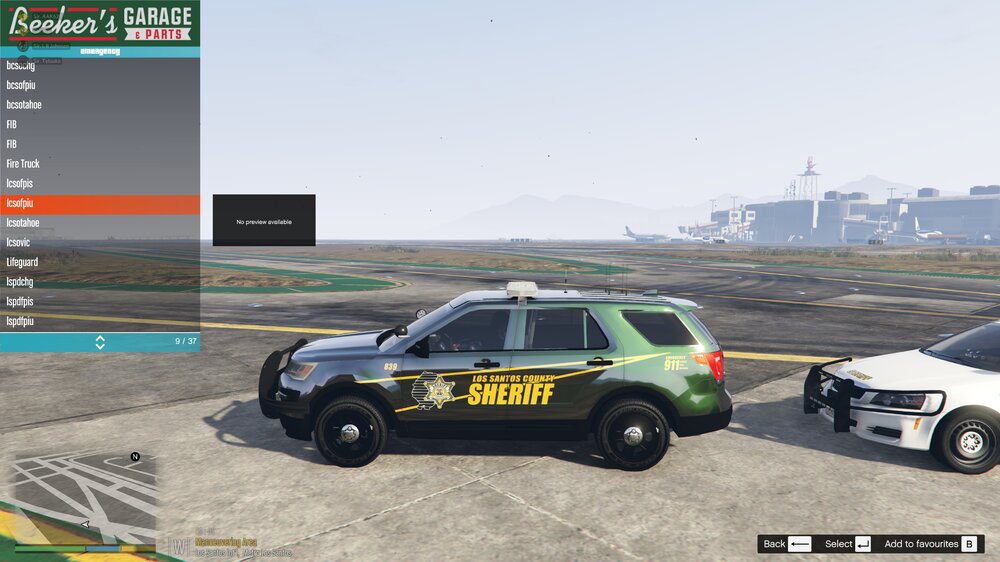
Hey folks, I've installed vehicles from 4 different packs and their colors are all off for some reason, black is green, and copper is pink, blue is yellow, that sort of thing. Remember, these are from different packs, all installed using Albo's Modding DLC. Any ideas? Thanks.
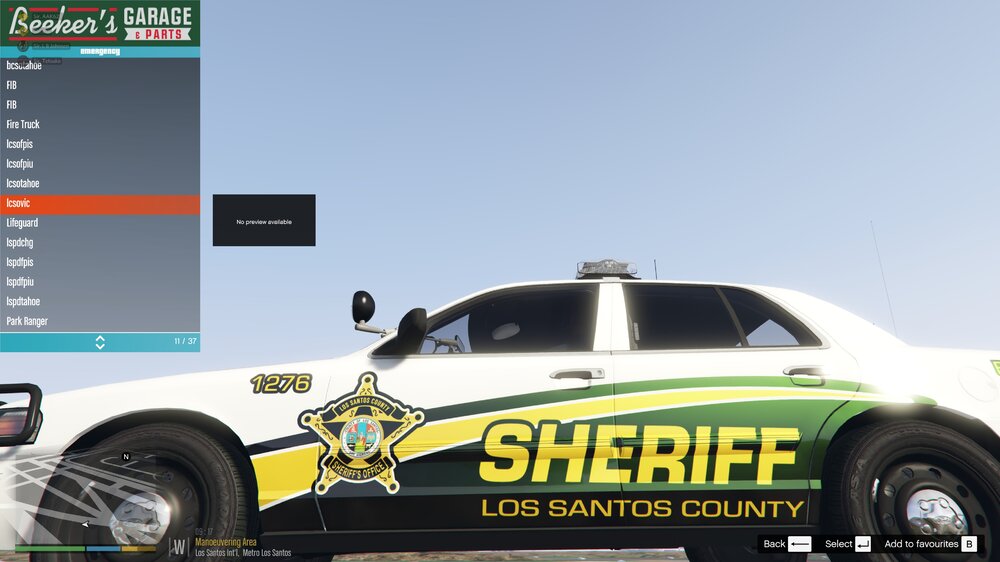
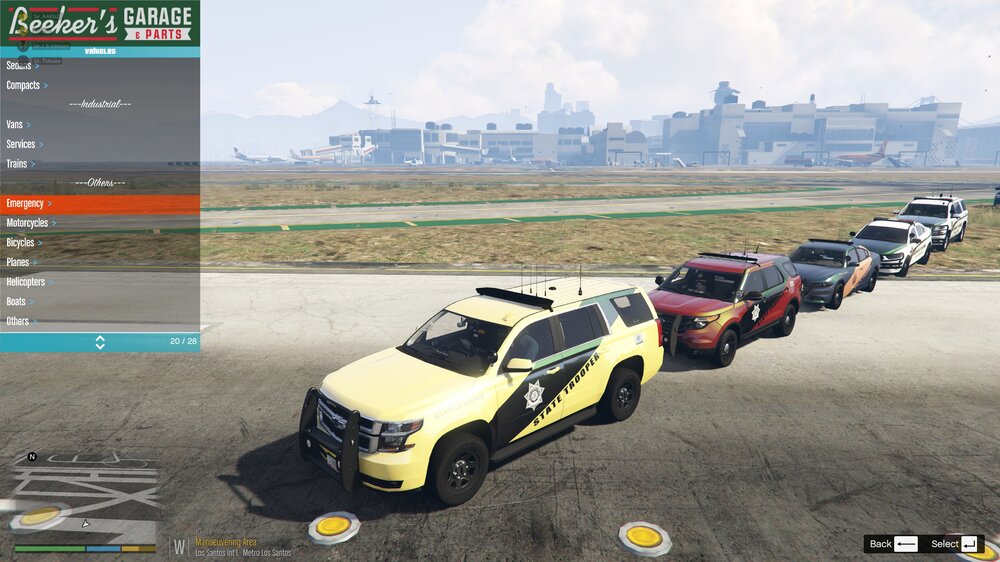
-
Disregard. Spelled the model name wrong in the vehicles.meta I created.
-
Hey folks, I just installed the Demon from the pack below. I used Albo's Modding DLC Pack V and renamed the vehicle from "fbi" to something else. The vehicle functions, but it's texture is... well... All the files are where they need to be as far as I can tell.
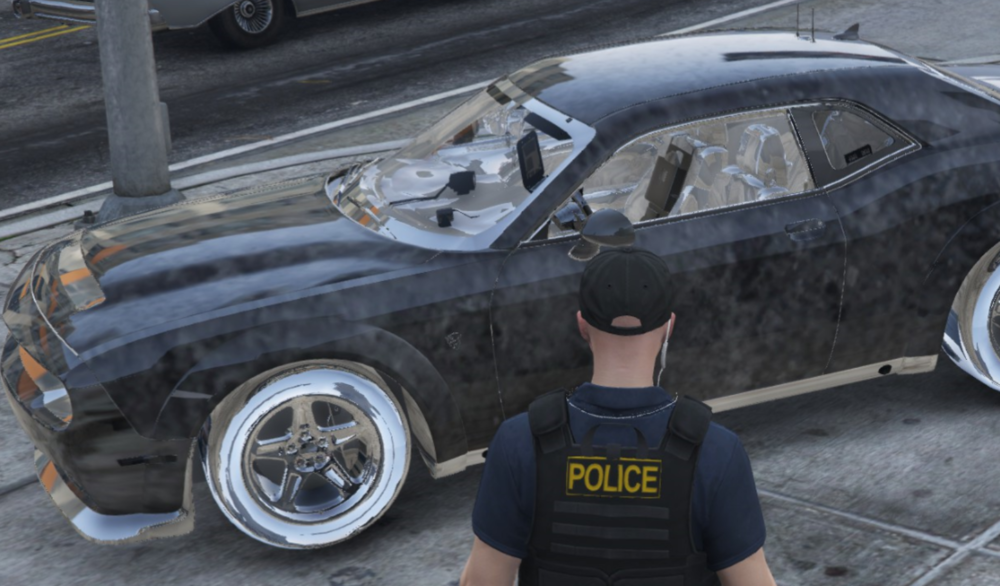
-
We've been here before Charlie, haha. I deleted the mods folder and made a new one. Did a successful test launch, now beginning to install new models to it. We'll see if it works. I posted a joke in your Discord.
-
Hey folks, I broke it again. During the plugin load screen I get to the line item on populating the game world and boom, back to desktop. Any and all help is appreciated. RagePluginHook.log
-
It *does* launch with the folder renamed.
-
Title says it all, please fix whatever I broke. RagePluginHook.log
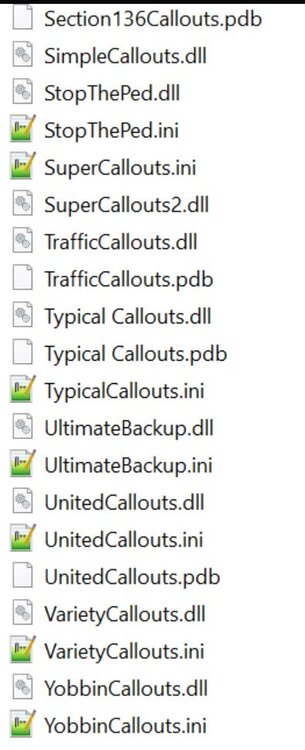

-
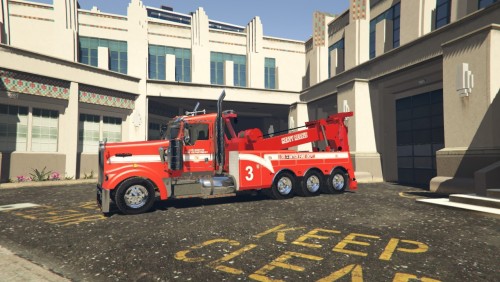 @Clarkes Nice work, but where is the ELS file? You just have a picture in there.
 -
I don't actually have a character in EUP. It doesn't show anything.
-
I honestly couldn't tell you. I've got so many packs, practically all of them available.