
Akeno311
Members
-
Joined
-
Last visited
Everything posted by Akeno311
-
 Siren sounds pretty good, one issue though. The wail and yelp are two different sirens lol. The videos you took the audio from are from two different vehicles. The wail is from a 2014 Explorer, which uses the older SS2000SM. However the yelp was taken from a 2018 Explorer, which uses the newer SSP3000A. Just a slight issue, nothing huge :).
 -
-
-
-
-
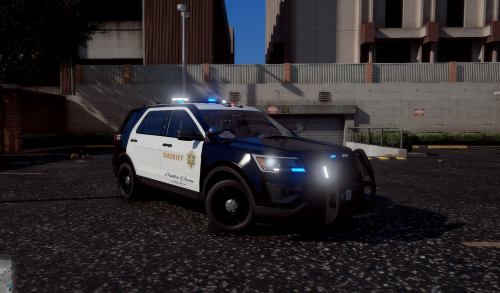 Is it possible you can make an LASD 2015 FPIU? (like seen in the start of this video)
- 41 comments
- 5 reviews
-
When will the LASD version be made?
-