Kbujno
Members
-
Joined
-
Last visited
Everything posted by Kbujno
-
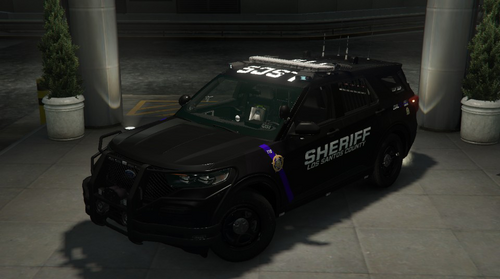 Off the wall question. Any chance for k9 liveries?
 -
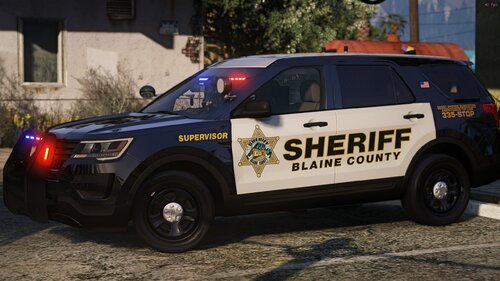 This pack is beautiful. Any way you could add K9 liveries?
 -
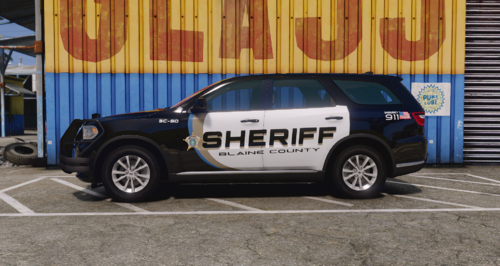 This is probably the best BCSO pack i have seen. If you could do k9 liveries, then it would be awesome.
 -
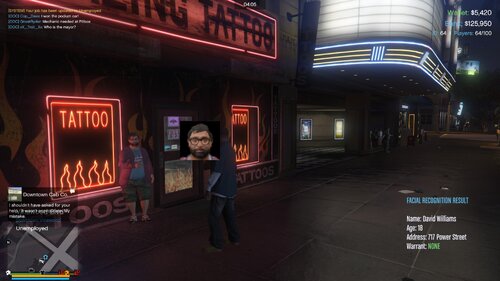 great concept but the identity results displayed on screen don't show up for me. Just the photo.
- 6 comments
- 1 review
-
any way we can add K9 liveries?
-
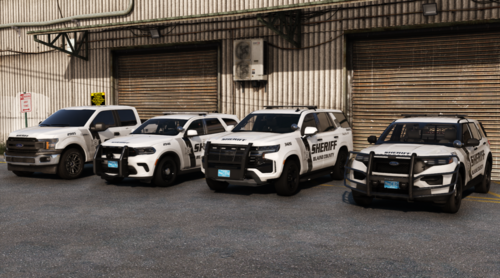 This is one of the best livery pack that i have come across in a very long time. Great job with it. Please add more K9 liveries. Keep up the great work.
 -
Exact same thing happening to me.
-
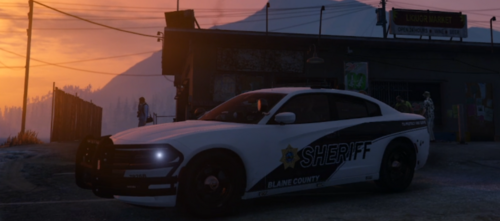 no problem. Still an awesome pack
 -
So on the 2020 FPIU's K9 second skin, it says, livery_sign_2.pdn. I can not add it to any cars. All the other K9 liveries say 21Dur_sign_2.dds, tahoe71_sign_2.dds and 21f150_sign_2.dds. When i change the 2020 FPIU k9 livery from livery_sign_2.pdn to.dds it does not work. OpenIV says it there is an error
-
the EXP K9 livery doesnt work
-
k9? add a K9 or two and then they are perfect
-
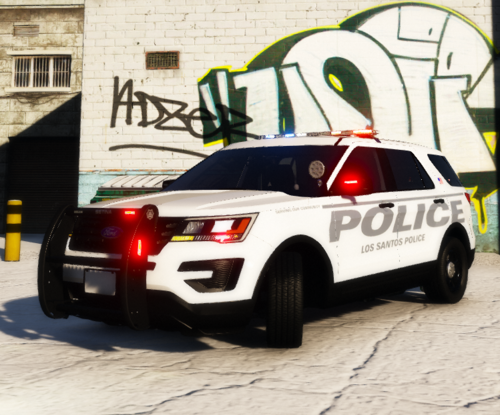 I would love to see other cars. It is a clean look and it is different then the same old thing
 -
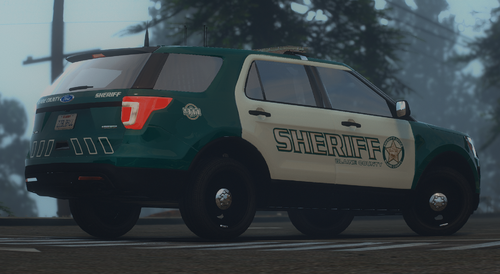 It is all good. The skins are awesome
 -
the LSSCO cars still say Blaine county on the rear.
-
 I had other EUP uniforms installed, when i did the update, i tried to reload the uniforms i had before and nothing fits anymore. everything is messed up. Any help would be great
- 2,349 comments
- 238 reviews
-
-

- 1
-
-