ExtremistLine
Members
-
Joined
-
Last visited
Everything posted by ExtremistLine
-
 Absolutely love this pack, but has anyone else had this issue? For some reason the K-9 Tahoe (Police6) has its interior texture messed up for me. Exterior looks completely fine but the interior walls and K-9 cage are a weird, white texture and the window just looks...messed up. It's only Police6 too, the others are fine. Any advice? Attached screenshots.
- 779 comments
- 187 reviews
-
Hey, at least it's better than changing to 'Yasmine"...on a male character! But if you use all those plugins then it still leaves the question of what causes it up in the air....it's so weird.
-
Awesome, thanks! Actually the only reason I'm updating right now is because I tried to play today and all my plugins alerted me there was a new version for 4.8, so no issues there, thanks!
-
Hey folks, sorry if this is the wrong forum for this, wasn't sure if it would go here or in support... Anyways, this is my first time using LSPDFR when a new version launched, so I've never updated before, and I just have a simple question; does updating remove or overwrite plugins, skins, vehicles, stuff like that? I have several plugins, vehicle replacers, sound replacers, weapon replacers, etc. and really don't want to lose them, so I'm not sure if I should back up all those first. It would take me a while to track down every mod, plugin, and replacer I used and I'd really like to avoid that. Also while I'm at it, does anyone who uses Cop Holster know how it interacts with the new feature in 4.8 that's basically the same thing? Thanks!
-
Ah, it sucks to see someone else is having this issue...Unfortunately you probably saw that the only way I was able to fix it in my situation was by getting the LSPDFR team to manually change it on their end. Do you happen to be using CompuLite, StopThePed, any plugins like that? I found out later that my character's name changed to a ped I had arrested much earlier, maybe we can at least narrow it down and find out if it's an issue with a plugin or LSPDFR itself.
-
Gotcha, thanks again for the help! And good luck with looking into it!
-
It's back to my old name again! Thanks so much for the help! Just in case this happens again, how do I backup the character? Just copy the two named files in the 'char' folder?
-
That would be really appreciated! I moved the .ls file out of my char folder and also copied the .bak just in case. After you force the change I assume I start the game back up and enable the LSPDFR character sync?
-
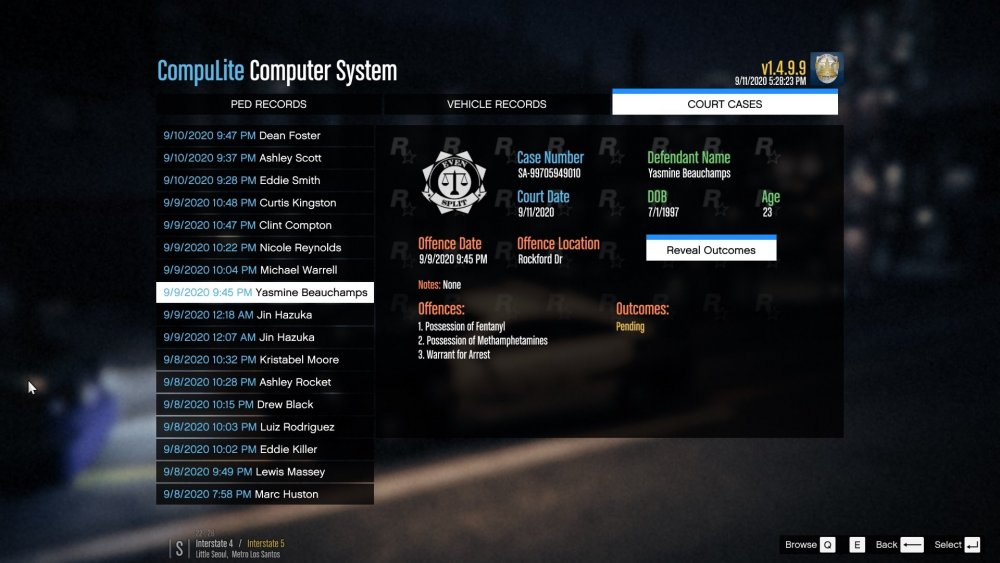
Small Update: So, I was going through the court cases in my Compulite/StopThePed menus and I found something interesting...the name that it shows me incorrectly having is the name of a ped I had arrested. I kinda had a feeling this was the case, so either something in those plugins caused this, or it had something to do with ped checks that over-wrote my character's name. Still having the issue, just thought I'd mention it.
-
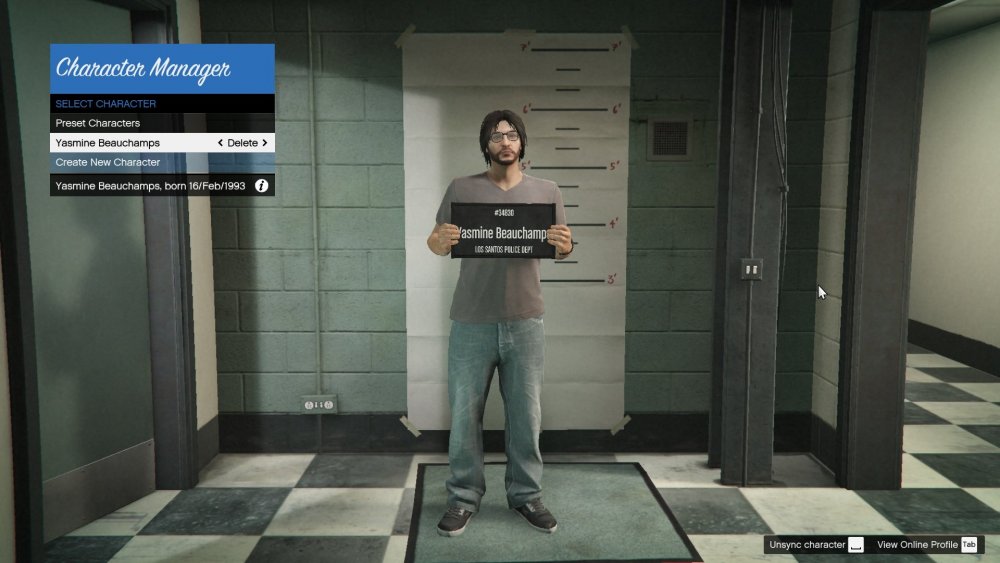
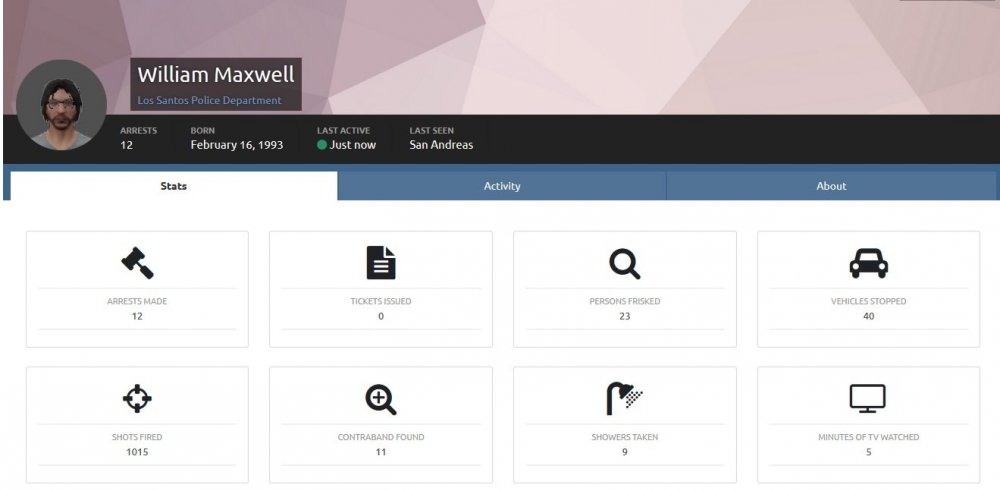
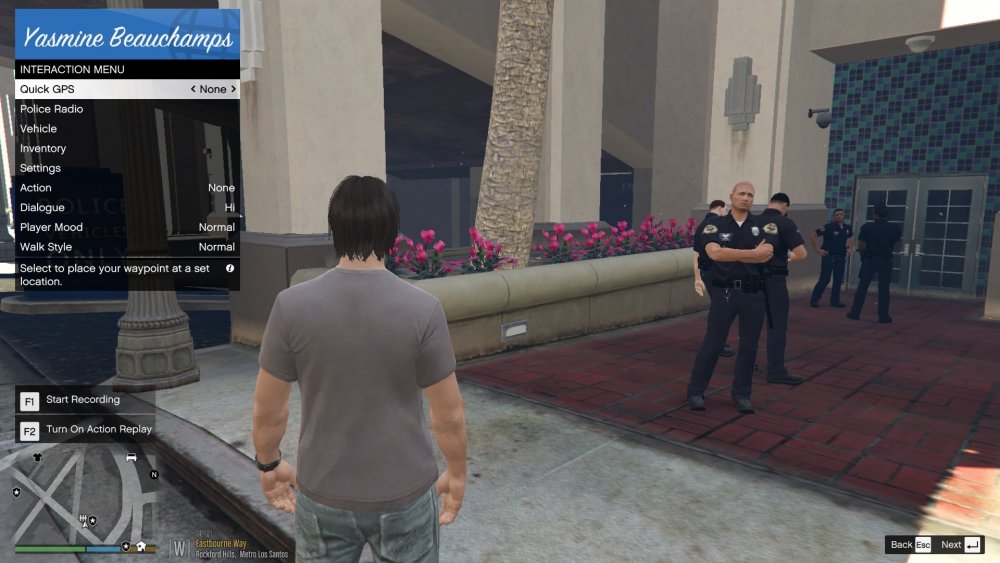
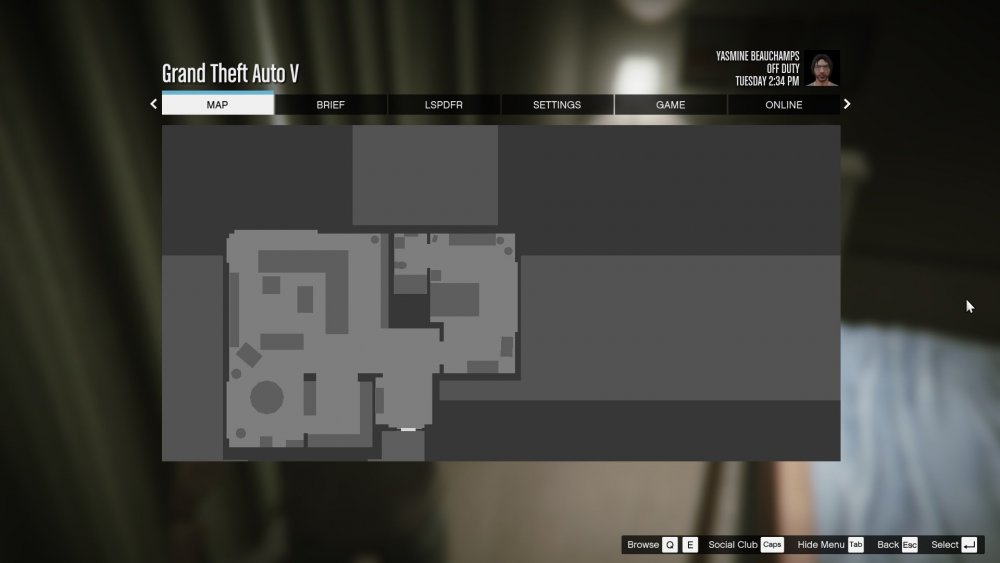
Hi folks, I've been able to get through several issues I've had with LSPDFR but this is an issue that's really bugging me.... Randomly, at some point, the game renamed my character. No idea why, or how, but it did. My character was originally named "William Maxwell", now it's been changed to "Yasmine Beauchamps". However, this change only appears to be in the game. On the site and in the character files in the GTAV directory, they're still William. I even selected the Yasmine name in game and hit the "View online stats" on it sent me to the William page. And just as a note, this is my only character, I haven't made any more. At first I thought it was a temporary glitch, like it accidentally gave me a ped's name or something, but it's persisted. As a little list, here are places I've noticed where the names are: Places using the wrong name: -In game pause menu (upper right corner) -Police Radio Menu -Character selection menu and 'mugshot' customization screen Place using the right name: -Profile on LSPDFR website -Files in GTA V > lspdfr > chars As a note: I tried searching for this issue and I found one other person that had the issue and apparently resolved it, however I don't know how to revert a character backup, plus unless they are made automatically, I don't even have a backup, I never made one manually. Here's the topic: So, basically I'm looking for either; 1. A way to restore the backup if I have one, like the above thread. 2. Some way to edit the character name or otherwise resolve the issue. Example screenshots: