Skip to content
View in the app

A better way to browse. Learn more.

LCPDFR.com

A full-screen app on your home screen with push notifications, badges and more.

To install this app on iOS and iPadOS
  1. Tap the Share icon in Safari
  2. Scroll the menu and tap Add to Home Screen.
  3. Tap Add in the top-right corner.
To install this app on Android
  1. Tap the 3-dot menu (⋮) in the top-right corner of the browser.
  2. Tap Add to Home screen or Install app.
  3. Confirm by tapping Install.

JulianKosel

Members
  • Joined

  • Last visited

Everything posted by JulianKosel

  1. That work. But now, the game crashed during the loading process ;(
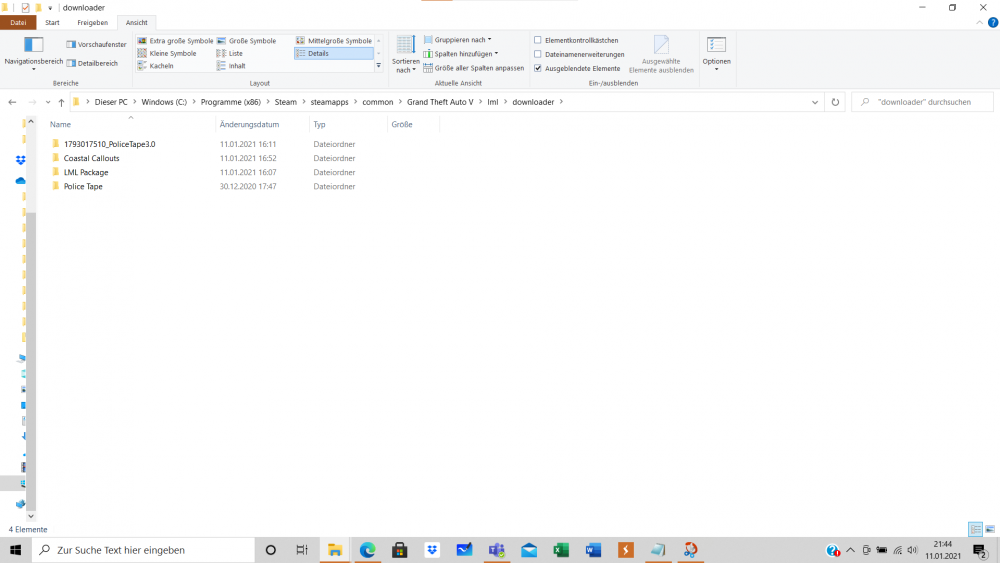
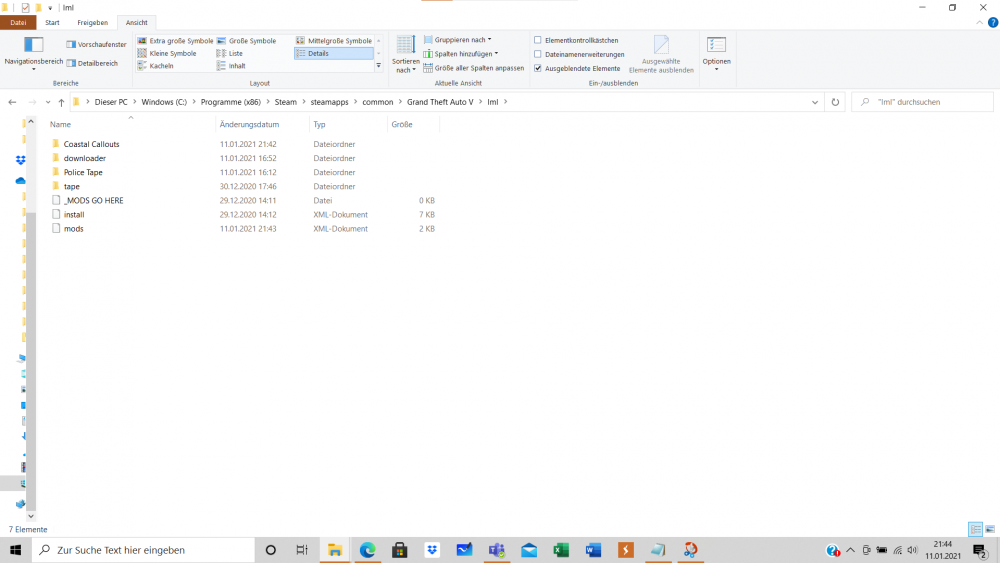
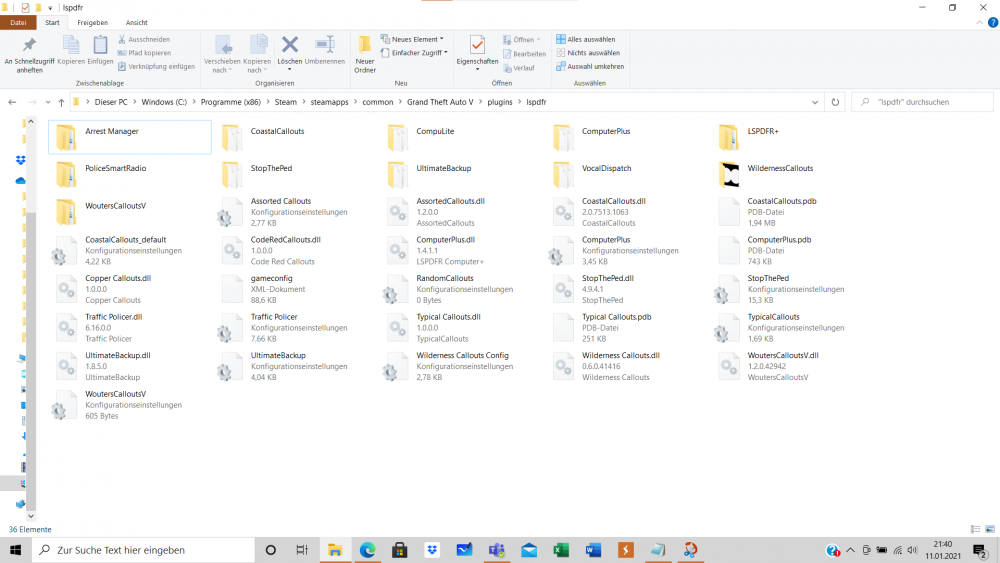
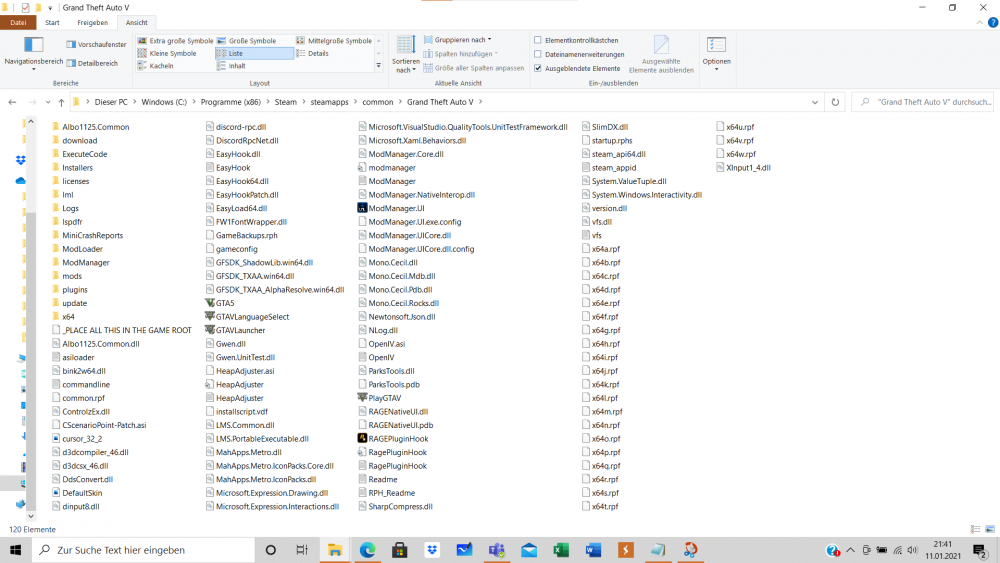
  2. The problem is: If I try to start GTA5 steam could not load GTA5. The Launcher tries to start the game but without any error the start ist quitted. It is the same when I try to launch via the RAGEPlugin. The Problems are new. I only tried to Install the Costal Callout. It would be great if you can help me. Thanks alot gameconfig.xml RagePluginHook.log vfs.log ModManager.log
Account

Navigation

Search

Search

Configure browser push notifications

Chrome (Android)
  1. Tap the lock icon next to the address bar.
  2. Tap Permissions → Notifications.
  3. Adjust your preference.
Chrome (Desktop)
  1. Click the padlock icon in the address bar.
  2. Select Site settings.
  3. Find Notifications and adjust your preference.