
detMaxPayne
Members
-
Joined
-
Last visited
Everything posted by detMaxPayne
-
you mean if I want to replace an ambulance. I just added the modded file ambulance yft ytd in this patchday without overwrite anything. is it going to work right? updated : Thank you this method work as well

-
Thank you very much for the trick. I chose option 1 it seem easiest for me the second one still not understand.
-
Hi I just return to play this and I wondering how should I select the right patchday i.e. patchday 23ng 24ng .... to install vehicle some of vehicle I downloaded didn't have instruction where to replace the file I read some similar topic someone said place the file in the latest patchday (now is patchday28ng or patchdayg9ecng I'm not sure) but there only some of vehicle. anyone please clarify. Thank you
-
-
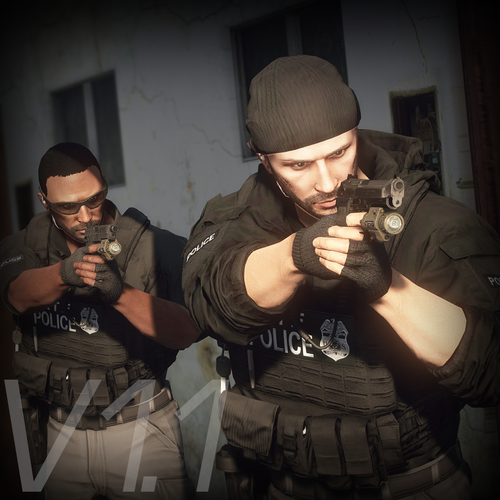 so when install armor just put it in eup dlc folder as usual not mpclothes folder ?
- 552 comments
- 44 reviews
-
is there an instruction for install using mpcloths where to put the model file to I dont get it
- 552 comments
- 44 reviews
-
-

- 1
-
-
-
 I reinstall - Law and order EUP -EUP config -Ultimate backup (if used) and problem solved
- 263 comments
- 20 reviews
-
-
- 1
-
-
-
Thank you very much so put Task_diff_000_a_uni.ytd out and rename a letter alphabet part to c, d, e (total 3 file) "b" has it own texture then put " Task_diff_000_c_uni.ytd Task_diff_000_d_uni.ytd Task_diff_000_e_uni.ytd " which is actually the same as texture as "a" back into the folder is that correct ?
- 552 comments
- 44 reviews
-
tbh I don't understand what you said , Could you give me specific instruction
- 552 comments
- 44 reviews
-
 what does "lore-friendly vehicle" mean? I don't have any modded/addon civilian car except police car is this mod still necessary?
 -
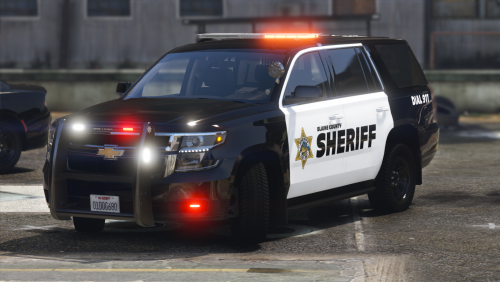 Highly detailed texture and model and damage only one issue for me is Tahoe windshield glass is unbreakable when shot other than this is perfect!
- 24 comments
- 3 reviews
-
-
there is a texture glitch when NPC police equip with the vest ( i think problem came from VEST10)
- 552 comments
- 44 reviews
-
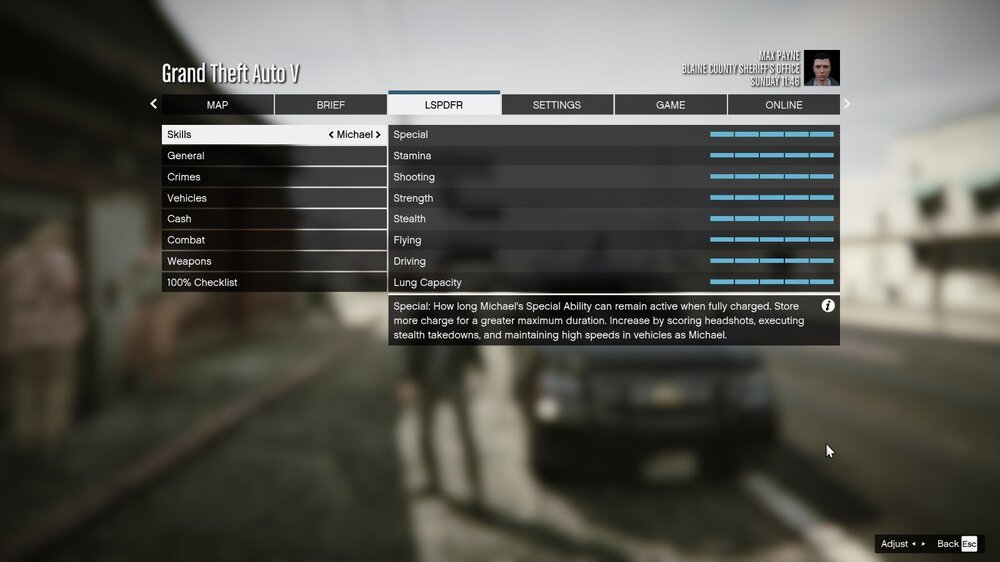
I currently have problem with callouts when on duty it's happening randomly from time to time I know something crashed when LSPDFR tab in pause menu shows story mode stats instead of lspdfr settings and I never got any call after that. No error , crash pop-up. I don't know what cause the problem , I searched the forum there is a familiar problem but never show the exact solution please help. I'm tired to restart all plugins every single time I play . lspdfr + rageplugin + scripthook are up to date Scripts ,Callouts I use : [ELS] Increased Environmental Lighting Regular Callouts UnitedCallouts Typical Callouts Automatic Siren Cutout Simple callout ALPR Lite Compulite Stop the Peds Ultimate backup EUP + config + menu RagePluginHook.log
-
 I always have a problem with Store Robbery and Hostage callout it crashed every time I accepted every mod and plugins are up to date RagePluginHook.log
- 635 comments
- 53 reviews
-
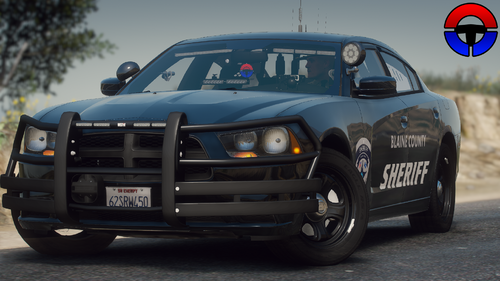 I downloaded main file do i have to download "fix" file what's difference
 -
-
-
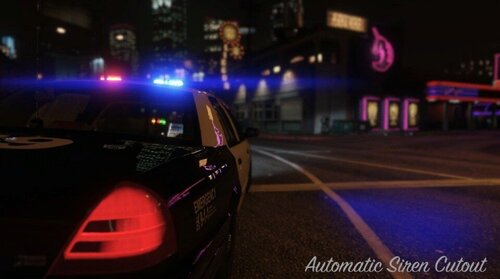 i got radom crash after update 3.0.2 the cause might be the same as others RagePluginHook.log
- 262 comments
- 34 reviews
-
-
-
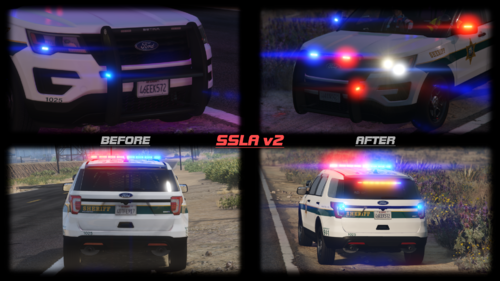 plugin very interesting it'd better if you have showcase video I read the explanation but still didn't get it what it actually do
- 341 comments
- 16 reviews
-
-
- 1
-
-
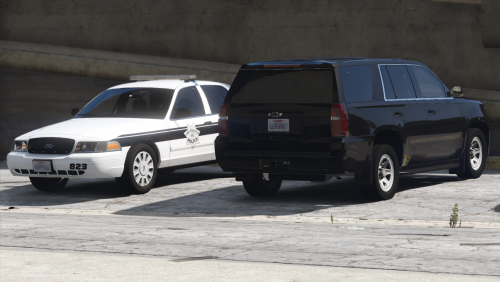 about Tahoe for sheriff2 model : is a windshield/window glass breakable when hit / shot ?