



Sheepdogvalley
Members
-
Joined
-
Last visited
Everything posted by Sheepdogvalley
-
-
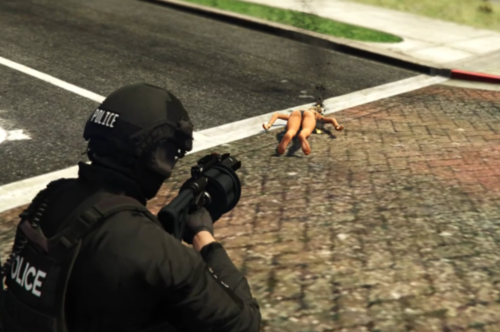 Works Great. Easy to install. Dev mentions minor bugs in documentation but, for an average user, there are no visible issues. I love this weapon.
- 18 comments
- 1 review
-
 If you're playing on multiple monitors or a non standard display size, your menus won't work right. 1920x1080 is what I use. Multi monitor setups just don't work for LSPDFR mods. I had the same issue on a 3 monitor set up. They don't write these for different display sizes really.
- 1,178 comments
- 137 reviews
-
disregard


