Skip to content
View in the app

A better way to browse. Learn more.

LCPDFR.com

A full-screen app on your home screen with push notifications, badges and more.

To install this app on iOS and iPadOS
  1. Tap the Share icon in Safari
  2. Scroll the menu and tap Add to Home Screen.
  3. Tap Add in the top-right corner.
To install this app on Android
  1. Tap the 3-dot menu (⋮) in the top-right corner of the browser.
  2. Tap Add to Home screen or Install app.
  3. Confirm by tapping Install.

AngryKoi

Members
  • Joined

  • Last visited

Everything posted by AngryKoi

    I can't play without this mod anymore. Awesome work!
  1. Thank you. It works perfectly now. 😌
  2. Thank you, I didnt know that. I was actually looking for it in the crashreport file. 😅 RagePluginHook - Copy.log
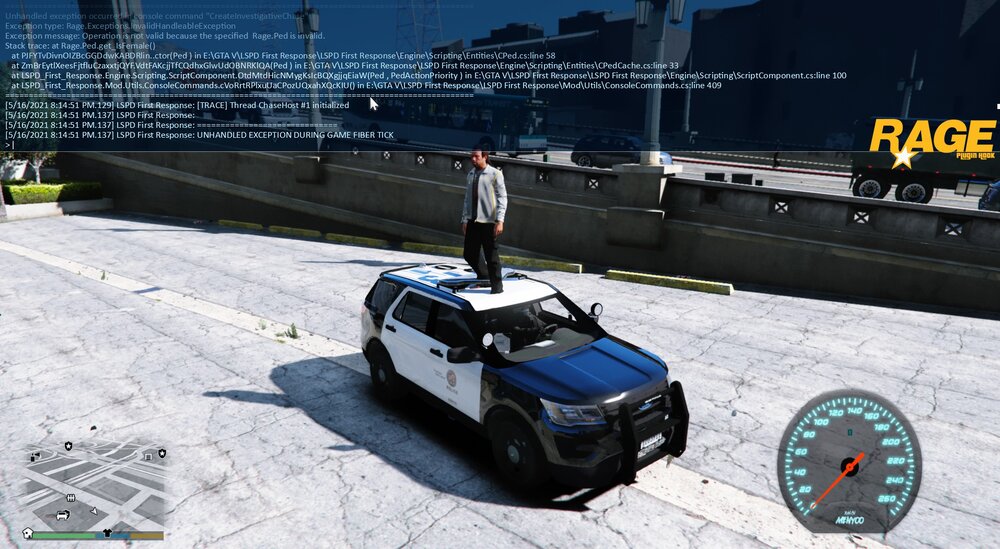
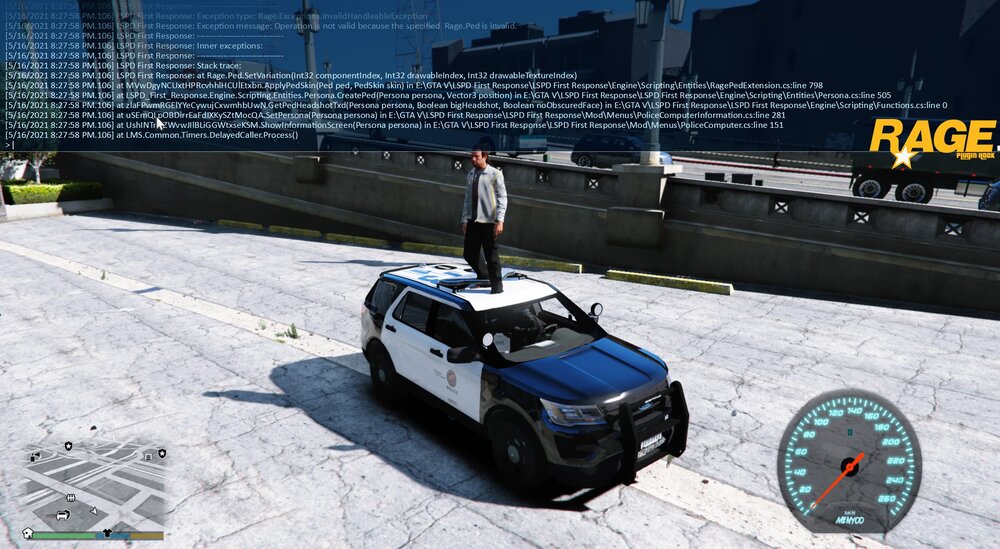
  3. The arrest warrant callout is crashing here for me. It doesnt generate a crash report that I could find. When I tried "CreateInvestigativeChase" the plugin just stop working. Then when I tried forcing the callout it worked fine until I looked up the name in the computer. After searching the name the game spawned the suspect above my car and again the plugin crashed. I tried to search for these lines in the crash report but cant find them...is there a way to force RPH generating a report even if the game doesnt crash completly?
    Looks awesome. I couldnt see any FPS loss, it works great. Thank you 🙂

Account

Navigation

Search

Search

Configure browser push notifications

Chrome (Android)
  1. Tap the lock icon next to the address bar.
  2. Tap Permissions → Notifications.
  3. Adjust your preference.
Chrome (Desktop)
  1. Click the padlock icon in the address bar.
  2. Select Site settings.
  3. Find Notifications and adjust your preference.