Tornadochaser5
Members
-
Joined
-
Last visited
Everything posted by Tornadochaser5
-
 when i go in third person sometimes the overlay will randomly start flickering, even though i have it disabled in third person
- 168 comments
- 35 reviews
-
-
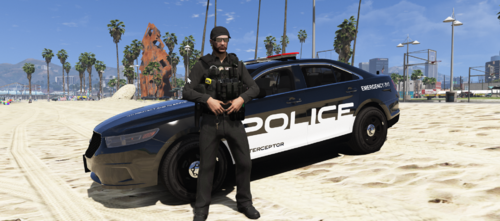 A skin for @Roulge's ford interceptor based on a real design Installing: 1. go to the directory that you installed the car in OpenIV 2. open police3.ytd 3. Replace TAU_SIGN_1 with the skin 4. Save the ytd and then your done Vehicle:
 -
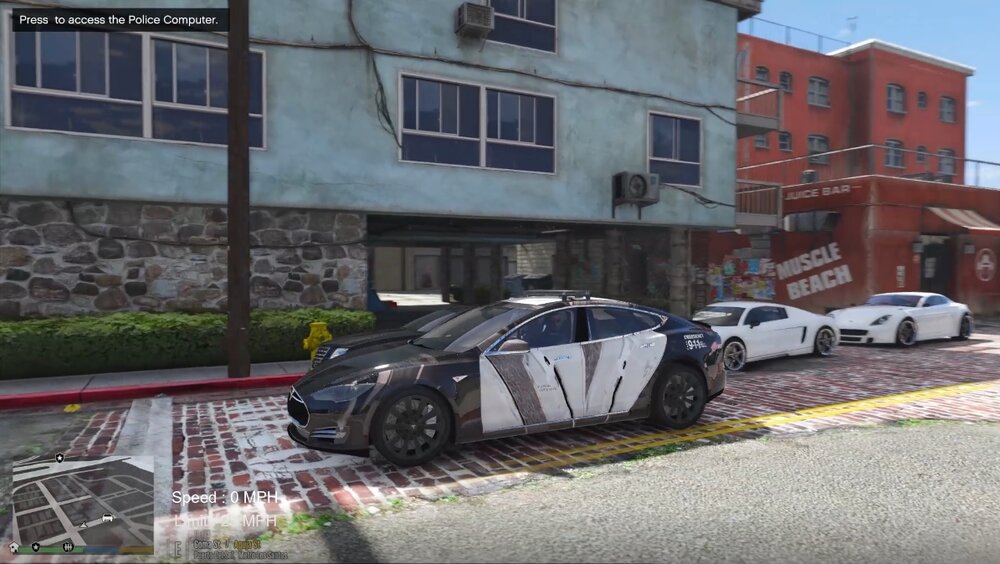
Hello everyone, I have installed this Tesla police car mod and it looks really good, but when I get into the car there is this weird texture glitch when I look at it from a certain angle, anybody know whats going on? I have a picture of it attached.
-
Everytime I try to start LSPDFR it says that visual c++ 2015 is missing, when I have it installed and there should be no problems. I am on Windows 11 beta so I dont know if that is a problem or not