



blackfirefly000
Members
-
Joined
-
Last visited
Everything posted by blackfirefly000
-
 did you replace the policeold carcols and carvariations files too?
 -
 Right on! I didn't see that you had published a livery for the truck so I assumed it was another one I saw, and you know what they say about assuming
 -
I believe the livery can be found here https://www.lcpdfr.com/downloads/gta5mods/vehiclestextures/47514-noose-cbp-skin-pack-lore-friendly/
-
 Go Hawks!
 -
What vehicles can tow bigboattrailer? I'm having issues with getting vehicles to tow it despite adding it to the vehicles.meta trailers list.
-
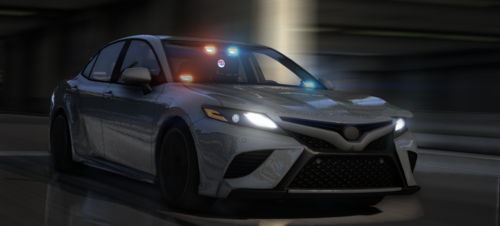 Yeah the left front looks all kinds of FUBAR... As it is now I wouldn't call this a HQ model
 -
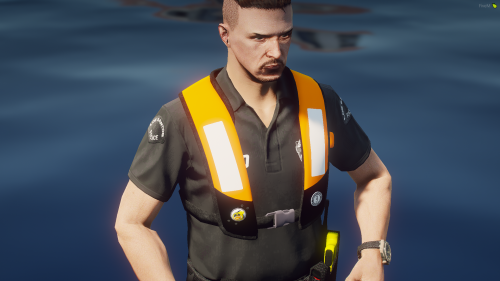 "LOS SANOTS POLICE" lmao
 -
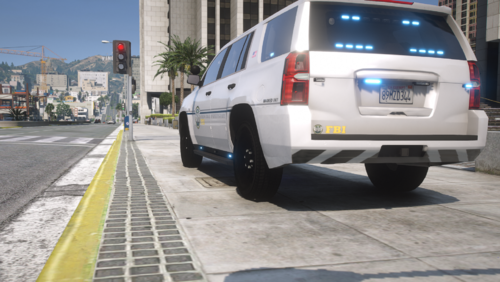 You use "FBI" for all the text but then you use the in-game "FIB" logo. I think it would be nice if there were separate non-lore "FBI" and lore "FIB" versions that were internally consistent
 -
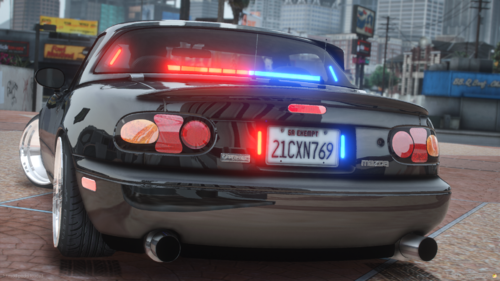 How do you make the headlights work? Nvm I can't read
 -
-
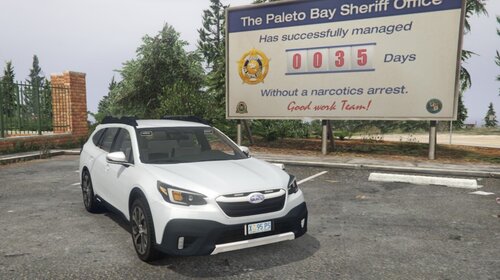 The generic Fivem version collisions are...interesting
 -
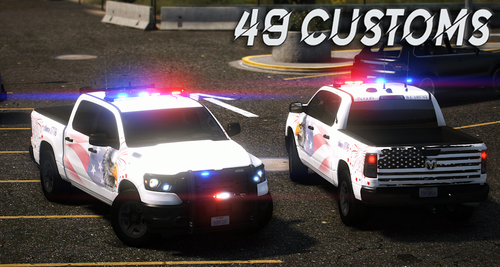 Adding/removing the ram bar (and maybe other extras) causes the collisions for the vehicle to no longer work.
 -
.thumb.png.fa0afa5d751cc36bda233112af598d4a.png) I'm gonna [redacted] 🥵💦
I'm gonna [redacted] 🥵💦 -
I'm having issues with the wheels not showing up on the generic fivem version
-
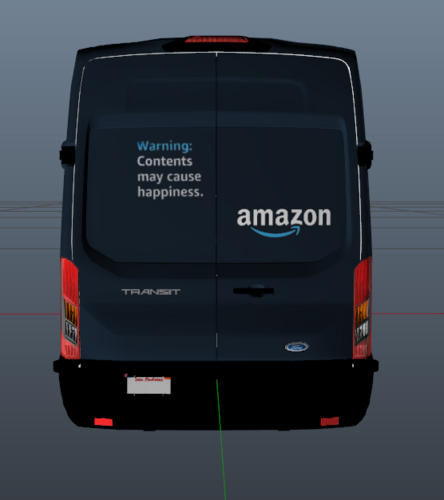 The "Thing You Wanted" texture is messed up. I'm pretty sure it's not supposed to look like this
 -
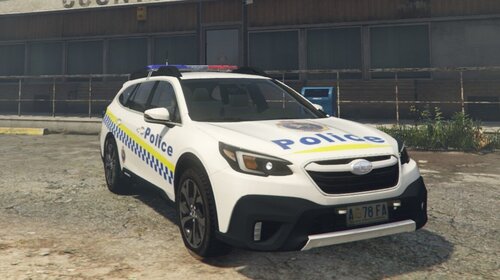 I love Subarus. This is so cool and a really unique car. I love this thing. Would you consider doing an unmarked/undercover outback build with a regular GTA plate for those who aren't interested Tasmanian/Australian based RP, even if it's not a real-life vehicle?
 -
Immediately after spawning the truck rotates 90 degrees onto the rear. Sometimes it will also tornado. This is on the 2.0 release version The collisions are also broken still lol
-
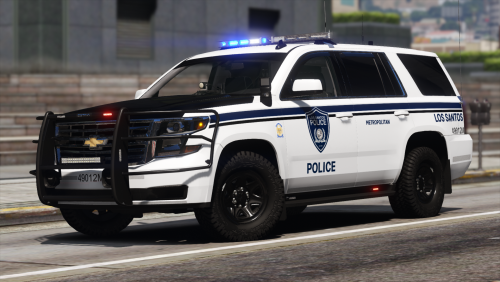 This is one of (if not the best) LSPD packs on the site. It's so good, I've had some people think they're paid, or that I custom-made them! (I am quick to correct them lol) This pack goes toe to toe with paid packs and a lot of the time is the victor. The only vehicle this pack doesn't have is a 2021+ Tahoe. It really is a legendary pack, reminding me of the times before everything was paid.
- 9 comments
- 3 reviews
-
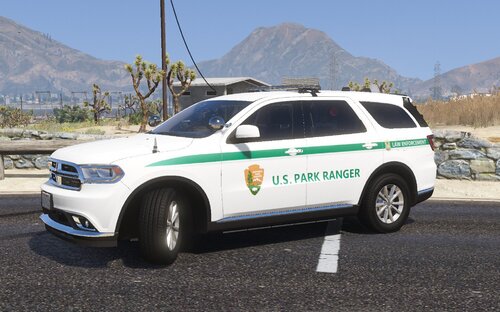 These are fantastic. It supports a lot of bases and is real-life accurate. 5/5
 -
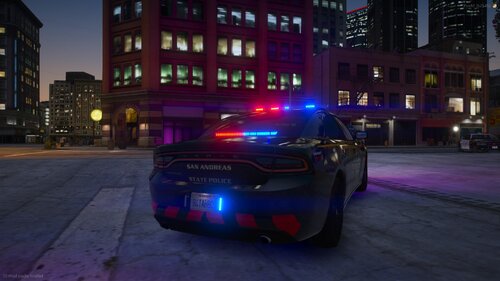 The FPIU, Charger, and F-150 are some of the highest-quality models around, paid or free. The modkits allow for versatility and a high degree of customization, and the cars look fantastic. No one else is offering a K9 pack this versatile (that I know of). I might be a bit greedy, but this pack is so good I wish it was larger. I'd love to see a 2014 Charger, CVPI, 2016 and 2020 FPIUs, 2014, 2018, and 2021 Tahoes, and 2021 Durango to really fulfill any K9 needs, but I also understand that would triple the size of the pack and is an unreasonable expectation. Unfortunately, the FPIS has some bugs. While I haven't encountered the issue where you can walk through the doors, I have encountered issues with collisions in the engine bay and front of the car. This makes PITing vehicles sometimes incredibly janky. Additionally, none of the vehicles have breakable windows, although this is a minor gripe. Overall, it's a 4/5. Most of the pack is spectacular, but it's held back by minor issues that keep it from being perfect.
 -
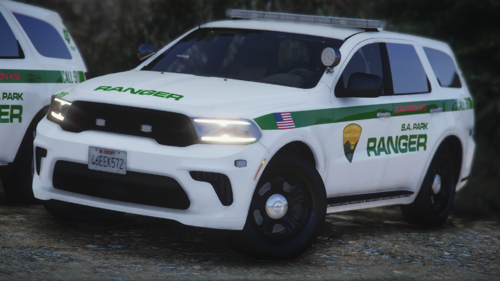 What happened to the Grand Cherokee? Am I blind or is it not in the new pack?
 -
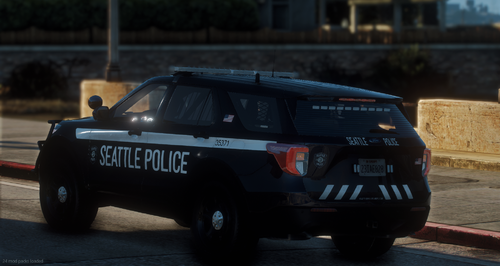 tbh this looks way goofier
 -
chevrons on the back look whack
-
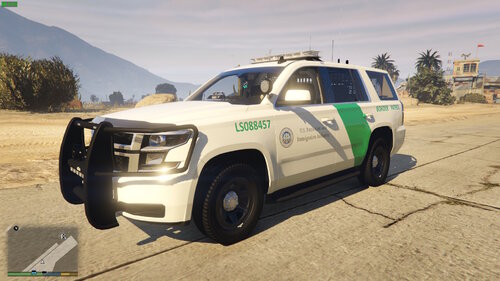 hot
hot -
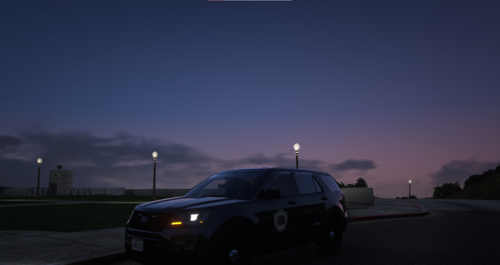 Everything you need a FIB pack to be. It's simple and low-key, but still looks good. It's a shame it didn't get continued/expanded
- 1 review
-
-

- 1
-


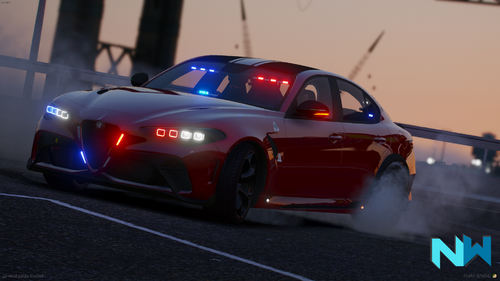
.thumb.png.fa0afa5d751cc36bda233112af598d4a.png)
