


USNGM20
Members
-
Joined
-
Last visited
Everything posted by USNGM20
-
 just happened recently but cutout is no longer working for me. the only thing that ive installed recently was some new car packs. i double checked the xml settings and keys to make sure nothing was changed and everything is set as it was instructed to be set. Has anyone else had this issue?
- 262 comments
- 35 reviews
-
-

- 2
-
-
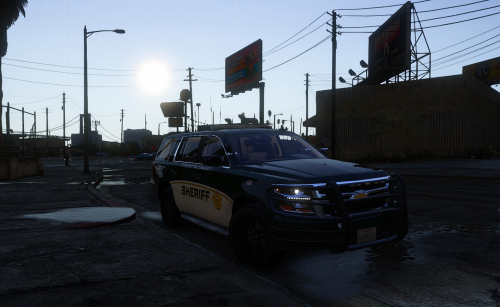 Heads up to those that don't know, you need to have Packfile Limit adjuster, Heap adjuster, and the newest game config for this to work. I was crashing before but now everything works great. Awesome pack!!, keep up the great work.
 -
 Is anyone having a problem where after opening the menu and selecting a uniform LSPDFR just stops working? It doesn't show a crash message, it just doesn't allow you to access the menu through the M key, callouts stop working, and the tab on the pause menu doesn't work. I just upgraded to 0.4.8 BUT the same thing was happening in 0.4.7. I'm afraid to install any of my custom uniform packs in fear that it will break my game.
- 2,349 comments
- 238 reviews
-
