




nickyah
Members
-
Joined
-
Last visited
Everything posted by nickyah
-
Hey. I've reinstalled GTA & LSPDFR several times now but it continues to crash every time I try to load it up with ragehook. I tried playing without any mods & it worked fine. I also tried removing mods and renaming my mods folder to _mods and it still has the same result. What's going on? ScriptHookV.logRagePluginHook.log Was messing around and decided to remove the ELS folder. The game started up just fine. Is there any way to fix ELS not working?? Also removed dinput8.dll and it loaded up fine but the vehicle slots reverted back to default instead of the ones I had put in.
-
-
Hey, I've been having issues with LSPDFR crashing half-way through the loading screen. When I remove my mods folder, it works fine, but I put so much work into it that I don't want to remove it just yet until I really have to. I honestly do not know what could have caused it, the game was working fine & I went to play the next day and it just all of a sudden stopped working. I added no extra mods since the time I played up until the crashing started. Here's my log RagePluginHook.log
-
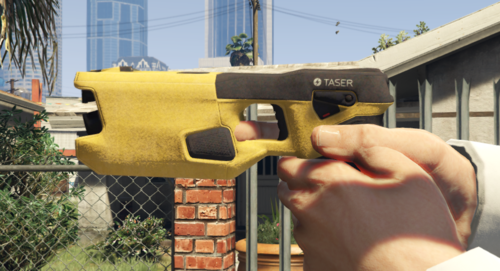 Has a rather fl*shlight texture but still cool
 -
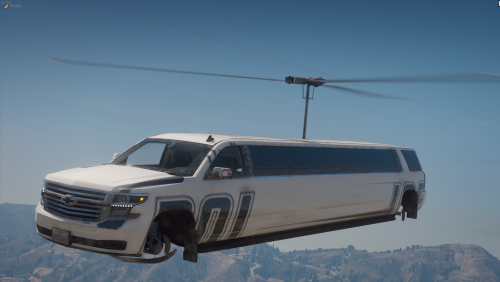 this is the only thing on this site that makes me happy
 -
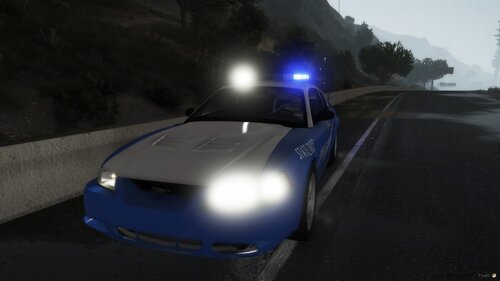 i mean, it's a nice car but what's the purpose of having it if the skin is whacked up & the car is glitched out?
 -
.thumb.png.31a1a0f7456f4ec57f4c85ba155ee3b7.png) After all of the annoying crashes and hardship I've been through with LSPDFR, I have never thought of this as an idea, good work, man!
After all of the annoying crashes and hardship I've been through with LSPDFR, I have never thought of this as an idea, good work, man! -
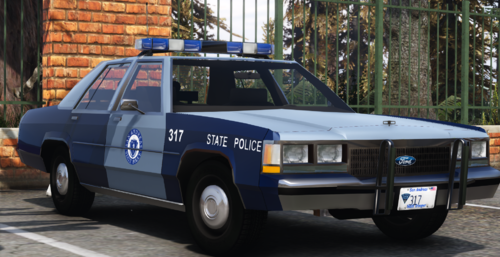
.thumb.png.db1fb705d2b2c862594cd853d6bd83a5.png) Georgia has all blue lighting on our HP vehicles, overall good model though.
Georgia has all blue lighting on our HP vehicles, overall good model though. -
-
-
Simple Trainer has an everyone ignores player option under the second page of the options tab, it could be that it's turned on.
-
Hello! After the recent update and after reinstalling my game and re-doing all my folders for organization purposes, I've noticed that ELS is not working. I have the files in the proper places and the required files for everything, which I've made complete sure of. I've tried reinstalling the ASI Loader and the OpenIV thing over OpenIV and then restarted & updated my PC with no success. The vehicle files are ELS-compatible and I've installed ELS many times before with success each time. Whenever I get into a vehicle and try messing with the keys, nothing works besides pressing E for the wig-wags to come up and that's about it. RagePluginHook.log In case it's needed. And yes, it is for every single vehicle.
-
Disregard, can't delete.
-
I have tried that, no success. As well as the Pack Adjustor.
-
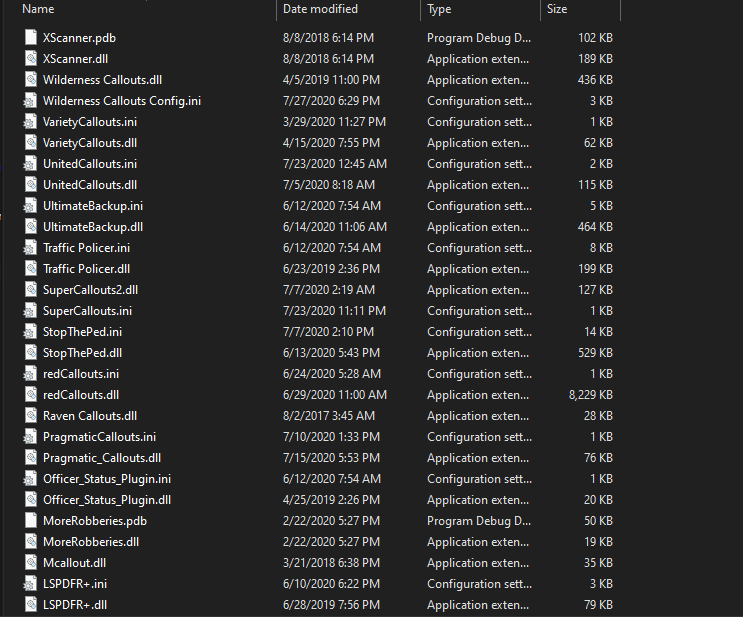
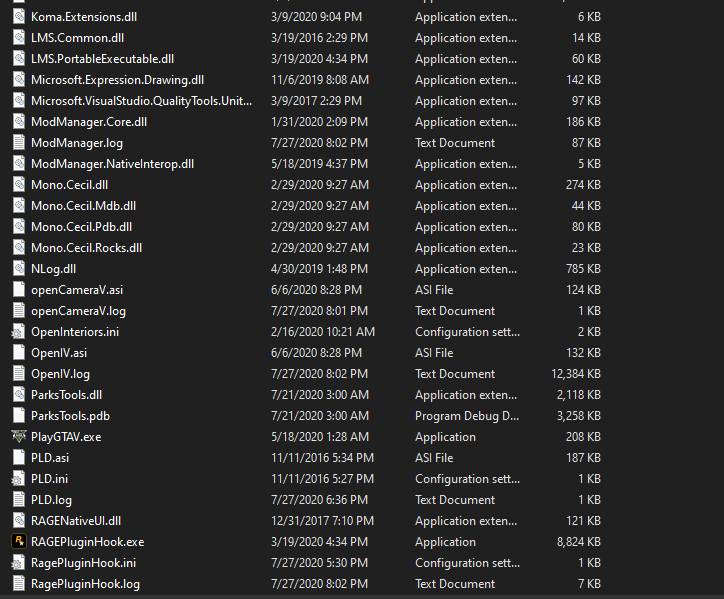
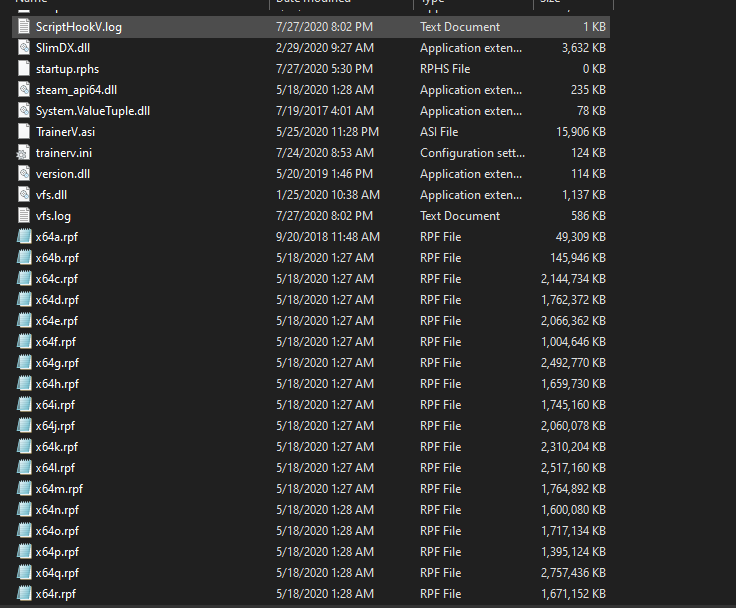
Have you read README.txt, and double-checked it at least twice? Yes. Did you watch the installation tutorial video? Yes. Have you installed a compatible gameconfig.xml file? If so, link to the gameconfig you installed. I tried to use the one recommended at first without success so I removed it and it worked fine. Have you installed a HeapAdjuster mod? If so, link to which one you installed. No. Did you install the OpenIV.asi from OpenIV? Yes. What game version are you on? 1.0.0.0 What version of RagePluginHook and LSPDFR do you have installed? Latest on both. Have you installed Lenny's Mod Loader? If so, have you tested it with any other mods, and did it work? Yes but I have only tested it on the gameconfig recommended upon installation, which crashed my game on an unrelated note. What version of LML do you have installed? Right-click on "ModManager.Core.dll" in your GTA V folder and check the version. 0.3.7335.36269 Upload a copy of the following files from your GTA V main folder: RagePluginHook.logModManager.logvfs.log Upload a screenshot of your GTA V/Plugins/LSPDFR folder. Upload a screenshot of your main GTA V folder. Upload a screenshot of your GTA V/lml folder, and your GTA V/lml/downloader folder (if you installed the LML package with the mod manager) GTA V/lml GTA V/lml/downloader Describe your problem in detail. Explain what you have already tried to solve the problem. I have been using Coastal Callouts for about 3 days with full success, I downloaded the new version of Coastal Callouts while following the proper steps to do so and, when I attempted to load up my game, I was met with my game sitting on the loading screen for a few moments until it eventually closes out the entire game, no crash message is given. I used the Mod Manager to disable the plugin and my game worked fine, I then attempted to use a game backup that I created right before installing Coastal Callouts and re-attempted the installation, which led me to the same issue. I tried running the program as an administrator with no success either.
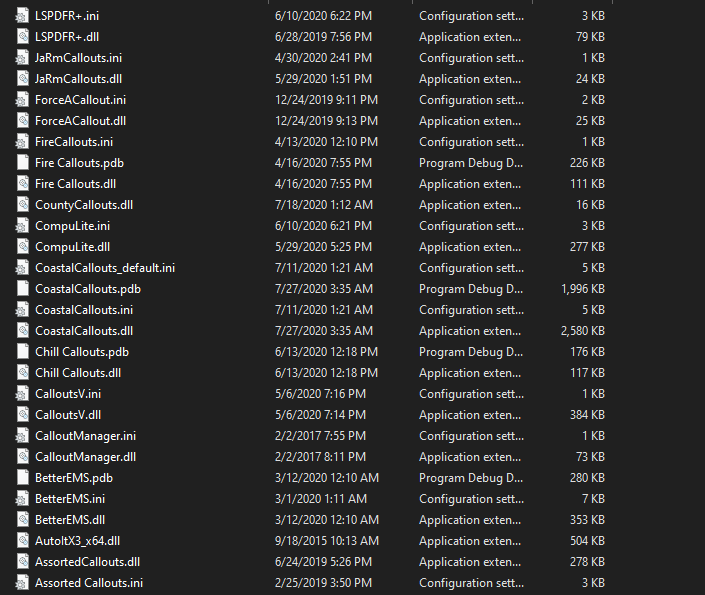
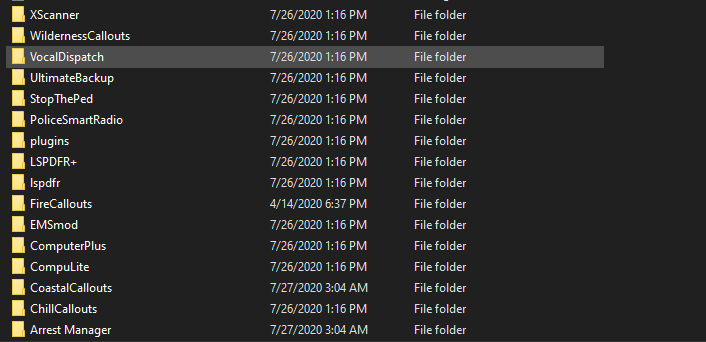
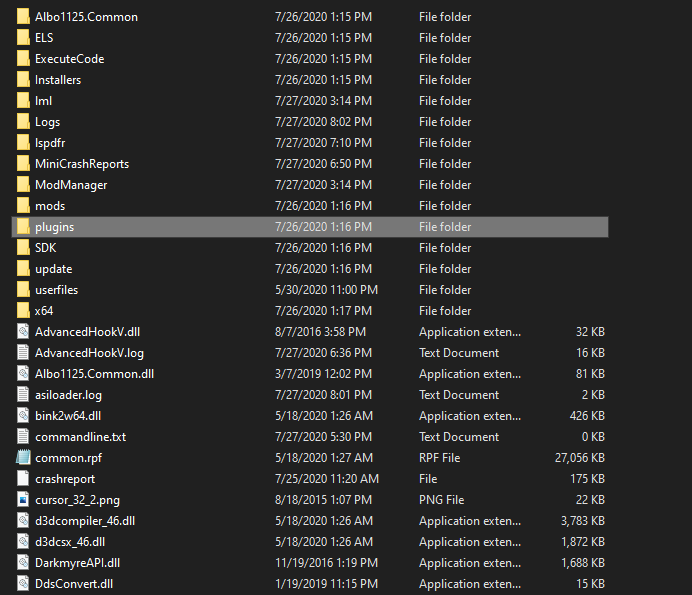
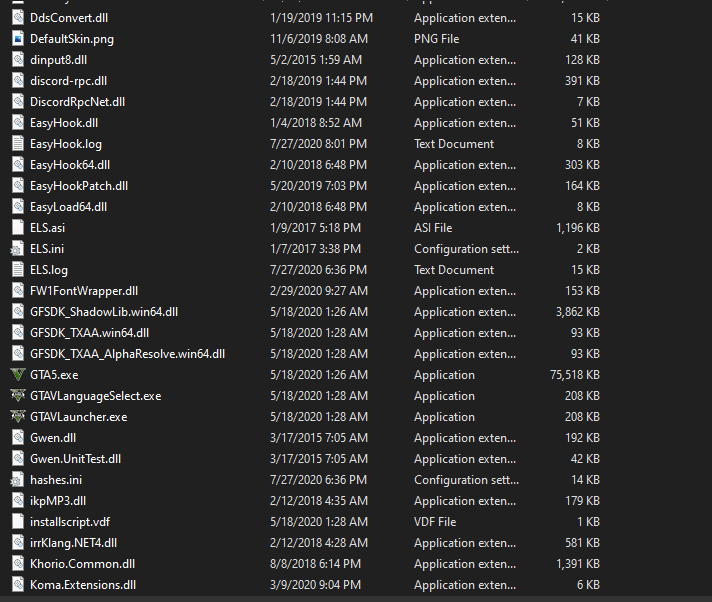


-
I am not able to get past the loading screen before my game crashes with the new update. Edit: I tried taking the backup files I had before I installed Coastal Callouts and it had the same issue and I was not having this issue last update.
-

.thumb.png.31a1a0f7456f4ec57f4c85ba155ee3b7.png)
.thumb.png.db1fb705d2b2c862594cd853d6bd83a5.png)


.thumb.jpg.c89e59a4433501a2c535a6ea5517e3a9.jpg)