



GTAxB0SS
Members
-
Joined
-
Last visited
Everything posted by GTAxB0SS
-
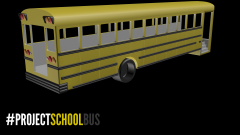 no and it is replicating an old ford bus,
 -
From the album: 3DS Renders
To prove that I am actually making the bus here is a picture of it in 3DS Max Enjoy! -
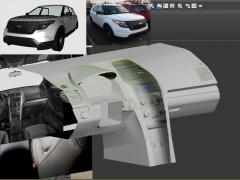 amazing work EVI!
 -
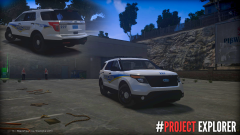 looks nice, but i would look at the tailights. they are not as accurate as they could be, here is a pic to help
 -
-
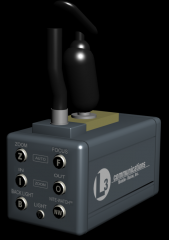
From the album: 3DS Renders
I decided to make my own Dash Cam, and here is the final result! Thanks lccop for the render -
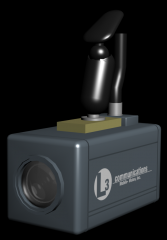
From the album: 3DS Renders
I decided to make my own Dash Cam, and here is the final result! Thanks lccop for the render -
you need to have the "noose.wft" and "chassis" dummies directly in the center (x=0, y=0, z=0) then the car raising and lowering will be gone
-
from what i see you have named your extras wrong in zmodeler extras 5, 6, and 9 need to be named diffrently. instead of "extra_1_L0" they are named "extra6_L0" so your hirearcy goes "extra_5 > extra5 > extra5_L0" once you do that the wig wags should work.
-
the ".wft" in zmod needs to match how you export it. for example the car is named "noose.wft" you need to export it as "noose" any thing else and you run into the issue you are in. hope this helps
-
thanks! you nailed it.
-
I took this video the other day and I cant seem to figure out the siren. can anyone identify it?
-
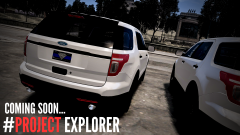 still needs work.
 -
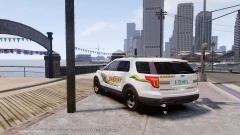 are you going to fix the tailights?
 -
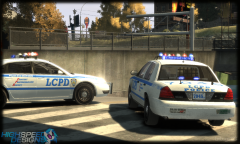 nice
nice -
I would be willing to help, just shoot me a PM and i will offer assistance
-
In my opinion I feel like people should not upload their first car, because your skills are still being developed. I like to tell beginning modelers to make 10 cars, because in that time your start to gain more skill in Zmodeler. but besides that the car looks nice, ~Some constructive criticism~ the Par 32's should not be that large, if you would like reference for them to be properly scaled, refer to the fog light region on the front bumper the light bar should be moved down a slight bit remove the badges to make it a proper ppv
-
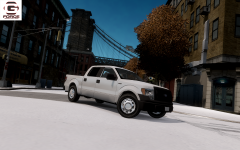 let me see your rims....oh that's right you have never made any, so shut up
 -
the rims look strange
-
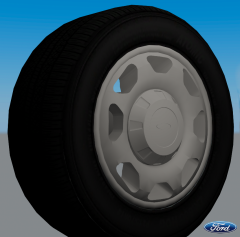 that is a nice background! too bad there is something in the way! jk looks good.
 -
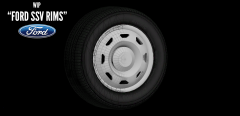 not accurate here is a real picture of the rims, plus if you really want rims just PM me Real Rims My Rims
 -
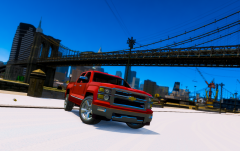 wow...that convert sucks! chevy fanatics better cover their eyes.
 -
 LOL can't be unseen!
 -
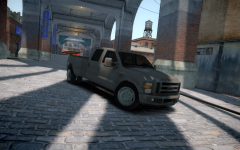 the tires are too big.
 -


