


MattWestGaming
-
Joined
-
Last visited
File Comments posted by MattWestGaming
-
-
 11 minutes ago, crivaldo said:
do you know if its compatible with police menu? im sorry to bother but i couldnt find this information anywhere
Most of it works but not the computer.
-
-
Edited by MattWestGaming
12 minutes ago, JAForte said:I'm not sure what I'm doing wrong but the ini file isn't generating for me.
I have gone off and online several times.
Restarted the game.
Redownloaded the file to make sure I didn't miss anything on extraction.
What have I missed haha
There isn't one ini there are several xmls maybe your looking for the wrong thing. There's one called interaction, back up, loadouts etc.
-
-
-
-
-
-
Edited by MattWestGaming
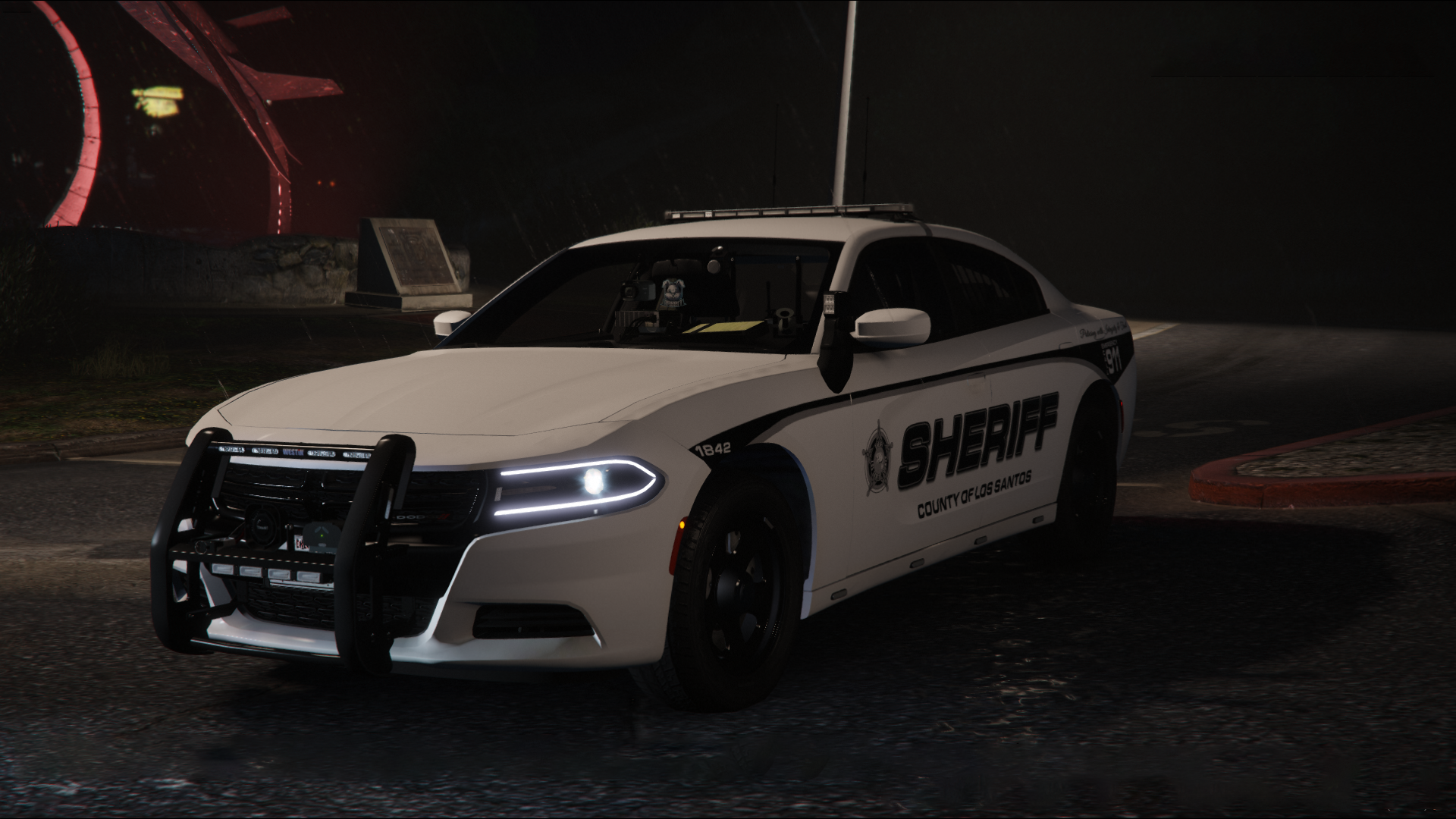
Great mod love using this, love how it includes lots of features done separately by different mods so can remove those and makes the game more stable with less mods loaded. Never had any issues adding and removing barriers on my game.
-
-
-
Edited by MattWestGaming
Just now, cong2003 said:Hi there, thanks for the feedback. I don't understand about " welcome police officer message", can you make it clearer? Like an imgage or sum. Public Intoxication is charged as a misdemeanor under Penal Code 415, so we won't have citation for that one. Have fun 🫡
When you click on the police officer intro in traffic stop questions
Here is the typo: In Traffic Stop Questions

-
So far loving the all in one package a few typos but guess you can tidy these as you go along! one i noticed was the welcome police officer message one of them comes back with police spelt weird!
Is there some some of citation for public intox? couldn't find that while answering a callout yesterday.
-
 9 hours ago, FakeTeam said:
How do you fixed it ?
Seemed to be after i updated my scripthookdotnet nightly versions not sure if that was a coincidence or not.
-
-
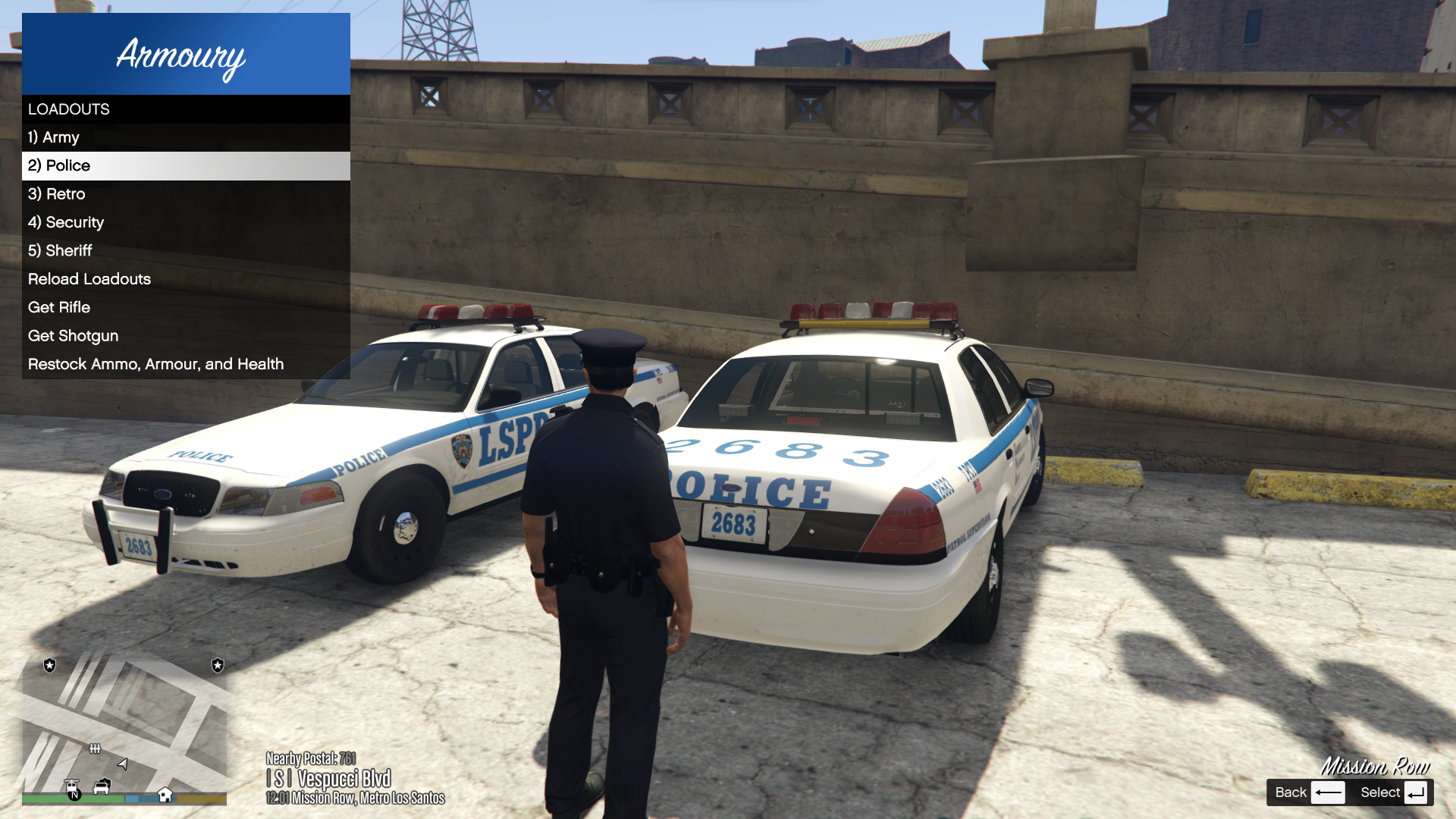
Been watching @BlueLine Vibes use this on his latest videos and looks nice! will defiantly be a relief not having to keep adding the missing flashlight on night patrols lol.
Going to download later!
-
2 minutes ago, Scorpionfam said:
Glad its working! I did all of that read me stuff at 3 in the morning last night so I was kinda worried lol
Yep works great the UB configs have added lots to the custom regions file so I need to change those as well! That was my issue.
-
-
-
-
Edited by MattWestGaming
10 hours ago, Untidytaper said:Hey man thanks for the reply, but when i open up Openiv what i see is in the picture below, i think i must be doing something beforehand wrong as i dont see what you see in the photos in your reply
On the left bar press on X64e and hit the button in the red bar near the top that says copy it to your mods folder its in streaming peds ac folder i think from memory.
K9 Model looks awesome its Marshall from Paw Patrol! 😀
-
-
Edited by MattWestGaming
On 6/18/2024 at 1:33 PM, BlueLine Vibes said:
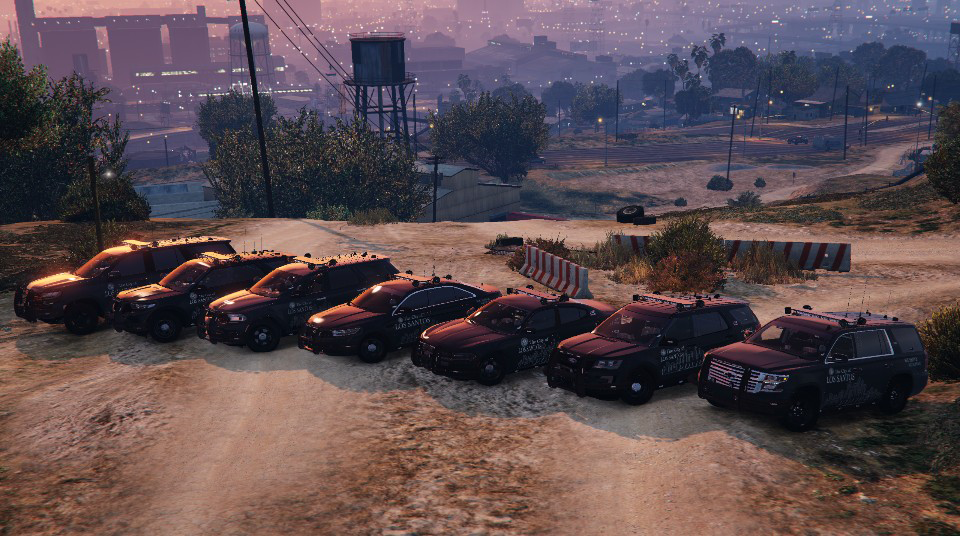
Charger seems to spawn fine at the moment, as I think he updated the pack recently. Just make sure you download the newest update.
However, I am noticing a bit of floating LODs on the charger model only. I checked the LODs and they seem to be completely fine at 500.000000 on all. It could still be on my end though, I will check a few settings.
Great job on this pack though @OfficerArkGetting this as well small issue on a great pack though!
I thought it was just my game as I made the files replace but maybe not.
-
Has become a must use mod for me love all the features and glad to see it getting updates! have installed.
I did a install showcase on the original traffic control mod you created as loved the simplicity of it so had to give this ago as wlel!








Questioning Reborn
in Visuals & Data File Modifications
Plus one please on the Policing Redefined for questions / answers and search items updates yours were always the best ones to use imo!