Skip to content
View in the app

A better way to browse. Learn more.

LCPDFR.com

A full-screen app on your home screen with push notifications, badges and more.

To install this app on iOS and iPadOS
  1. Tap the Share icon in Safari
  2. Scroll the menu and tap Add to Home Screen.
  3. Tap Add in the top-right corner.
To install this app on Android
  1. Tap the 3-dot menu (⋮) in the top-right corner of the browser.
  2. Tap Add to Home screen or Install app.
  3. Confirm by tapping Install.

NTCaptain

Members
  • Joined

  • Last visited

  1.    nofreeusernames123 reacted to a review on a file: Rich's Police Enhancements
  2.    Bidouche reacted to a review on a file: [ELS] Mini-Pack Sheriff Blaine County
  3.    dream Modifications reacted to a review on a file: [ELS] SAFD Pack
    Great fire truck - have not seen many ELS ones recently so thanks for making one. The exterior is highly detailed with a great skin and high quality textures. My only complaints are that the wheels and tyres don't look great and the chrome looks a bit odd (maybe just with VisualV though). Emergency lights are amazing and nice and bright during the day and night with good default patterns. However, the interior seems to be of very low quality - many of the textures are low resolution, the walls of the interior are one grey texture, the wing mirrors have no mirrors, the road is reflected onto the windscreen and there is no steering wheel. Overall it is amazing and I wish more models looked this good.
  4. NTCaptain changed their profile photo
  5. Looks really cool and a detailed model - can't wait to try it out!
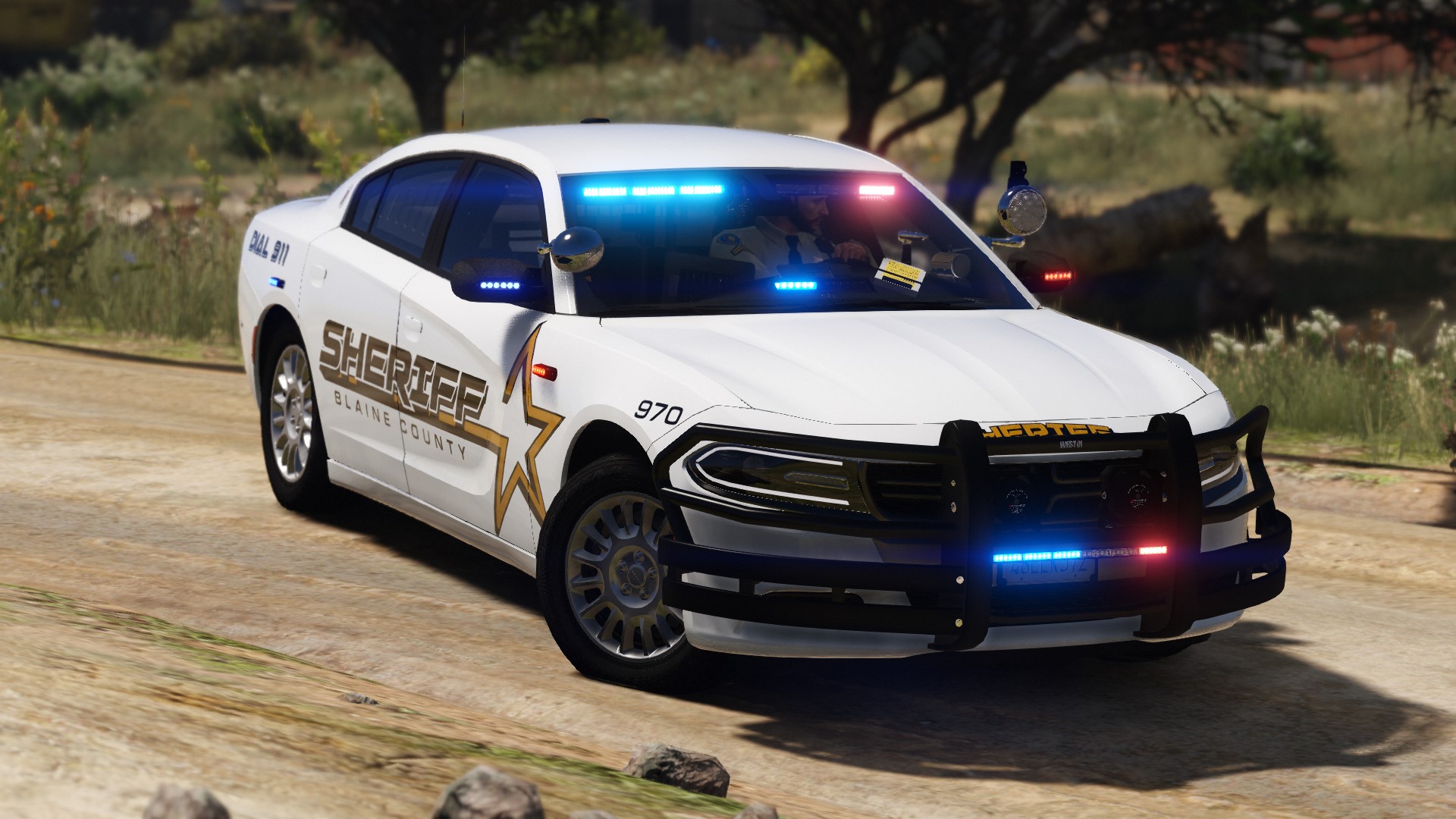
  6.    Luckyx49 reacted to a review on a file: 2018 Dodge Charger Slicktop
    Wow! Fantastic charger, the lights are nice and bright, which even with RadianceV many models aren't bright enough. Modelling is great - only complaints are the computer is VERY bright and the included ELS file is pretty basic.
  7. Of course if you would like to!
  8. This isn't something I put loads of effort in to and I don't plan to, so no. Anyway, as long as you backup your old audio, you can install it and try it out pretty quickly or just find a video of SmartRadio and compare it to STP
    • 2,092 downloads
    • Version 1.0.0
    Since I've stopped using Police SmartRadio, I've noticed how I much preferred the way the plate check audio sounds - in StopThePed, the plate check numbers are spoken more quickly and I'm not a fan of that. I've simply taken the files from Police SmartRadio and changed their names to work with StopThePed. I really only made this for myself but decided that I might as well upload it here. Please let me know if you like it!
  9. Love the callouts - they often spawn really close though
    Great job with your first pack - overall very well put together would recommend. Good things: + Minimal lighting very nice + Light bar also very nice + Good models with lots of details + Nice default skins Bad things: - The 'GOODYEAR' text on the Expedition is chrome - looks very odd with VisualV - The CVPI's ram bar also has an odd chrome texture and isn't solid
  10.    NTCaptain reacted to a comment on a file: Scene Manager
  11. Would it be possible for you to make cones immovable as well as indestructable?
  12.    NTCaptain reacted to a comment on a file: WoutersCalloutsV
  13. I can't seem to change dispatch riot police key in the ini, no matter what I change it to it's is always Ctrl R
  14.    NTCaptain reacted to a comment on a file: WoutersCalloutsV
  15. The menu seems kinda messed up for me and I can only access Code 2 (Cali), Urgent and Normal. Also "Normal" is very aggressive still with plenty of speeding
    Great callout pack - really fit with Blaine County
  16.    Rich reacted to a review on a file: Scene Manager
  17.    NTCaptain reacted to a file: Scene Manager
    Fantastic plugin - menus are easy navigate through meaning you can place barriers quickly so you don't get run over all the time. The way you place the barriers is also really intuitive and is sooooo much better than the STP cone function or other mods. I've not used the path function so much but I'm sure I will at some point.
  18.    NTCaptain reacted to a comment on a file: ✪ Real Radiance ✪ [for NVR & VisualV]
    Absolutely love the pack - not a fan of the default ELS patterns but that is purely personal preference and easy to change anyway
  19. Yeah the uninstaller didn't work for me either and it looked the same for me - try reverting back to your vanilla visualsettings.dat or installing a different radiance mod such as below:

Account

Navigation

Search

Search

Configure browser push notifications

Chrome (Android)
  1. Tap the lock icon next to the address bar.
  2. Tap Permissions → Notifications.
  3. Adjust your preference.
Chrome (Desktop)
  1. Click the padlock icon in the address bar.
  2. Select Site settings.
  3. Find Notifications and adjust your preference.