


leod23
Members
-
Joined
-
Last visited
Everything posted by leod23
-
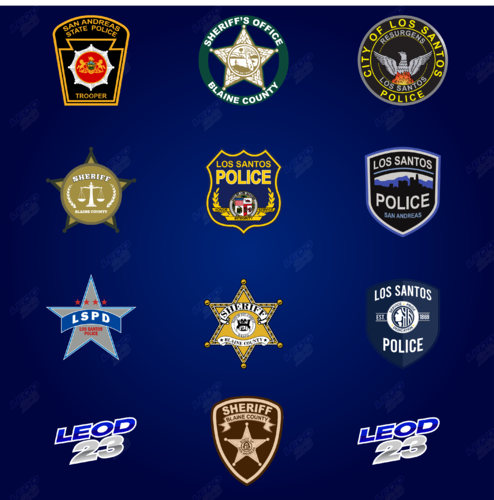 Sure just credit me
 -
I have all that stuff I fixed it though thanks anyways
-
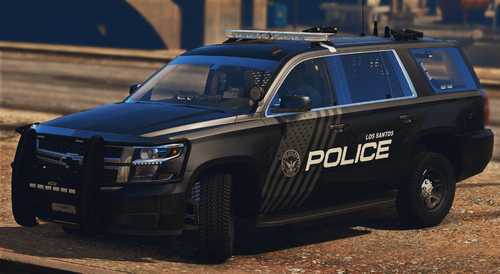 Thanks! I think I made them assault forwards, let me make sure though and I'll fix it. Thank you very much! I do plan to add more detail in a new update soon
 -
So I just bought a non-els pack and here's what I did. I got a free pack that came with a package install oiv file. I installed that and deleted everything from the vehicle.rpf and replaced the meta and carcol etc. Then I added in my purchased models. Some of those models spawn in and work fine (well the sirens don't work for some reasons but that's another thing). Anyways, some of the models crash my game when spawned in. What is confusing is that some of them actually work and others don't. All the meta files are installed correctly. FIXED
-
LSPD American Matte Pack by leod23 2K | 4K | 8K JOIN MY DISCORD FOR COMMISIONS https://discord.gg/tvbTyGpbpV Install: 1. Go to the patchday that has the vehicle's file that you want to replace using OpenIV 2. Open the .ytd file for that vehicle using OpenIV Make sure edit mode is on 3. Simply drag and drop the .png file for the vehicle you want to replace into the texture viewer 4. Open the game NOTE: If you are using a car different from the one that I used in the screenshots (listed below) you MAY have to rename the .png file. Just find the texture file for the car you want to use in the .ytd file (you can usually just search the word "sign" in the search box and find it) and rename the .png file to the correct file name. Current Vehicles 11 CVPI (2 bases) 14 Charger (2 bases) 16 FPIU (3 bases including rone's) 16 FPIS 18 Charger 18 FPIU 20 FPIU (2 bases) 20 Tahoe Feel free to request more vehicles or different templates but no promises Credits: textures by leod23 This design is 100% lore friendly. Thanks for reading. Enjoy
-
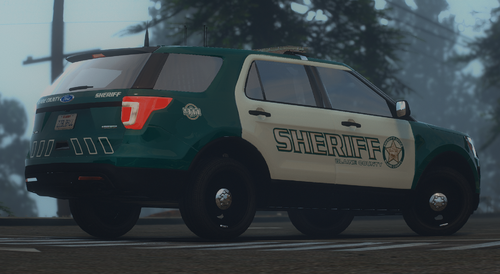 Will probably have that fixed today
 -
BCSO/LSCSO Dualer Pack by leod23 2K | 4K | 8K JOIN MY DISCORD https://discord.gg/tvbTyGpbpV Install: 1. Go to the patchday that has the vehicle's file that you want to replace using OpenIV 2. Open the .ytd file for that vehicle using OpenIV Make sure edit mode is on 3. Simply drag and drop the .png file for the vehicle you want to replace into the texture viewer 4. Open the game NOTE: If you are using a car different from the one that I used in the screenshots (listed below) you MAY have to rename the .png file. Just find the texture file for the car you want to use in the .ytd file (you can usually just search the word "sign" in the search box and find it) and rename the .png file to the correct file name. Current Vehicles 2010 Charger 2011 Crown Vic 2012 Caprice 2013 Expedition 2014 Charger 2014 Tahoe 2016 Explorer 2016 Express Van 2016 Taurus 2018 Charger 2019 Tahoe 2020 Explorer 2020 Tahoe Feel free to request more vehicles or different templates but no promises Credits: textures by leod23 This design is 100% lore friendly. Thanks for reading. Enjoy
-
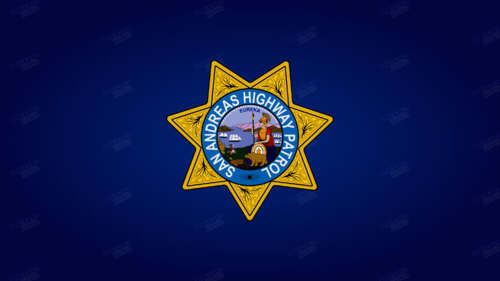 Fully editable Vector SVG Included Ask on my discord for eps/ai files https://discord.gg/tvbTyGpbpV DON'T USE WITHOUT CREDIT
 -
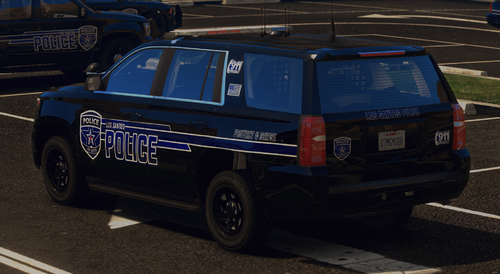 LSPD Blue Pack by leod23 2K | 4K | 8K JOIN MY DISCORD https://discord.gg/tvbTyGpbpV Install: 1. Go to the patchday that has the vehicle's file that you want to replace using OpenIV 2. Open the .ytd file for that vehicle using OpenIV Make sure edit mode is on 3. Simply drag and drop the .png file for the vehicle you want to replace into the texture viewer 4. Open the game NOTE: If you are using a car different from the one that I used in the screenshots (listed below) you MAY have to rename the .png file. Just find the texture file for the car you want to use in the .ytd file (you can usually just search the word "sign" in the search box and find it) and rename the .png file to the correct file name. Current Vehicles 2011 Crown Vic 2014 Charger 2014 Tahoe 2016 Explorer 2016 Taurus 2018 Charger 2019 Tahoe 2020 Explorer Feel free to request more vehicles or different templates but no promises Credits: textures by leod23 This design is 100% lore friendly. Thanks for reading. Enjoy
 -
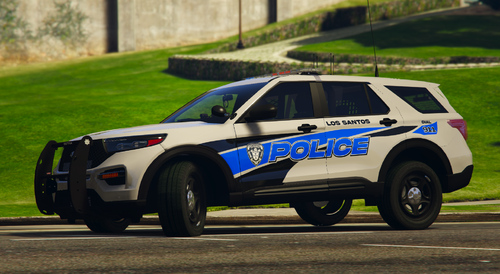 Thanks very much. I'll be adding more cars and possibly more variants in the future, I'll add a 13 FPIU to the list. And yes, Hazlet based, although I couldn't find a good image of the logo on the original car so I grabbed one I already had vectorized.
 -
LSPD Trak Pack by leod23 2K | 4K | 8K JOIN MY DISCORD https://discord.gg/tvbTyGpbpV Install: 1. Go to the patchday that has the vehicle's file that you want to replace using OpenIV 2. Open the .ytd file for that vehicle using OpenIV Make sure edit mode is on 3. Simply drag and drop the .png file for the vehicle you want to replace into the texture viewer 4. Open the game NOTE: If you are using a car different from the one that I used in the screenshots (listed below) you MAY have to rename the .png file. Just find the texture file for the car you want to use in the .ytd file (you can usually just search the word "sign" in the search box and find it) and rename the .png file to the correct file name. Current Vehicles 2011 Crown Vic 2014 Charger 2014 Tahoe 2016 Explorer 2016 Express Van 2016 Taurus 2018 Charger 2019 Tahoe 2020 Explorer Feel free to request more vehicles or different templates but no promises Credits: textures by leod23 This design is 100% lore friendly. Thanks for reading. Enjoy
-
-
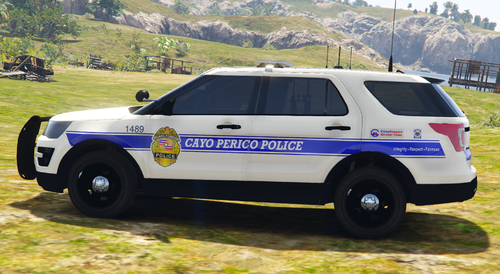 Which model does it not work on. I mean it works on any model of the car I listed in the description. So it will work on any 2016 Ford explorer, any 2016 Taurus, etc
 -
It works on any model. For example, if you want to use it on an explorer, download the model you want to use and try all 3 of the 16 explorer textures until you find the one that works. Or just use Ripple's legacy pack.
-
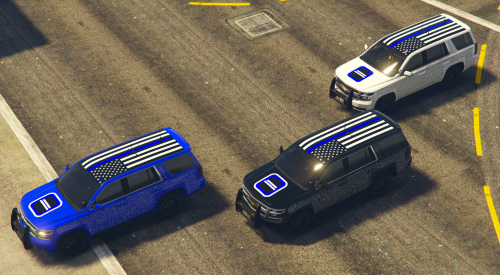 Any 2019 Tahoe
 -
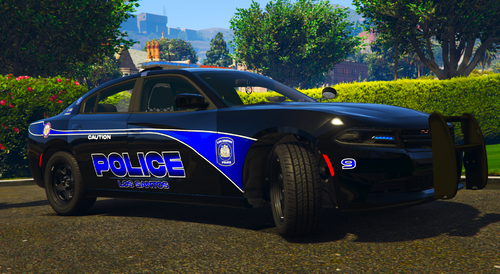 It will literally work on basically any pack. I used multiple templates for each individual car so they will fit any base model. But if you want some suggestions:
- 5 comments
- 1 review
-
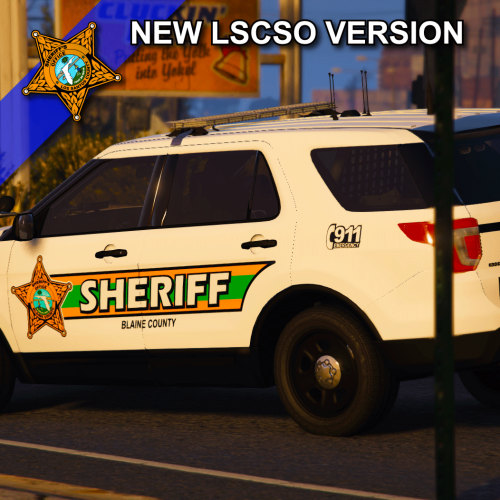 LSCSO/BCSO Enforcer Texture Pack by leod23 2K | 4K | 8K JOIN MY DISCORD https://discord.gg/tvbTyGpbpV Install: 1. Go to the patchday that has the vehicle's file that you want to replace using OpenIV 2. Open the .ytd file for that vehicle using OpenIV Make sure edit mode is on 3. Simply drag and drop the .png file for the vehicle you want to replace into the texture viewer 4. Open the game NOTE: If you are using a car different from the one that I used in the screenshots (listed below) you MAY have to rename the .png file. Just find the texture file for the car you want to use in the .ytd file (you can usually just search the word "sign" in the search box and find it) and rename the .png file to the correct file name. Current Vehicles 2011 Crown Vic 2014 Charger 2014 Tahoe 2016 Explorer 2016 Taurus 2018 Charger 2019 Tahoe 2020 Explorer Feel free to request more vehicles or different templates but no promises Credits: textures by leod23 Based on the Hernando County Sheriff Thanks for reading. Enjoy.
 -
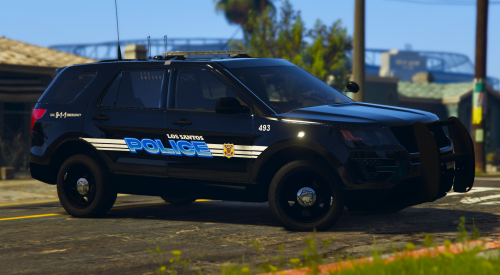 LSPD Striped Texture Pack by leod23 2K | 4K | 8K JOIN MY DISCORD https://discord.gg/tvbTyGpbpV Install: 1. Go to the patchday that has the vehicle's file that you want to replace using OpenIV 2. Open the .ytd file for that vehicle using OpenIV Make sure edit mode is on 3. Simply drag and drop the .png file for the vehicle you want to replace into the texture viewer 4. Open the game NOTE: If you are using a car different from the one that I used in the screenshots (listed below) you MAY have to rename the .png file. Just find the texture file for the car you want to use in the .ytd file (you can usually just search the word "sign" in the search box and find it) and rename the .png file to the correct file name. Current Vehicles 2011 Crown Vic 2014 Charger 2014 Tahoe 2016 Explorer 2016 Taurus 2018 Charger 2019 Tahoe 2020 Explorer Feel free to request more vehicles or different templates but no promises Credits: textures by leod23 Based on the Cleveland Police Department Thanks for reading. Enjoy.
 -
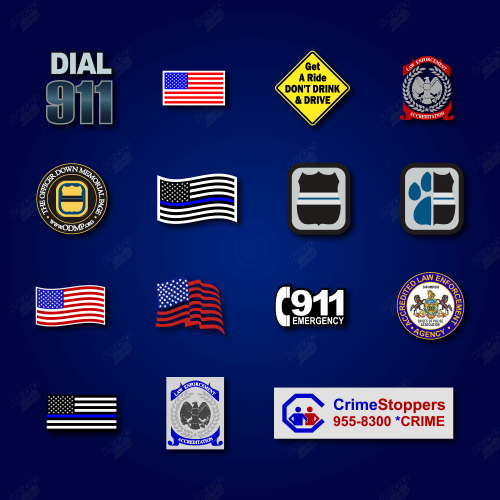 This pack includes 15 decals for devs to use on vehicles or whatever. If you want the vector/illustrator files (.svg/.ai) DM me on discord: https://discord.gg/tvbTyGpbpV You must credit me. If you're using these in anything which you are being paid to make, you must ask before using. I'll add to this pack. You can think of this as an extension to my logo pack: https://www.odmp.org/
 -
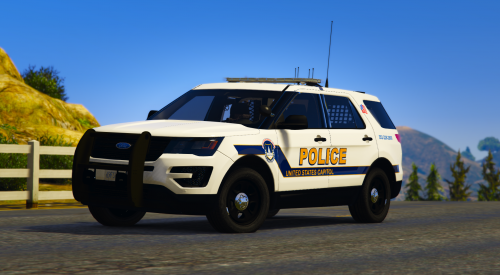 Works on anything
 -
https://www.odmp.org/ Dedicated to the officers who died in the line of duty in 2020. I will update this pack with new names from 2020 but I hope not to have to. Make a donation to the website above.
-
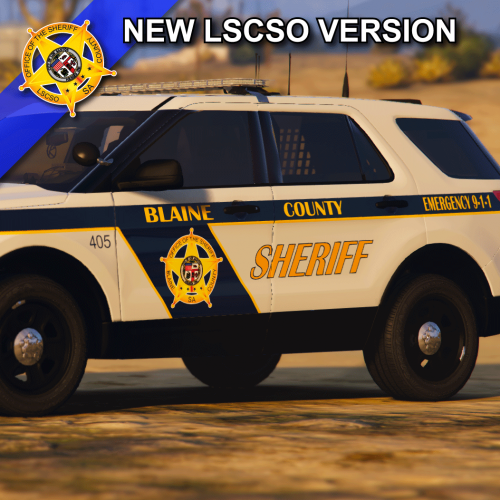 I mean you can use basically any model. I have multiple templates in there but here:
 -
Pretty much anyone
-
Yes
-
LSCSO/BCSO Silver Mega Pack by leod23 2K | 4K | 8K JOIN MY DISCORD https://discord.gg/tvbTyGpbpV Install: 1. Go to the patchday that has the vehicle's file that you want to replace using OpenIV 2. Open the .ytd file for that vehicle using OpenIV Make sure edit mode is on 3. Simply drag and drop the .png file for the vehicle you want to replace into the texture viewer 4. Open the game NOTE: If you are using a car different from the one that I used in the screenshots (listed below) you MAY have to rename the .png file. Just find the texture file for the car you want to use in the .ytd file (you can usually just search the word "sign" in the search box and find it) and rename the .png file to the correct file name. Current Vehicles 2011 Crown Vic 2012 Caprice 2013 Expedition 2014 Charger 2014 Explorer 2014 Tahoe 2016 Explorer 2016 Express Van 2016 Taurus 2018 Charger 2018 Ram 2019 Tahoe 2020 Explorer Feel free to request more vehicles or different templates but no promises Credits: textures by leod23 This design is based on the Bergen County Sheriff and is 100% lore friendly. Thanks for reading. Enjoy.



