




billymitchelljr
Members
-
Joined
-
Last visited
Everything posted by billymitchelljr
-
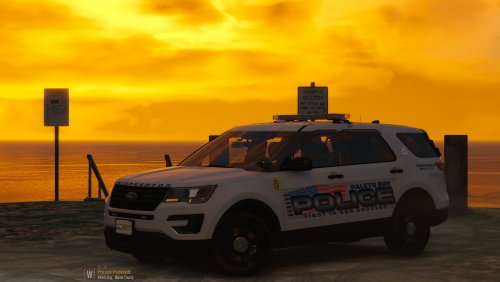 Probably a long shot but any chance of maybe adding a Crown Vic with and older light bar? Love this pack btw 🙂
- 21 comments
- 7 reviews
-
Beautiful as always! I used the old PBPD pack for a long time and loved that one but THIS...... Gorgeous!
- 21 comments
- 7 reviews
-
-

- 1
-
-
-
 Man oh man I have been waiting for something like this to come along. I think I say for all of the community that this is an awesome plugin! Makes the patrols seem more real 🙂
- 713 comments
- 33 reviews
-
-
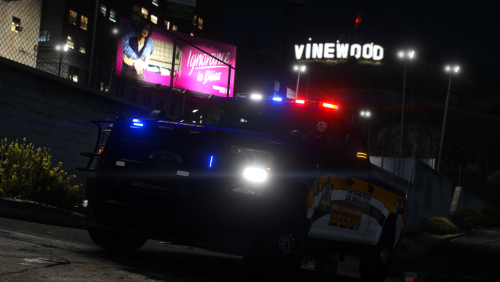 An absolute beauty of a truck! You were right. it does indeed go very well with the Los Santos County pack!
- 13 comments
- 2 reviews
-
-
- 1
-
-
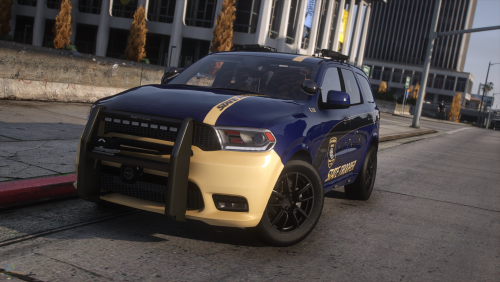 I don't usually leave reviews unless something blows me away and my god this has definitely blew me away! Awesome cars, beautiful lights. What more could ya want!
- 48 comments
- 7 reviews
-
-
-

- 2
-
-
 yes but no matter where I put it, I never get the green circle to pop up. I've tried it in areas all around the map.
- 211 comments
- 28 reviews
-
-
- 1
-
-
I can't get this to work right. No matter where I put the car, I never get the green circle to come up on my map!
- 211 comments
- 28 reviews
-
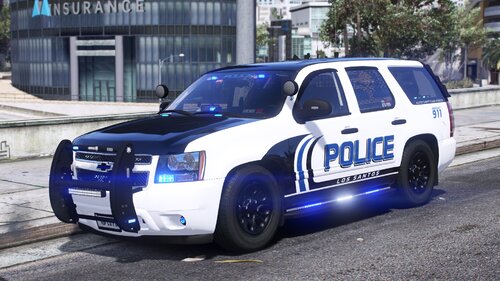 As I said in my review, I love these skins dude! I hope to see some more stuff from you soon!
- 21 comments
- 4 reviews
-
-
-
- 2
-
-
ohhhhh how I love these skins! The Charger and the 13 Explorer are my favorites!
- 21 comments
- 4 reviews
-
-
- 1
-
-
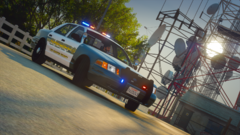
From the album: GTA LSPDFR/FIVEM Photos
-

From the album: GTA LSPDFR/FIVEM Photos
-
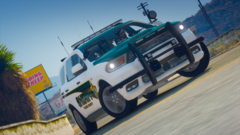
From the album: GTA LSPDFR/FIVEM Photos
-
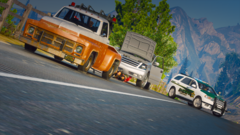
From the album: GTA LSPDFR/FIVEM Photos
-

From the album: GTA LSPDFR/FIVEM Photos
-
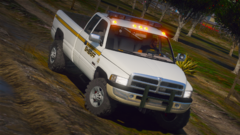
From the album: GTA LSPDFR/FIVEM Photos
-
.png.c68111fd079969ad7de506511995c260.png)
From the album: GTA LSPDFR/FIVEM Photos
-
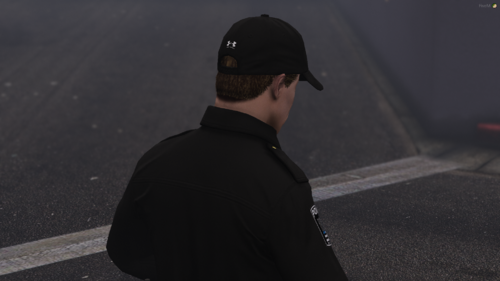 So for the single player version, I can only get the polo and the jacket to work. Nothing else is working. Followed the minimal instructions and put everything in their corresponding folders and thats what I ended up with.
- 15 comments
- 2 reviews

.png.c68111fd079969ad7de506511995c260.png)
