ansomarom
Members
-
Joined
-
Last visited
Everything posted by ansomarom
-
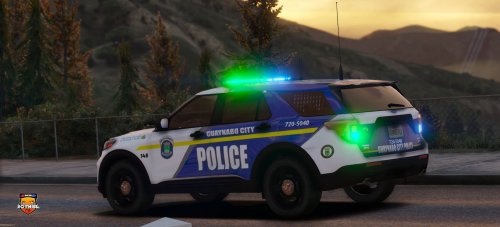 still didn't test the cars but they look really cool but there is a small problem the name is back ... instead of pack
- 9 comments
- 1 review
-
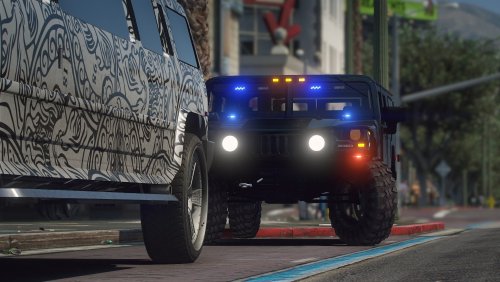 i think you mean (WOV) (World Of Variety).... WOV is a Mod if you want to download this mod just type (GTA V WOV Mod) in google and you will find it
- 44 comments
- 2 reviews
-
 it will be really cool if you color them .. like making felonies colored red instead of having a letter at the start .. and the coloring the M to yellow and even coloring the menu to make it look more beautiful and easy to know what charge to make
- 202 comments
- 21 reviews
-
-
-
-
 okay thanks
 -
you are welcome but watch out changing the files name all of them at once will cause problems and number will appear ....... so change the files names one at a time the files that you put in your game should be named like this sheriff2.yft sheriff2.ytd sheriff2_hi.yft if they have different names that means you did something wrong
- 44 comments
- 2 reviews
-
for anyone that is getting confused by the name (sheriff10) it's because the one who made the vehicle uses a mod called (WOV) (World Of Variety) you have 2 options either to install the Mod (WOV) or to change the name of the files from (sheriff10) to (sheriff2) ... you also have to change the name of the ELS file and then replace it like any other vehicle (if you don't know how to do that ... there is more than 100 videos of every language that explain how to replace a vehicle) hope i helped someone 🙂
- 44 comments
- 2 reviews
-
-

- 2
-
-
really great cars but for some reason the lights on the police transport are not working ... i installed the els files.. all cars are working but the policet isn't just like what benzo said on his review on this pack and the rear right door is opening but their is still a closed door it's like their is 2 doors