


Lavish Designs
Members
-
Joined
File Comments posted by Lavish Designs
-
-
-
7 hours ago, ADPC67 said:
68 Liveries, you good bro ?
Nice job anyway
Yes I was super bored thank you
-
-
-
-
-
-
-
-
-
-
-
-
-
-
-
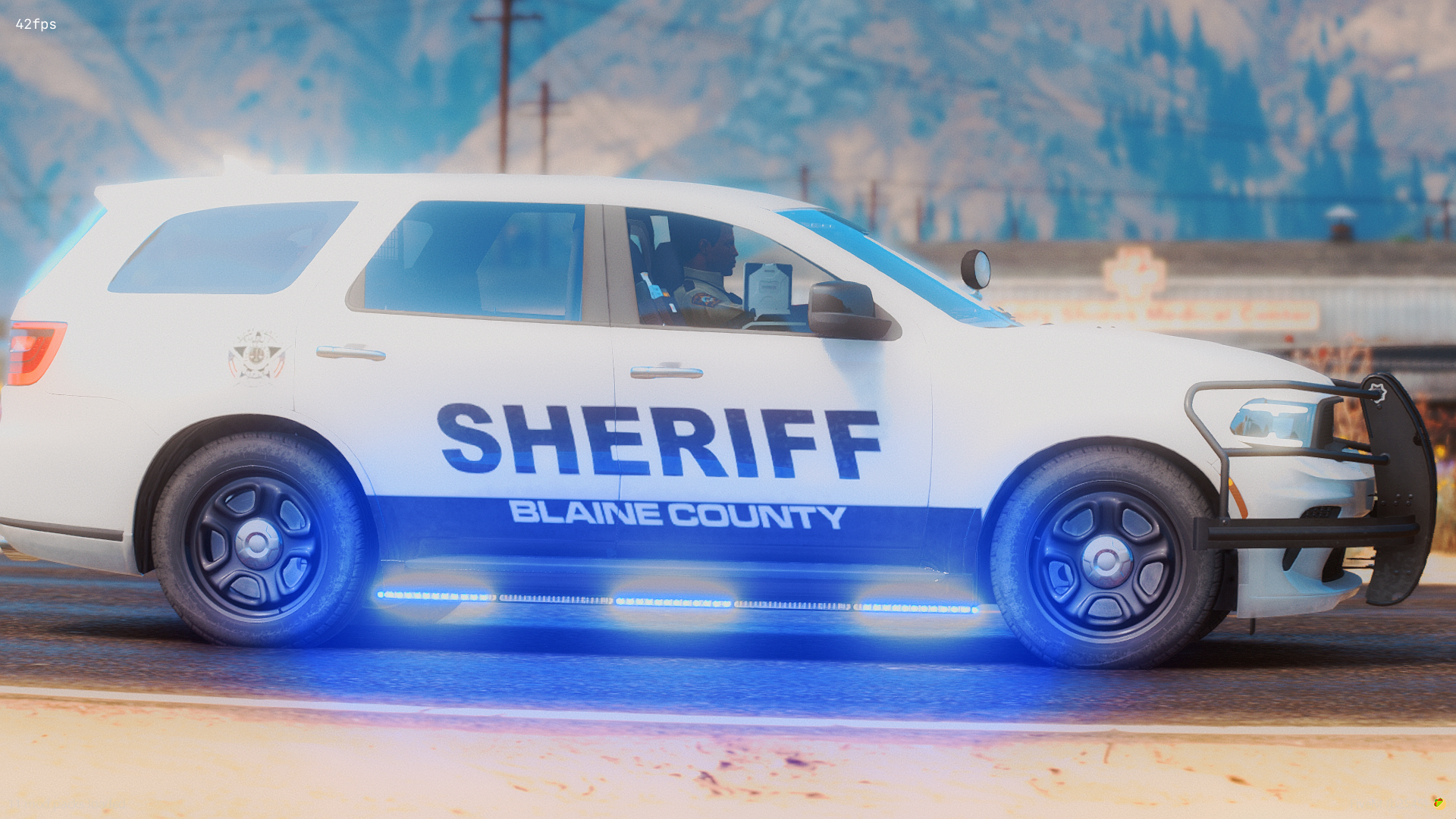
I don’t know I ur smart or not but I purposely made them different fonts from the fonts expected on the paid version, I don’t know if u really read anything I said, with the paid pack it will have different blue different fonts and diffrent sizes of texts and fonts, with that the liveries with look good comparing to the free versions.
-
-
-
10 hours ago, Othia said:
Love these skins keep the great work up
Thankyou for the feedback!
9 hours ago, Hadyfaik said:Nice one!
Thanks!
-
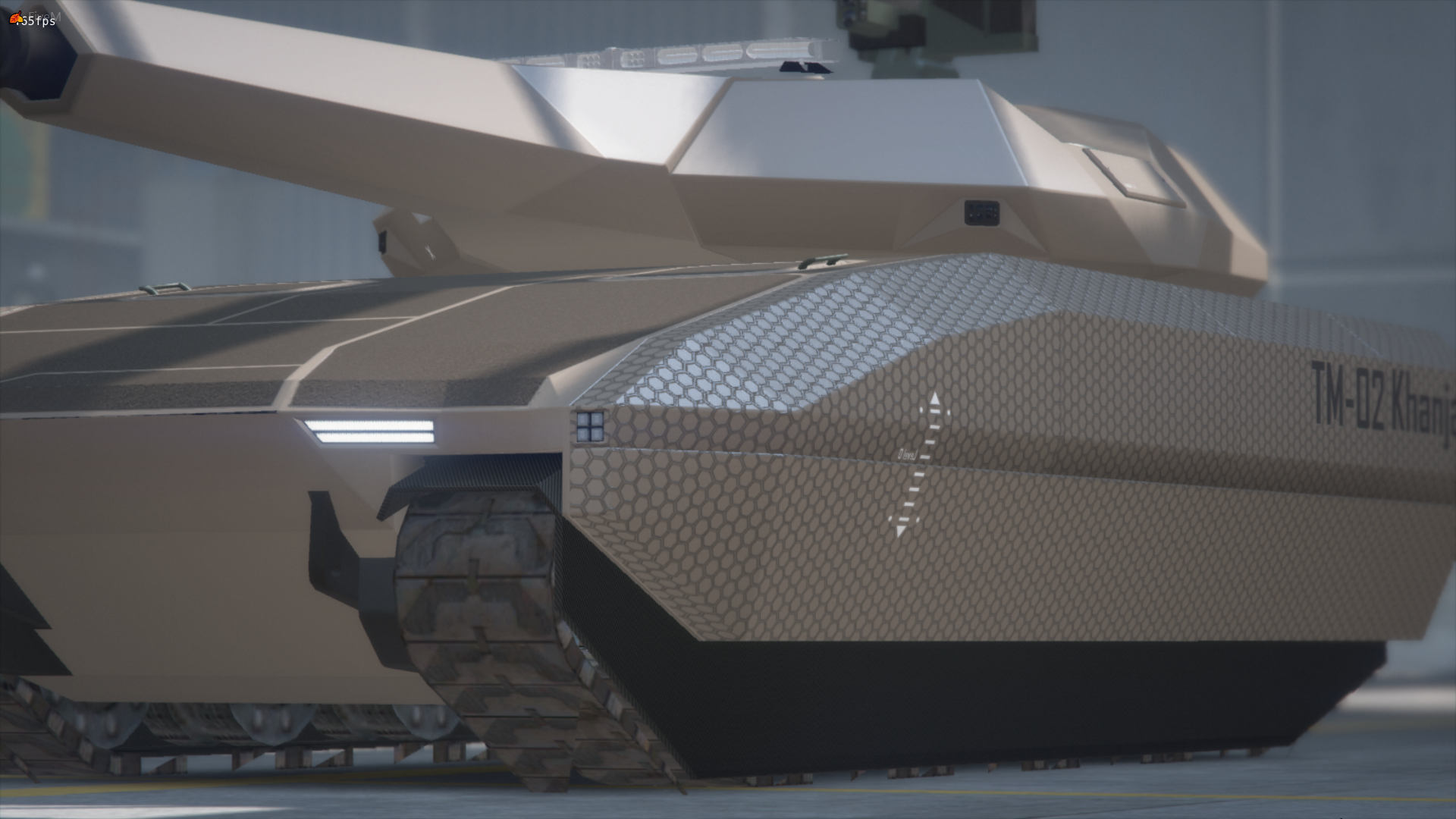
If anyone is being a bitch about this tank simply scroll and fuck off we could care less about your stupid opinion
-
-
-







LSPD Ultra Mega Gigantic Livery Pack (68 Different Templates)
in Vehicle Textures
yea for sure