Skip to content
View in the app

A better way to browse. Learn more.

LCPDFR.com

A full-screen app on your home screen with push notifications, badges and more.

To install this app on iOS and iPadOS
  1. Tap the Share icon in Safari
  2. Scroll the menu and tap Add to Home Screen.
  3. Tap Add in the top-right corner.
To install this app on Android
  1. Tap the 3-dot menu (⋮) in the top-right corner of the browser.
  2. Tap Add to Home screen or Install app.
  3. Confirm by tapping Install.
Due to overzealous filtering on Microsoft’s side, some emails to Outlook and Hotmail addresses may not be delivered. If you’re affected, please use a different email address or try again later.

DR1CKX

Members
  • Joined

  • Last visited

About Me

FR :
Salut toi ! Je suis principalement développeur FiveM depuis 2018, mais ça m'arrive aussi d'être sur LSPDFR.

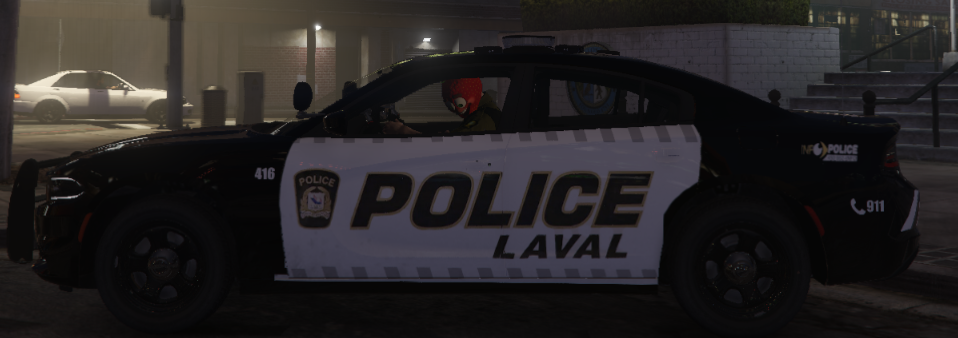
On va se le dire, je suis un grand passionné de véhicules de police du Québec !

Je suis aussi streamer sur Twitch — d'ailleurs, passe me lâcher un petit follow si ça te dit ! J'ai aussi mon propre serveur RP sur FiveM :D

EN :
Hey there! I've been mainly a FiveM developer since 2018, but I also dive into LSPDFR from time to time.

Not gonna lie, I'm super passionate about Quebec police vehicles!

I'm also a streamer on Twitch — by the way, feel free to drop a follow if you're down! I also run my own FiveM RP server :D

Account

Navigation

Search

Search

Configure browser push notifications

Chrome (Android)
  1. Tap the lock icon next to the address bar.
  2. Tap Permissions → Notifications.
  3. Adjust your preference.
Chrome (Desktop)
  1. Click the padlock icon in the address bar.
  2. Select Site settings.
  3. Find Notifications and adjust your preference.