



Fiber Modifications
Members
-
Joined
-
Last visited
Everything posted by Fiber Modifications
-
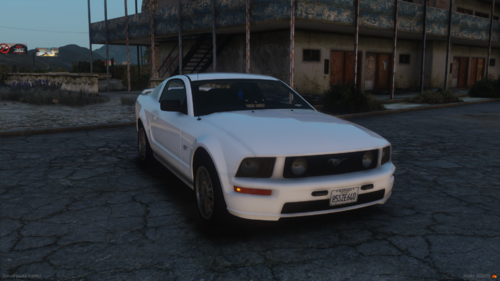 This is a model made with fire volunteers in mind. Featuring a custom in house made Hurst 5-speed shift knob, window stickers, and many other features! Its a 2005 Mustang GT with rear window Whelen Talons, Whelen Ions in the side rear windows and the front bumper, with a deck light. Each set of lights is an extra and it has a full lighting template with siren names. The window stickers are all able to be changed or removed if you chose to as well :). Join the Fiber Modifications Discord Here I will provide support but further updates to the model will not be made unless necessary. This model IS FiveM Ready
 -
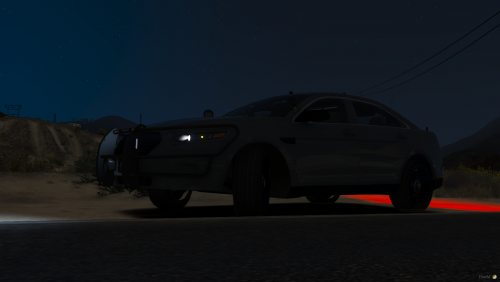 This is a 2016 Ford Taurus that comes in red and blue and all blue. Join the Fiber Modifications Discord here. I worked on this model for a while, put it down for a while, but just today did finishing touches. So here it is I do plan to release more models in 2021 maybe even some DEV models but thats at a later date. Features: Whelen Lighting Rotating Spotlight Wobble Antenna Toggleable Interior Bar Toggleable Dash Light 360 Degree Lighting Full Environmental light Realistic Lighting Full Interior Toggleable ALPR's Toggleable Partition Realistic Dirt on Comes with a livery Has an unmarked livery Comes templated Showcase:
 -
 Sure!
Sure! -
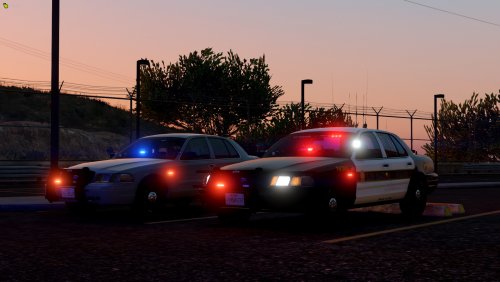
This is a 2011 CVPI that comes in red and blue and all blue. Join the Fiber Modifications Discord here. Features: Whelen Lighting Rotating Spotlight Wobble Antenna Toggleable Interior Bar Toggleable Dash Light 360 Degree Lighting Full Environmental light Realistic Lighting Full Interior Toggleable ALPR's Toggleable Interior Components Realistic Dirt on all vehicles Comes with a livery Has an unmarked livery Comes template
-
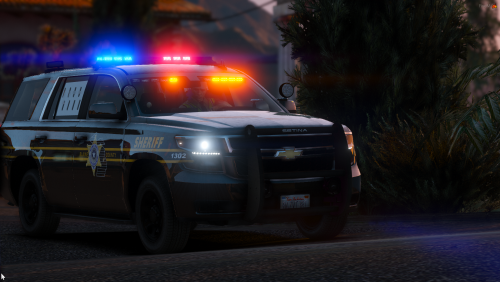 You will need to change the carcols and carvarations number follow the guide below Go into carvariations go to the bottom, and change that number to a different number that is 7-10 numbers then, in carcols change that number at the top to the number you just put into the carvariations
 -
I'm doing a pack with a similar light bar here soon
-
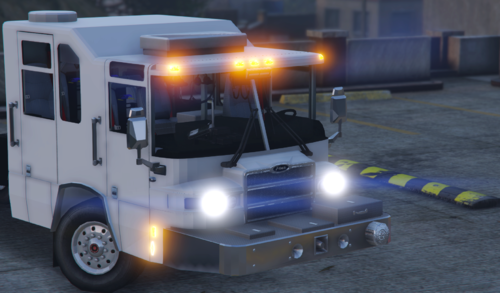 It actually works I just big smart
 -
This is bad premade model it supposed to work in game but it doesn't 😞
-
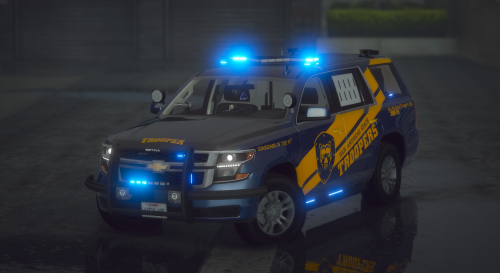 Yes but no. I need wire or a Bluetooth logo nowwww!!!! lmao I just kidding
 -
You fixed wobble but didn't fix no wire!!
-
If Northern Scot made it its a good model
-
Are you talking on the skin?
-
Join this Discord if you like my work or need some assistance. Discord.gg/VTu3kBK My personal Discord: Fiber Modifications#1040. Constructive criticism is welcome Also if you see something wrong with the car comment or join the discord and tell me I will gladly fix it. The Tahoe's are in separate folder if you would like to use them separate. To install to a FiveM server: 1. Download the file and choose which one(s) you would like to use 2. Go to the server folder put them where you would like them (I.E. [PoliceVehicles] ,Cars) 3. Once in the the correct location go to the server.cfg and put in "start 14Hoe" or "start 19Hoe" or do both depending on what you use. Make sure not to include the quotations or else it wont work. 4. Load in the server if you can't get it to work join the discord listed above and go into the support channel and a member who chooses to help you will help you. 🙂 ...


