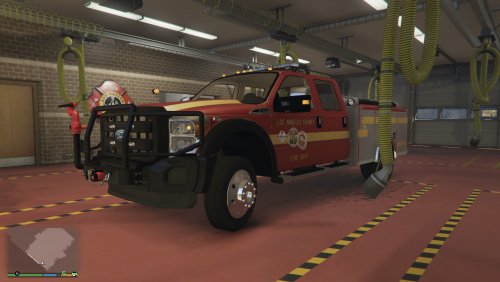
C2CJDirector
Members
-
Joined
-
Last visited
Everything posted by C2CJDirector
-
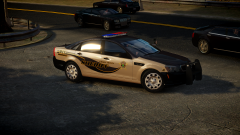
From the album: Coast 2 Coast Justice Community
Made exclusive for Coast 2 Coast Justice by jasonct -
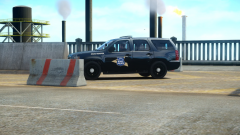
From the album: Coast 2 Coast Justice Community
-
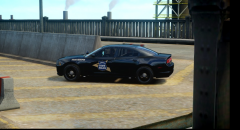
From the album: Coast 2 Coast Justice Community
Made by community members, C. Palmer and Levi. -
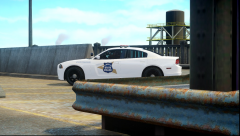
From the album: Coast 2 Coast Justice Community
Made by community members, C. Palmer and Levi. -
-
-
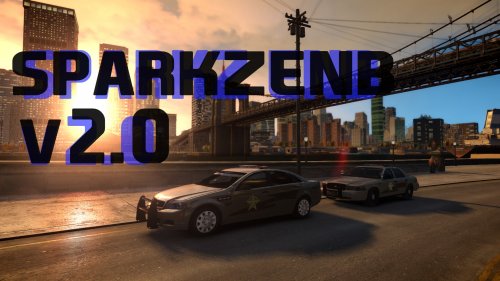 I'm sorry but those cars belong to Coast 2 Coast Justice formerly Liberty Metro Law Enforcement, and the skins was created by Tyler from Marion County Indiana and replicated off of Indiana Sheriff skins. And the vehicle in question was modified by DOCTORGTA.
 -
-
-
-
-
-
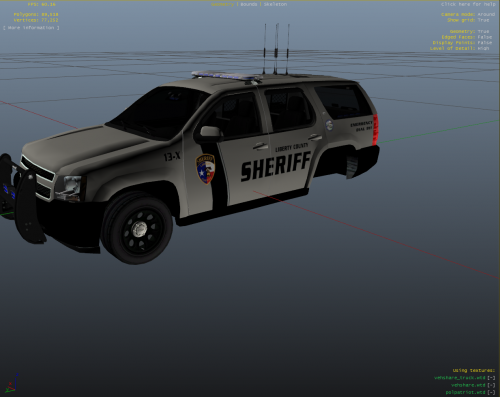 Have more textures to upload and message me for link to vehicles, which are made special for Coast 2 Coast Justice. We have reopened and trying to share our communities creations.
- 1 comment
- 2 reviews
-
-
love it, totally gets me more into the game with all the new things. Have a question, should i F7 busy and cannot accept calls from LCPDFR so when I hit the Y = Yes it wont try and send me to two places? I think I had that problem.
- 356 comments
- 140 reviews
-