MasterRaptus
Members
-
Joined
-
Last visited
Everything posted by MasterRaptus
-
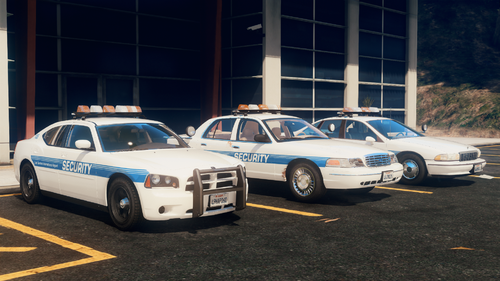 I don't think this pack work anymore. I am confident that I installed everything necessary, but the models will not load in-game.
- 10 comments
- 1 review
-
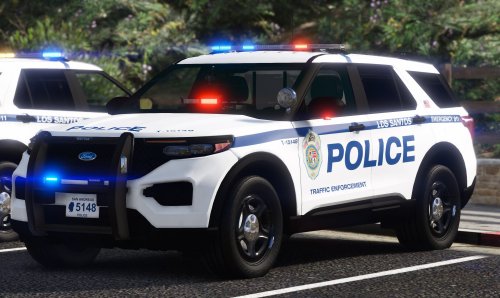 Great pack. Works with no trouble and has clear installation instructions. If this pack does get updated, going by what's featured under 'Planned Vehicles' this pack could definitely use a bit more variety. I only say this because 6/12 of the vehicles in the current pack are CVPI variants. Still grateful for this mod though, so I think I'll use it for quite a while. It also fits quite nicely when paired with your Los Santos County Sheriff's Office Mini Pack too.
- 39 comments
- 2 reviews
-
 Yep, traffic stops are functioning as intended with this plugin, which has been very useful to me. Thank you again, it seems the other plugin was definitely the problem here. Sorry to have wasted your time!
- 112 comments
- 21 reviews
-
-

- 1
-
-
- lspdfr plugin
- legacy
- lore
- non-lore
-
Tagged with:
-
Thanks for getting back to me, I believe the cause was another plugin called "AutomaticSirenCutout", and I recently noticed the author posted a new patch including a fix for "pulled-over vehicles driving away after stopping", so I'll give this mod another try and see what happens.
- 112 comments
- 21 reviews
-
-
- 1
-
-
- lspdfr plugin
- legacy
- lore
- non-lore
-
Tagged with:
-
 Hi there, I started using this mod a couple of days ago, followed the installation instructors and fiddled with the settings on the .ini file as recommended. Unfortunately I seem to be having frequent plugin crashes when I exit my vehicle, and I am not too sure what could be causing this to occur. Just curious as to whether this has been known to happen with any other users. Otherwise this plugin works perfectly as intended, just very frustrating that the plugin crashes a lot in my personal experience. A real great concept too.
- 262 comments
- 35 reviews
-
Hi there, I just started using this mod and I'm experiencing trouble with traffic stops. I currently use BejoIjo's Stop the Ped, Ultimate Backup and CompuLite amongst other plugins such as ALPRLite and Automatic Siren Cutout. It seems that when I attempt to stop someone and set a custom location, they do stop but after a couple of seconds pass they drive off again and the traffic stop unofficially cancels itself. I say unofficially of course because the mods still recognise a traffic stop taking place, but the AI has driven off and headed back into traffic as normal. I was just wondering if it would be possible to determine what might be causing this issue and if it has been experienced by other players. I understand this mod hasn't been updated for a few months, but I really would like to use the custom location feature because the AI is truly dreadful at stopping in decent locations. Thanks.
- 112 comments
- 21 reviews
-
- lspdfr plugin
- legacy
- lore
- non-lore
-
Tagged with:
-
 I really enjoyed using this road texture, until recently where it's started giving me a"Failed Zlib Call" error on startup. I don't know what's caused it, but it's a real shame. Anyone else experienced issues with this, and if there's a solution? Until then I will have to play without this texture pack.
- 36 comments
- 4 reviews