


1luke
Members
-
Joined
-
Last visited
Everything posted by 1luke
-
-
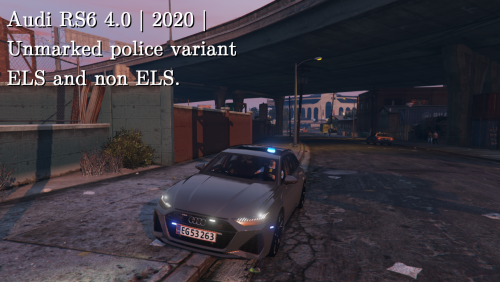 I love this car, very nice, only complaint is that I cannot put peds in the rear of it
- 9 comments
- 1 review
-
I love this car, very nice, only complaint is that I cannot put peds in the rear of it
- 9 comments
- 1 review
-
-

- 1
-
-
-
 Hey, I love the mod but I have a 60% keyboard so i cant use the 'divide' key to warp ems closer. Is there anyway to change keybind?
- 783 comments
- 86 reviews

