
aerodynic
-
Joined
-
Last visited
Everything posted by aerodynic
-
From the album: aerodynic's workshop
-
From the album: aerodynic's workshop
-
From the album: aerodynic's workshop
-
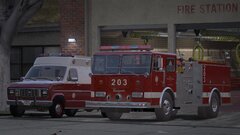
From the album: aerodynic's workshop
-
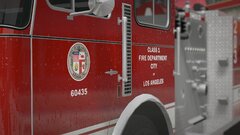
From the album: aerodynic's workshop
-
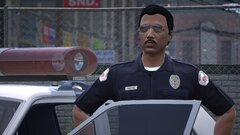
From the album: aerodynic's workshop
-
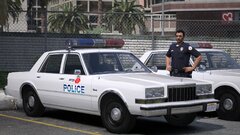
From the album: aerodynic's workshop
-
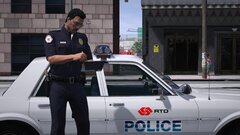
From the album: aerodynic's workshop
-
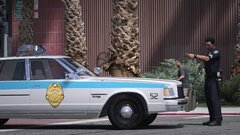
From the album: aerodynic's workshop
-
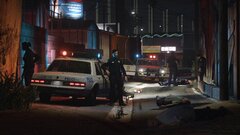
From the album: aerodynic's workshop
-
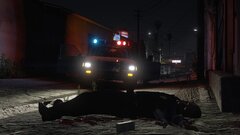
From the album: aerodynic's workshop
-
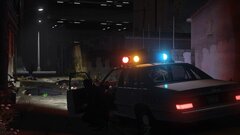
From the album: aerodynic's workshop
-
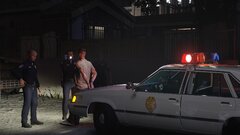
From the album: aerodynic's workshop
-
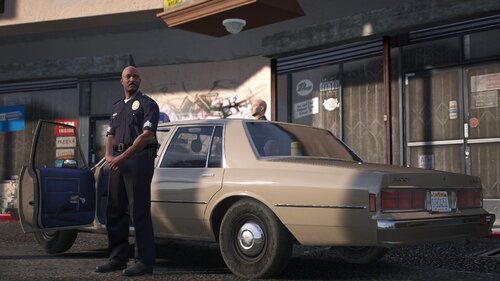 There will be plenty more!
 -
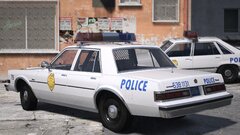
From the album: aerodynic's workshop
-
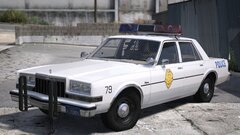
From the album: aerodynic's workshop
-
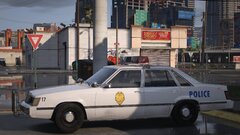
From the album: aerodynic's workshop
-
Thank you! I’m glad somebody notices the little details! 😊
-
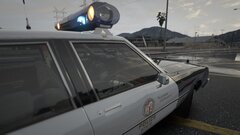
From the album: PCodeCreatives Workshop
-
-
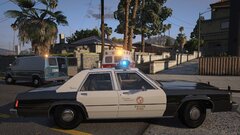
From the album: PCodeCreatives Workshop
-
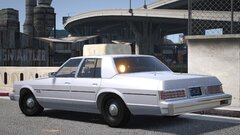
From the album: PCodeCreatives Workshop
-
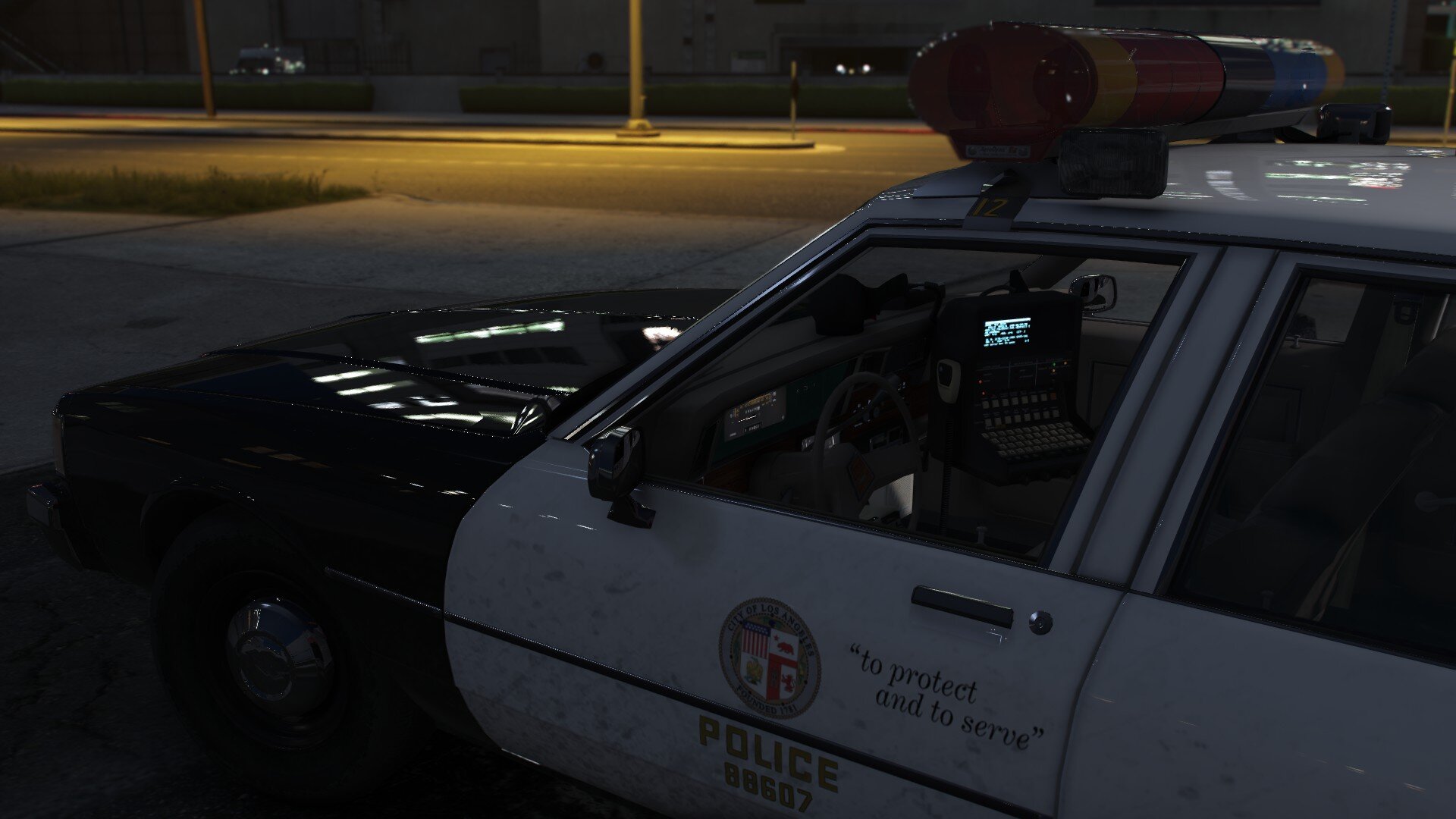
This vehicle is an exact replica of how a shop would've been outfitted by the Los Angeles Police Department for their C.R.A.S.H. program (Community Resources Against Street Hoodlums) in the year 1986. If you've seen the 1988 film, Colors, this car may look very familiar! The unmarked Chevy Impala was based on these vehicles used by the LAPD. however I have not found any reference of unmarked Chevy Impalas in service with the LAPD. Thank you to the LoreHub community for all their help with reference documentation and period photos! This vehicle has multiple extras for variety and are set to spawn with variation! If you wish to toggle extras yourself, please see the below list for which extras are used, as some of them may be hard to spot if you do not look closely! extra_1: FS Fireball roof light extra_2: Coplite swingdown (down position) extra_5: Coplight swingdown (up position) extra_ten: Motorola radio on dashboard extra_12: Floor mounted shotgun I have a lot of upcoming work that I can't wait to share with y'all! Please check out my Ko-Fi page if you wish to follow what's going on! https://ko-fi.com/pcodecreatives Recommended for working dials and windshield wipers: https://www.gta5-mods.com/scripts/vehfuncs-v