
OfficerJohnson202
Members
-
Joined
-
Last visited
Everything posted by OfficerJohnson202
-
Post your Rage Plugin Hook Log please.
-
Did you place the .xml file into the Pack_Default folder in the ELS folder?
-
Figured this out, I was not very smart and didn't have the new Gameconfig or the heap adjustment stuff. The Custom arguments are still their, but it doesn't affect my game at all. If you are still having problems I just did a new clean gta 5 folder, and went to essential Mods on LSPDFR and download the stuff. It worked for but might not work for you Good Luck.
-
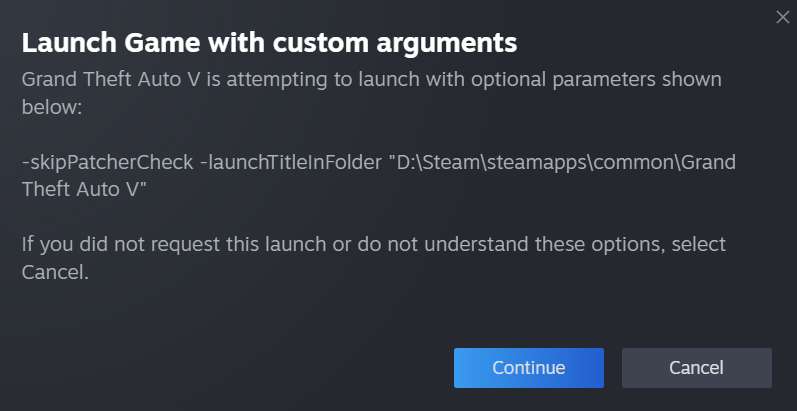
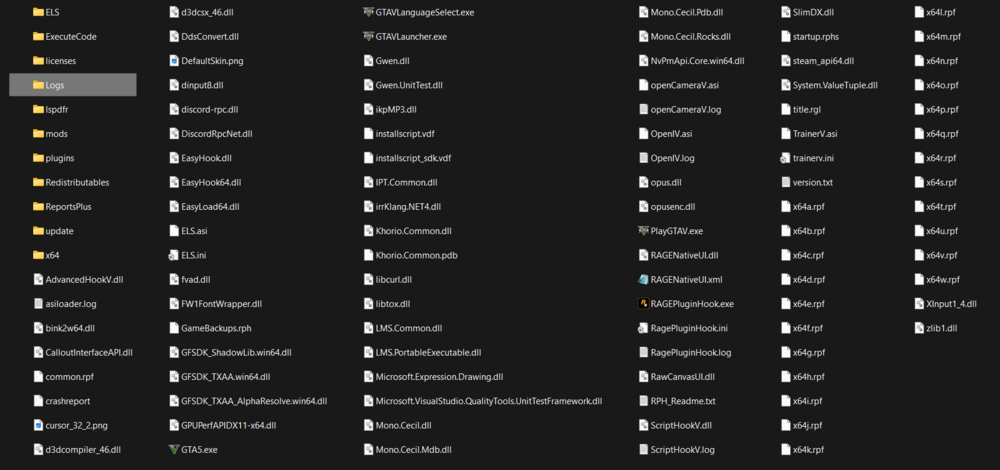
So, I redownloaded gta 5 for the 5th time. I played without lspdfr and it worked fine, as soon as I added Range Plugin Hook and I start the game it kept popping up grand theft auto V is attempting to launch with Optional custom arguments -skipPatcherCheck -launchTitleInFolder "D:\Steam\Steamapps\Common/Grand Theft Auto V. If i hit continue it would load then go to a a crash screen. I looked through the code and i cant find anything. But If i start the game through steam W/O Rage it would load fine. I tired just about everything, I looked on different forums cant find anything. I also tried it without any mods before hand. If anyone has any ideas Ill post my Rage Log, The screenshot of what its saying, and my GTA 5 folder. RagePluginHook_12072024_030743.log
-
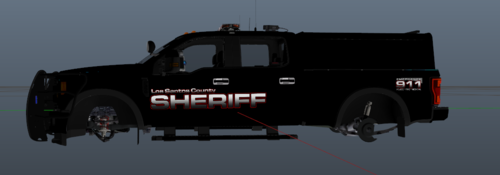 Skin Made By: FireCO10 Vehicle Credit:Sniper67 Vehicle Model:
 -
Okay.
-
Having same problem, I'm working on finding a fix. Find anything yet?
-
-
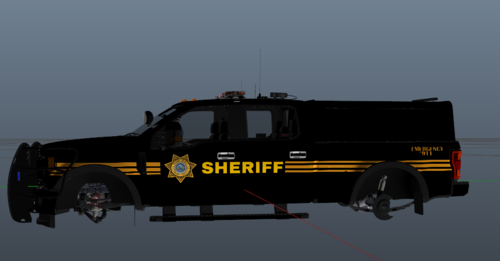 Skin Made By: FireCO10 Vehicle Credit:Sniper67 Vehicle Model:
 -
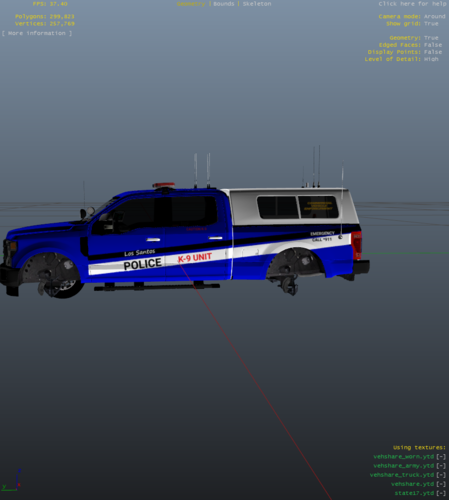 F250 LSPD K9 unit
 -
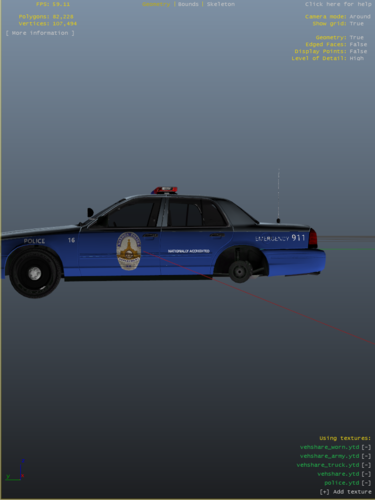 I made this for a friend, but I figured I would post it and let other people use it.