


disagreeablefusrodah
Members
-
Joined
-
Last visited
Everything posted by disagreeablefusrodah
-
 These citations already exist! They're under the "Non-Moving Violations". Window tint, improper lighting, unworthy road vehicle etc are present!
- 11 comments
- 1 review
-
Amazing list, thank you for the work! I did notice a small mistake (at least I think it's a mistake). In Citations, under Speeding, there's these two lines: <Citation name="Unlawful Speed 20-29 Over" fine="294"/> <Citation name="Unlawful Speed 27-29 Over" fine="240"/> Now, I don't know much about how these should be set up, but to me it seems that the first one should be 20-26? And the second one should have a higher fine that the third one?
- 11 comments
- 1 review
-
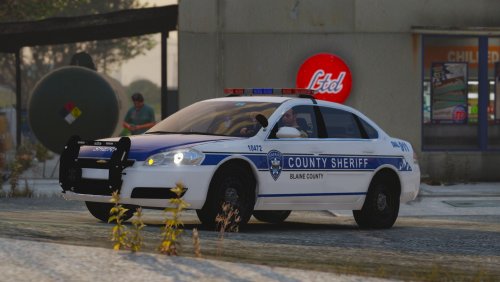 Actually, I did run into the same issue. For some odd reason the Tahoe has a black lightbar even after editing meta file (can be fixed in-game with a trainer though). I'm starting to think that maybe at some point something got messed up in my meta files. (Almost every pack I use, the Tahoe models are problematic, spawning in with lots of dirt, black windows/lightbars etc.) Maybe it's the same case for others.. no idea what could be causing it though. About the trainer, if someone's interested, I'd recommend Menyoo (others don't seem to work as flawlessy, for me at least).
- 50 comments
- 7 reviews
-
Did you try the fix suggested in the FAQ Troubleshooting (i. e editing the diffuseTint value in vehicle.meta to 0x00FFFFFF)?
- 50 comments
- 7 reviews
-
-

- 1
-
-
Hope it works out! Haven't gotten around to install these myself but I definitely will once I get the game up and running again. Glad to be of assistance! I really love your packs with such attention to detail, keep up the good work!
- 50 comments
- 7 reviews
-
-
- 1
-
-
Do you have the custom gameconfig, heap limit adjuster and packfile adjuster installed? From my experience, installing these stop most of the game crashes when I add new vehicles.
- 50 comments
- 7 reviews
-
-

- 1
-
-
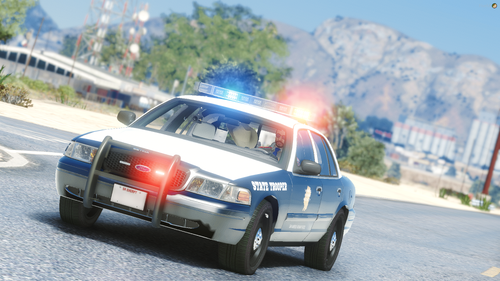 Check the "Inside the files" section, they are in separate folders in the "models" folder so you can see the list there.
- 23 comments
- 3 reviews
-
-
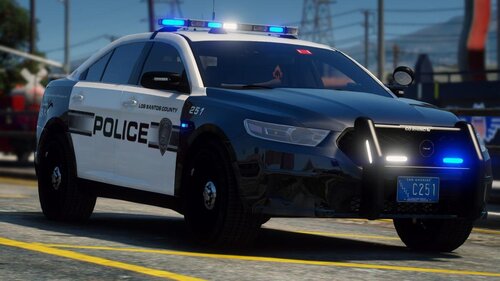 Absolutely awesome pack! I had been looking for the perfect pack and now there it is! Looks amazing! Keep up the good work! 🙂
- 37 comments
- 11 reviews
-
-
- 1
-
-
 I do not know, whether I'm doing something wrong (highly doubt it, though, as I watched the video and did everything the same way) but the paths didn't do anything. When I was trying this plugin out (multiple times), the NPCs couldn't care less - they fully ignored the paths.
- 237 comments
- 24 reviews
