rock22
Members
-
Joined
-
Last visited
Everything posted by rock22
-
-
I stopped using ELS, because of reasons. I changed the noose cruiser to this camaro. But it doesn't show bullet holes, scratches, or dirt. It only dents when you crash into a wall or something. How can I make it show all that fun stuff?
-
Anyone know how to edit the lights in the els one in the first post? I found a tut, but the template is different.
-
Hmm only way to download that car or to even look at it is to register/apply for the clan...
-
Are there any ELS police camaros? I have found two but one is non-els and this (http://gtapolicemods...?do=file&id=634) but I don't like the lights, and idk how to edit them.
-
Hmm, I really like it but it is a little low in volume and on the yelp(the fast one) it seems to have a little pop before each loop.
- 9 comments
- 3 reviews
-
-
will this change the glow too? Also, you should probably label where each light is on the lightbar.
- 16 comments
- 5 reviews
-
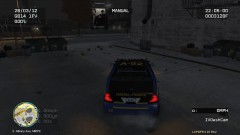
From the album: Custom CVPI
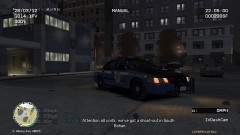
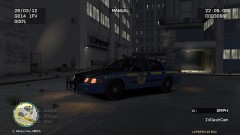
CVPI I made. (My custom car texture I made. "Federal Trooper" is something I made up, and the symbol on the side is a customized Jedi Order Symbol. :D)© forever
-
My custom car I made. "Federal Trooper" is something I made up, and the symbol on the side is a edited Jedi Order Symbol. :D
-
-
-
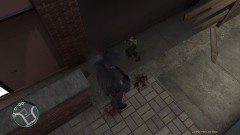 It was on the third island on Cariboo Ave I believe. He was the last gun man left, I go up the stairs and I shoot him.
 -
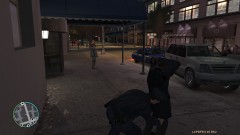
From the album: rock22
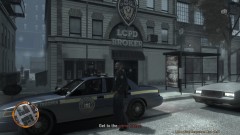
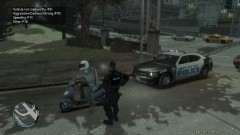
Driver had no licence, asked to step out and frisked. -
stuff
-
From the album: rock22
Suspect shot, fell through the fence and died. -
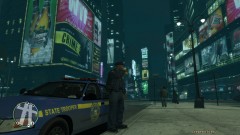
From the album: rock22
Just drinking some coffee waiting for a call or someone do something stupid. Ended up going to a shots fired called. -
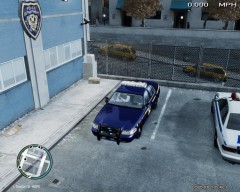 is this ELS or non-els?
 -
I use the main ones for, pursuits, responding to certain calls, traffic stops. the warning/yellow lights for when I'm in a traffic stop, giving out parking tickets, when I arrive on scene.
-
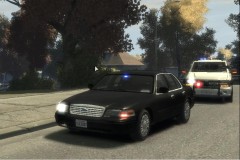 is that ELS enabled crown vic?
 -
-
-
I like the white skin, but when views pictures and videos, you see the background through the images/videos. That's why only complaint. So my suggestion is to someone make it not do that. :D
-
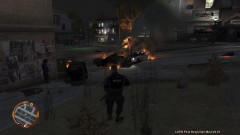
From the album: rock22
Lots of fire after a shot out... my car got destroyed... -
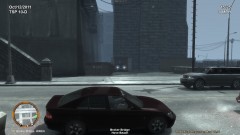
From the album: rock22
Perfect speed trap...